



Tabularis is worth evaluating as a HeidiSQL alternative if your team works across macOS, Linux, and Windows — or if you want a more modern editor, SQL notebooks, and an AI-ready direction.
HeidiSQL is a well-loved free Windows tool. The friction shows up when your team spans operating systems or moves beyond query tabs into reusable analysis.
Quick answer
HeidiSQL is fast, free, and familiar on Windows. Running it on macOS or Linux means relying on Wine, which is not a real cross-platform story.
Tabularis is a native desktop app on macOS, Linux, and Windows, built on Tauri. Same workflow, same shortcuts, same UX on every OS.
Short version
Choose Tabularis if you want:
- native macOS, Linux, and Windows support (no Wine)
- a Monaco-based editor with modern developer ergonomics
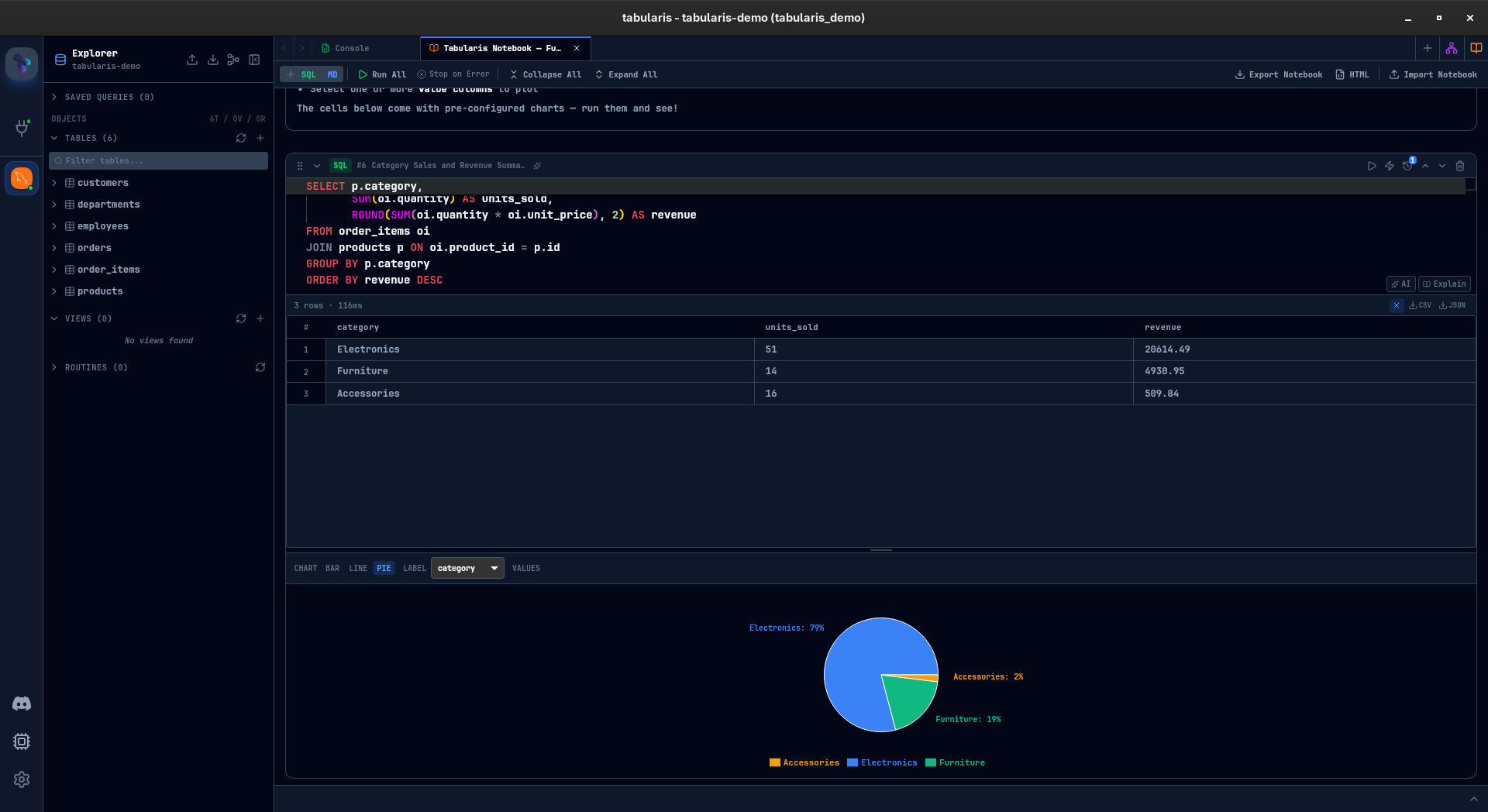
- SQL notebooks for reusable analysis
- a plugin system to extend database coverage
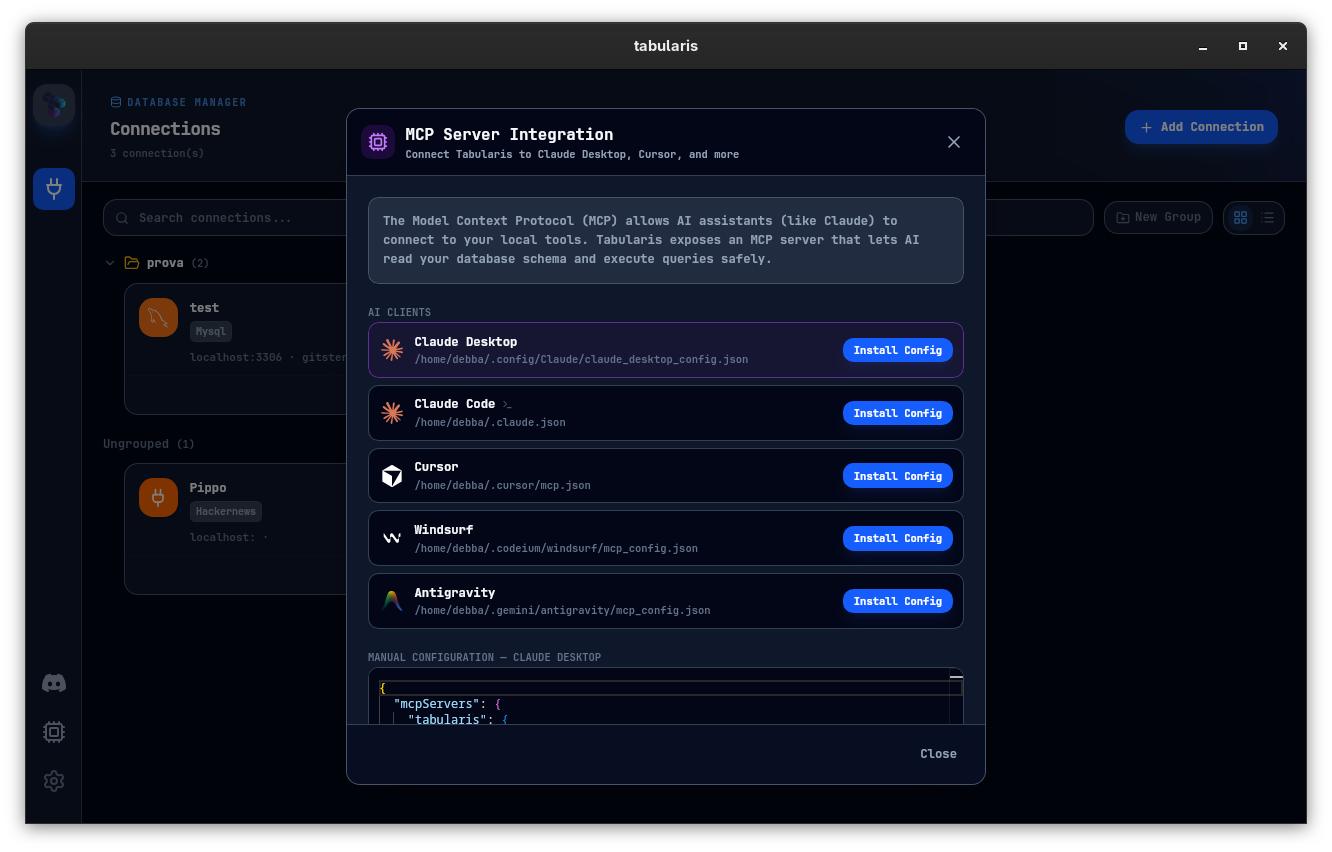
- MCP integration for AI-assisted workflows
Choose HeidiSQL if you want:
- a long-standing free Windows MySQL/MariaDB tool
- a lightweight portable .exe workflow
- a tool your team already knows from Windows environments
Where Tabularis Is Different
1. True cross-platform support
HeidiSQL is Windows-native. On macOS and Linux it runs through Wine, which is slow, fragile, and not a real daily workflow. Tabularis runs natively everywhere.
2. Editor experience
Tabularis' Monaco-based editor is closer to VS Code than to a classic Win32 form. Multi-cursor, command palette, keybindings, and result tabs all behave like developer tools.
3. SQL notebooks
Query tabs are fine for one-off work. Notebooks are better once analysis becomes recurring: SQL cells, markdown, inline results, and charts stay in one document.
4. Plugin extensibility
Tabularis treats database support and integrations as a plugin surface — useful when your stack grows into NoSQL or less common backends.
5. MCP and AI
Tabularis exposes schema and queries through MCP so Claude, Cursor, and other MCP-compatible tools operate against your real connections.
Best fit
- mixed-OS teams (macOS + Linux + Windows) that need one tool
- developers moving beyond the query-tab model into analysis
- teams exploring AI-assisted workflows via MCP
- users who want open-source extensibility through plugins
Not the best fit
- Windows-only teams fully happy with HeidiSQL's workflow today
- users who specifically want a portable .exe without install
- workflows tied tightly to HeidiSQL's UI idioms
Where HeidiSQL Still Wins
HeidiSQL is lean, fast on Windows, free, and has years of refinement for MySQL/MariaDB admin basics. For Windows-only shops with that exact workflow, it is still hard to beat on sheer inertia.
Better Evaluation Criteria
Compare both tools across two variables:
- Does it behave consistently across all developer machines in your team?
- Does the workflow hold up when SQL becomes reusable analysis?
If the answer is "not really" to either, a cross-platform workspace tool is the upgrade.