Open-Source Database Client for Linux
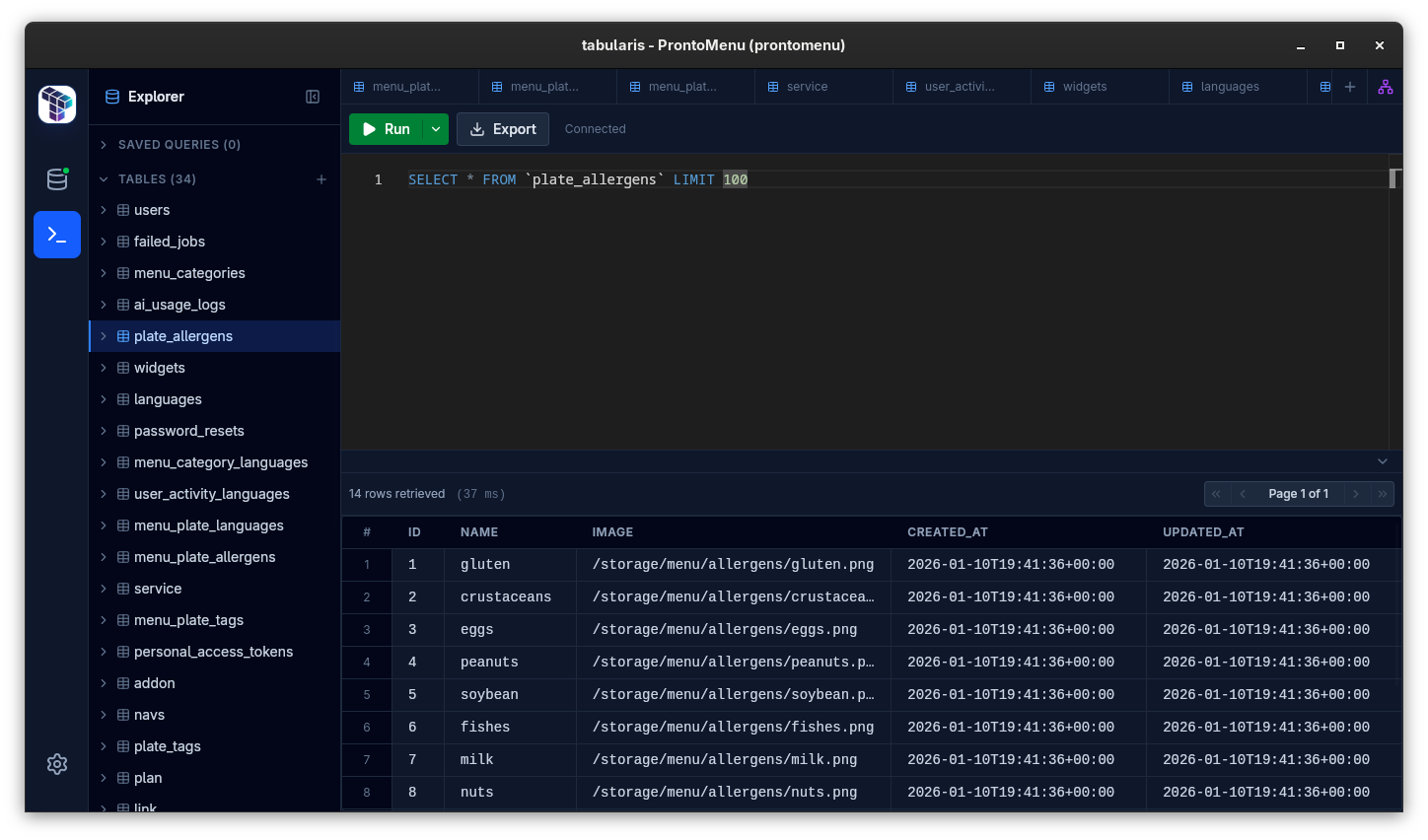
Tabularis is a good fit if you want a Linux-friendly, open-source desktop database client with a more modern SQL workflow than the usual legacy admin tools.
It is especially relevant for developers who move between PostgreSQL, MySQL/MariaDB, and SQLite and want one consistent local desktop workflow.
Why consider it
Linux users often get the short end of the database tooling market.
Some tools are macOS-first. Some feel like legacy Java admin consoles. Some technically run on Linux, but the experience clearly was not designed with Linux users in mind.
Tabularis is a strong fit for developers who want a Linux-friendly, open-source desktop database client without giving up a modern workflow.
What Linux Users Usually Care About
For this audience, the requirements are usually practical:
- support for PostgreSQL, MySQL/MariaDB, and SQLite
- straightforward install options
- local credential handling
- SSH support for remote environments
- a UI that feels like a developer tool, not a dated admin console
Tabularis maps well to that checklist.
Best fit
Open source
If your daily tooling runs on Linux, openness matters more than marketing copy. Tabularis is easier to inspect, evaluate, and adopt in teams that prefer open-source infrastructure around their workflow.
Real desktop workflow
The value is not just "it connects". The value is everything around the connection:
- schema browsing
- SQL editing
- saved queries
- multi-result handling
- notebooks
- plugin extensibility
SSH and remote access
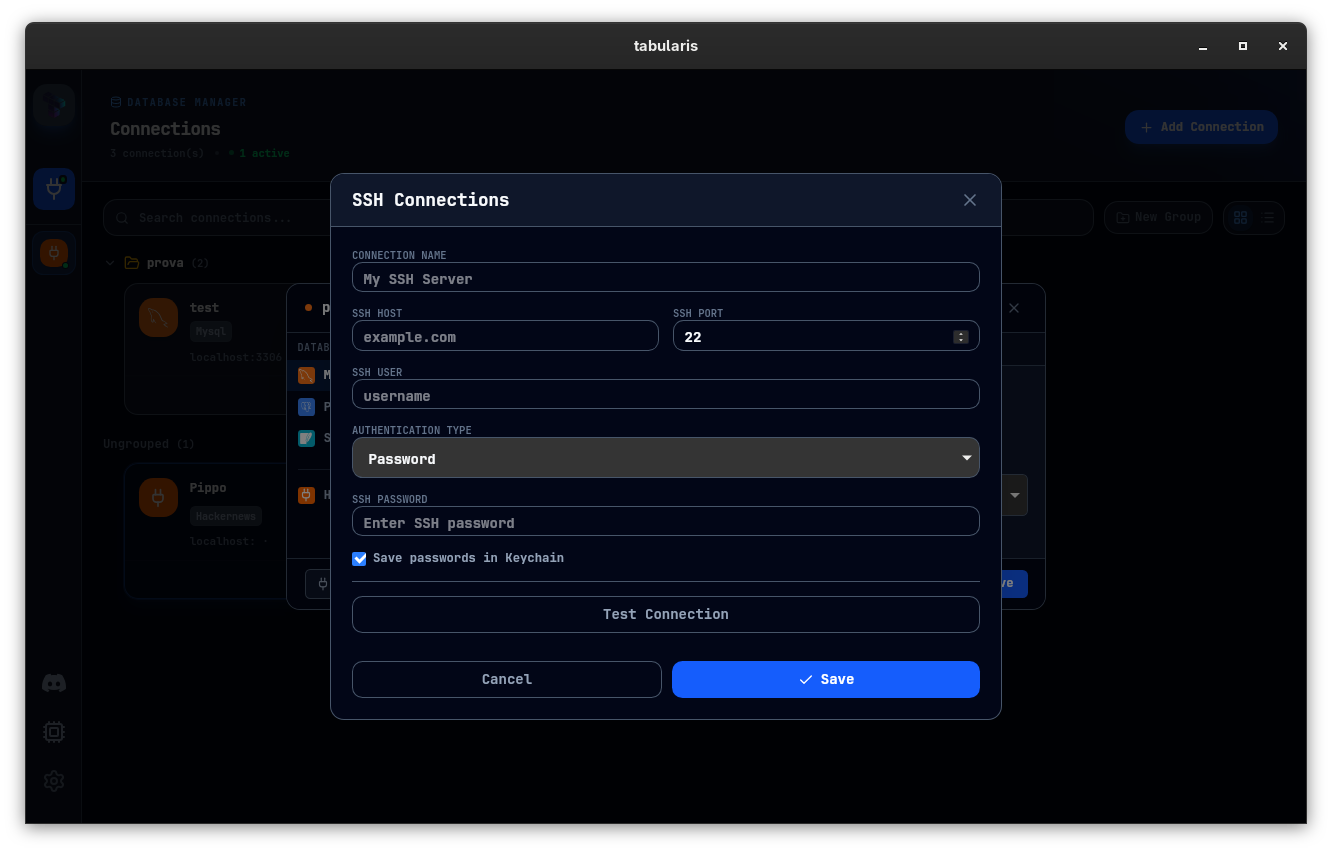
For Linux users working with staging boxes, private VPCs, or self-hosted environments, built-in SSH tunneling matters.
Packaging options
The project already surfaces Linux distribution paths such as AppImage, .deb, .rpm, Snap, and AUR-related options in its public docs and releases, which reduces friction for adoption.
Better Than a Bare Query Window
Many Linux-friendly database tools can get you to a query prompt. Fewer give you a broader workflow:
- visual schema inspection
- lightweight ER diagram support
- reusable notebook analysis
- plugin-based database support
- local AI and MCP direction
Not the best fit
- teams that only need a very basic SQLite browser or raw terminal workflow
- organizations looking for a hosted analytics platform instead of a desktop tool
- users who prioritize legacy enterprise breadth over product feel
Who Should Consider It
Tabularis is a good fit if you:
- do regular SQL work on Linux
- want a cross-platform tool that still respects Linux
- prefer open-source desktop software
- care about both querying and reusable analysis