PostgreSQL Client for Developers
Tabularis is a strong fit if you want a PostgreSQL desktop client that feels more like a developer workspace than a generic admin GUI.
It is built for people who regularly inspect schemas, run multi-step SQL, compare environments, and turn ad-hoc investigation into reusable analysis.
Why consider it
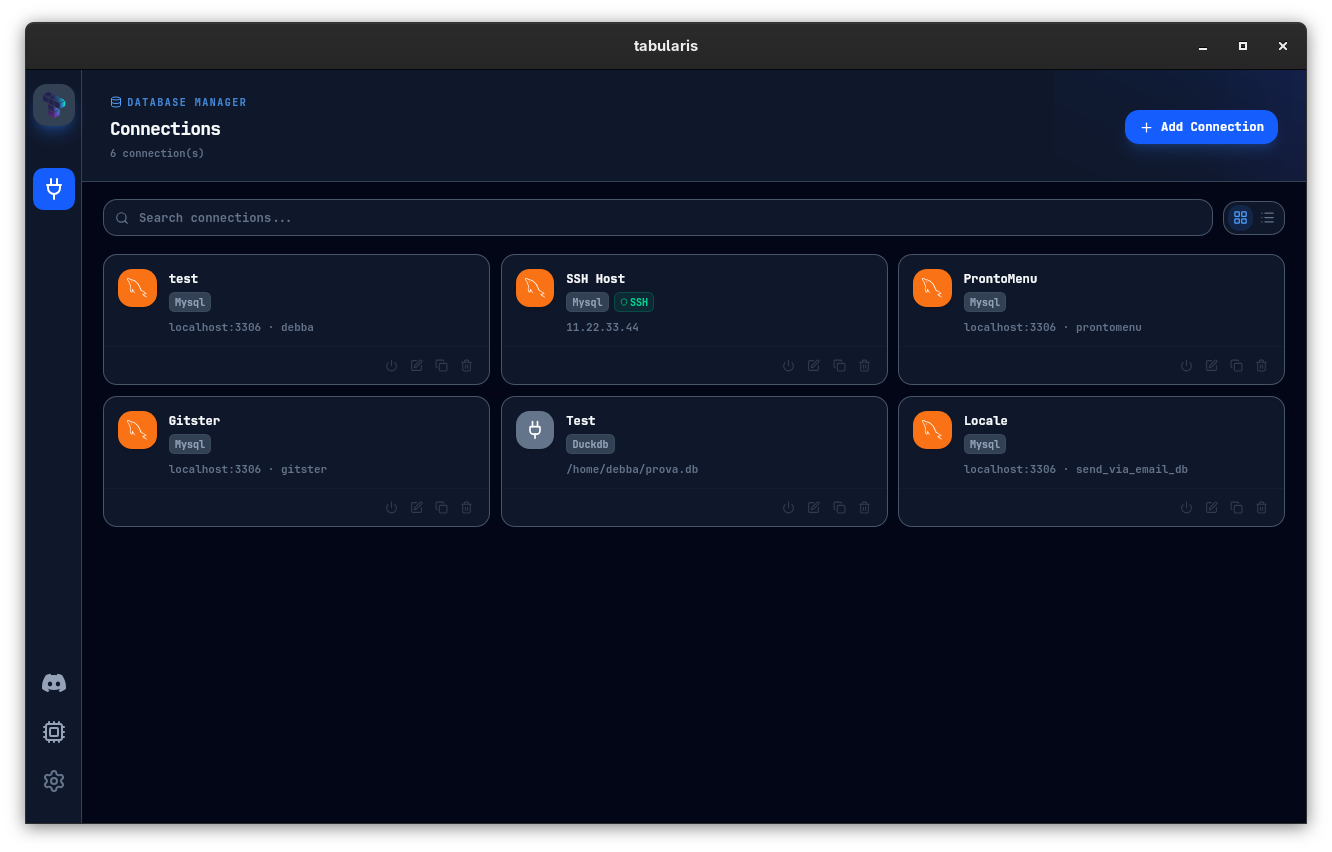
If you work in PostgreSQL every day, the bottleneck is usually not connection support. It is the workflow around the query.
You open a client, inspect schemas, run a query, open another tab, compare results, copy SQL into a note, maybe export a CSV, maybe explain a slow query, maybe bounce into an AI tool or another app. The friction is in the context switching.
Tabularis is built for that exact workflow: a local, open-source desktop client for modern databases, with a strong PostgreSQL experience and room to grow into notebooks, plugins, and AI-assisted flows.
Best fit
- PostgreSQL-native daily workflow with schema browsing, SQL editing, results, and saved queries in one app
- Multi-schema support so you can work with larger PostgreSQL setups without flattening everything into one view
- pgvector support —
vector,halfvec, andsparseveccolumns display, edit, and round-trip correctly, so embedding tables are first-class - SSH tunneling for remote environments
- Split view when you need to compare databases or queries side by side
- SQL notebooks when the work goes beyond one query and starts looking like analysis
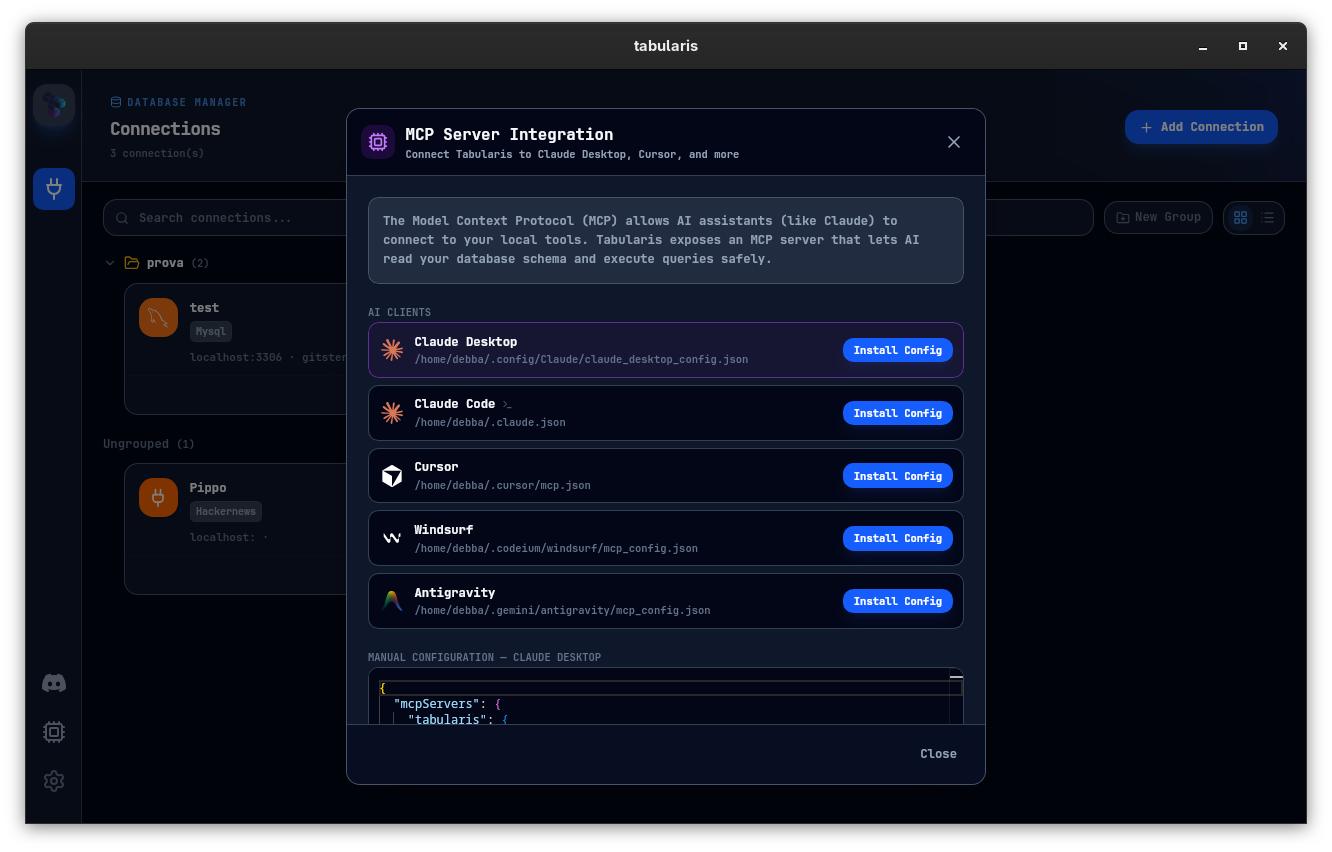
- MCP support when you want AI tools to inspect schema and query through a local desktop app instead of custom glue scripts
Not the best fit
- teams looking for a hosted BI layer rather than a desktop workflow
- organizations that only need a very basic one-query-at-a-time client
- users who want the broadest legacy database admin surface above everything else
Where It Helps Most
Investigating production data
When you need to inspect tables, check counts, compare rows, and iterate on queries quickly, Tabularis keeps the connection, editor, result grid, and schema browser in one place.
Working across multiple PostgreSQL environments
Development, staging, production, customer snapshots, analytics replicas: these workflows benefit from fast switching and side-by-side work instead of one cramped tab at a time.
Reusable analysis
Some PostgreSQL work starts as ad-hoc SQL and turns into a recurring analysis. That is where notebooks matter.
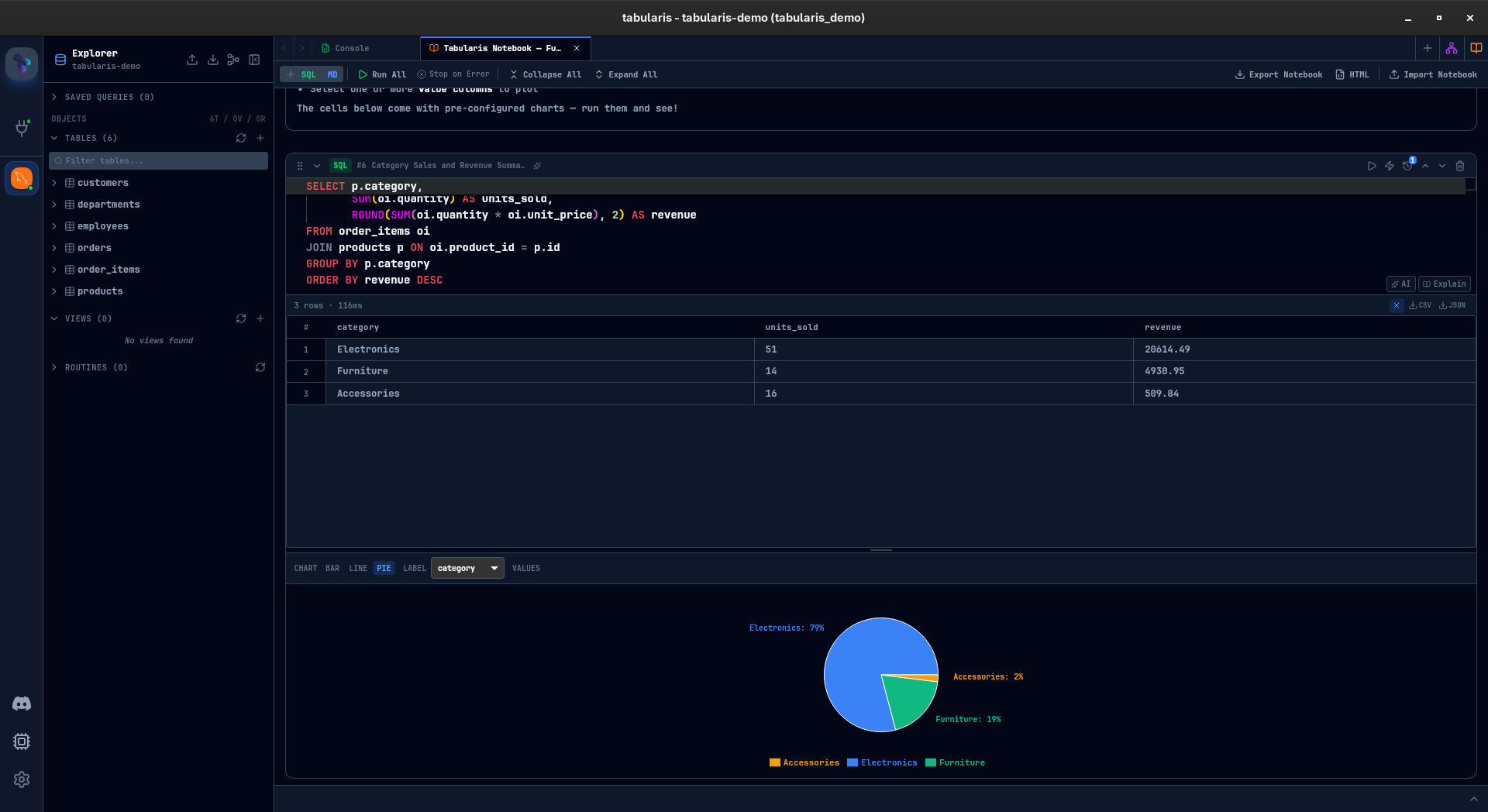
With Tabularis, you can keep SQL cells, markdown context, inline charts, and parameters together instead of scattering them across docs, snippets, and spreadsheets.
Core PostgreSQL Workflow Features
SQL editor
The editor is Monaco-based, which makes it feel closer to a developer tool than an old-school admin GUI. You can run single queries, selected SQL, or multi-statement scripts and keep separate result tabs without losing context.
Schema browsing and editing
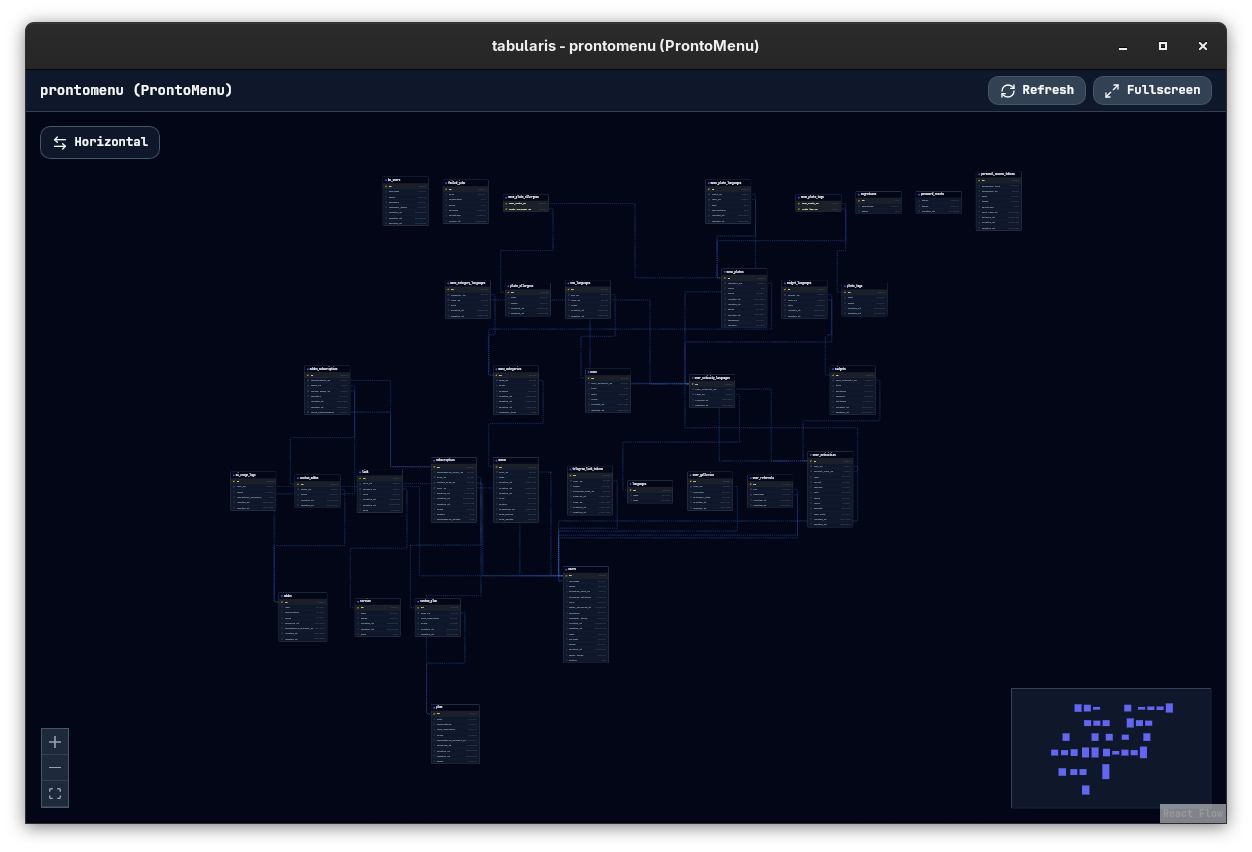
Browse tables, columns, keys, indexes, views, and routines from the sidebar. For schema work, Tabularis also exposes inline editing and guided dialogs for structural changes.
SSH and credential handling
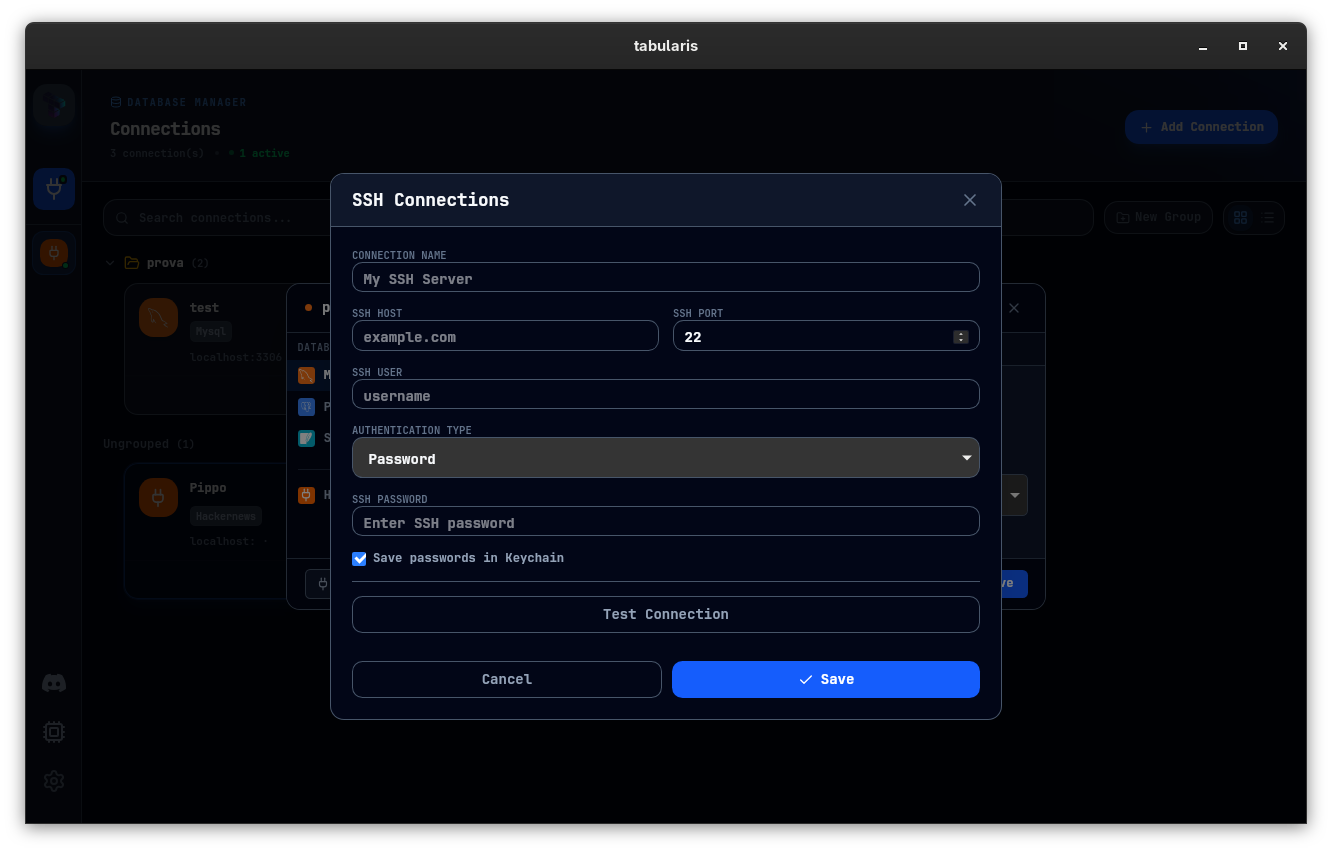
For remote PostgreSQL databases, SSH tunneling is built in. Secrets stay in the local keychain instead of plain-text config files.
AI and MCP
If your workflow already includes Claude, Cursor, or other AI tools, Tabularis gives you a cleaner path than one-off scripts. The app can expose schema and query execution through MCP so the AI can operate against the actual desktop-managed connections.
Who This Page Is For
This is a strong fit if you want:
- a PostgreSQL desktop client you can run locally
- an open-source alternative with a modern developer feel
- a tool that handles both SQL execution and analysis workflows
- a bridge between hands-on SQL work and emerging AI agent flows
This is a weaker fit if you want a fully managed BI product or a hosted collaboration platform. Tabularis is a local desktop workspace first.