
/videos
Product Demos
Short, indexable walkthroughs for the Tabularis workflows people evaluate most: SQL editing, notebooks, Visual EXPLAIN, plugins, and AI-assisted database work.
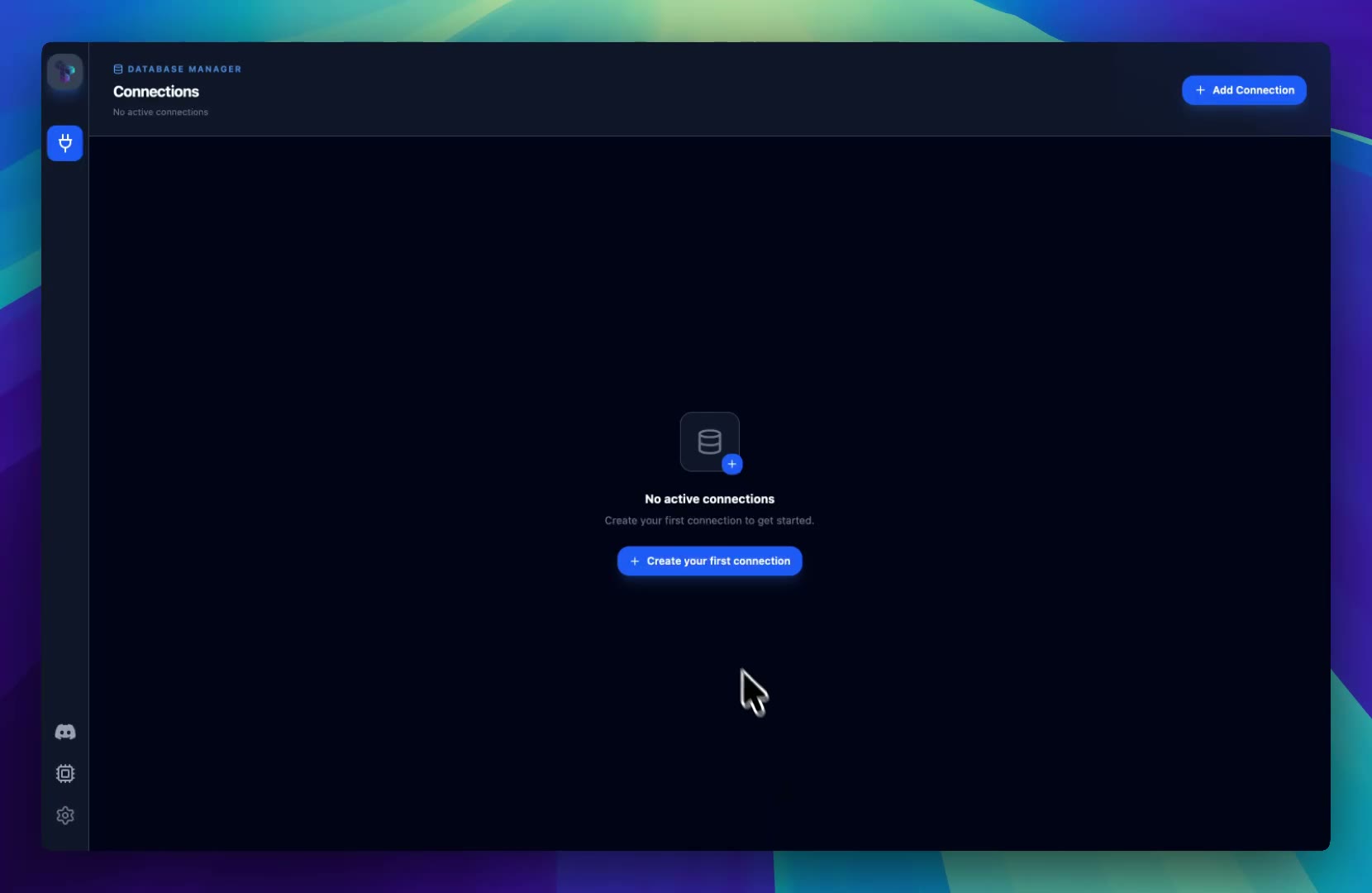 DemoCreate Your First Database ConnectionConnect Tabularis to a local or remote database and understand the connection workflow before your first query.
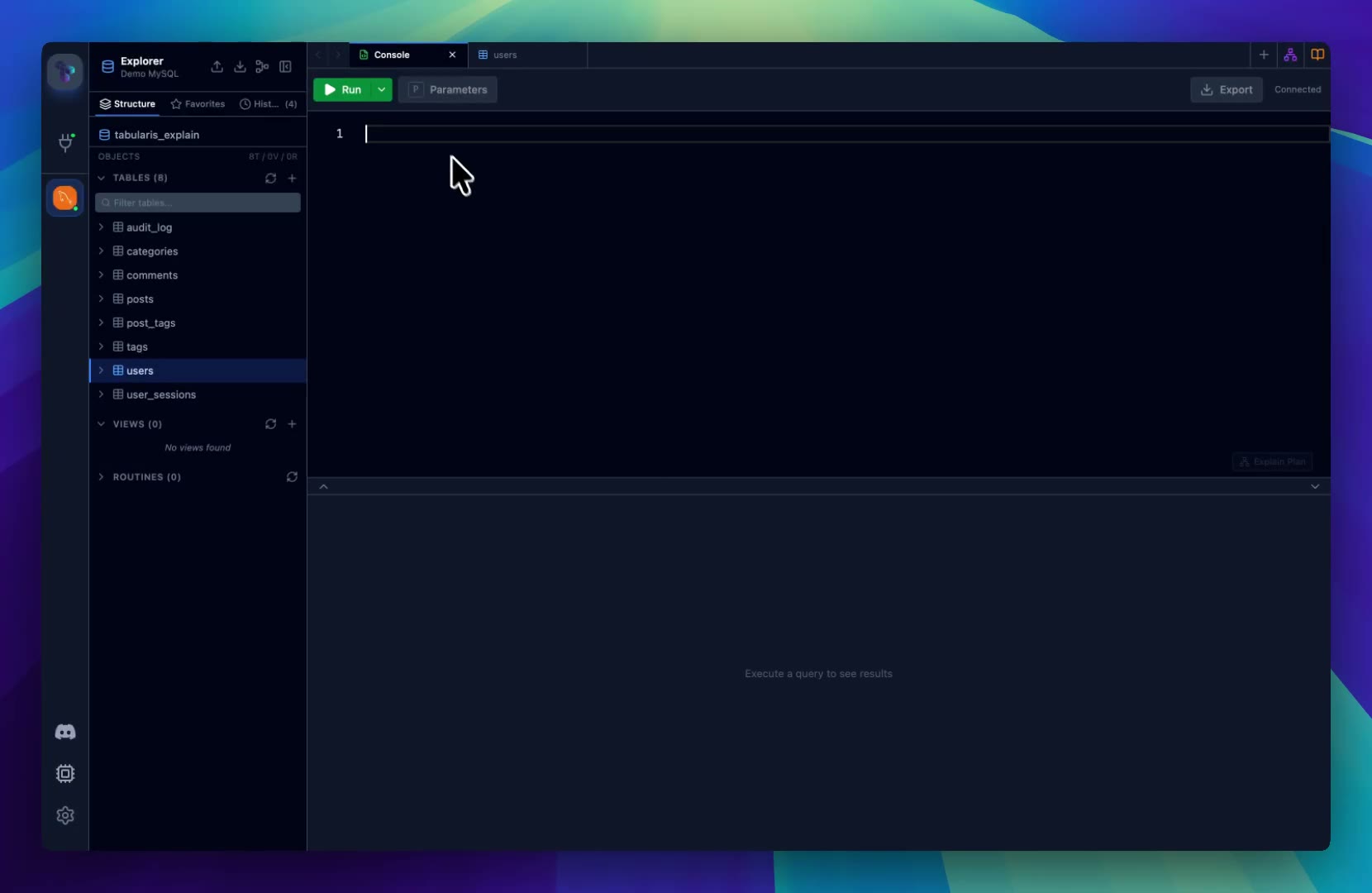 DemoModern SQL Editor WorkflowSee how the SQL editor, result grid, execution controls, and query workflow fit together inside Tabularis.
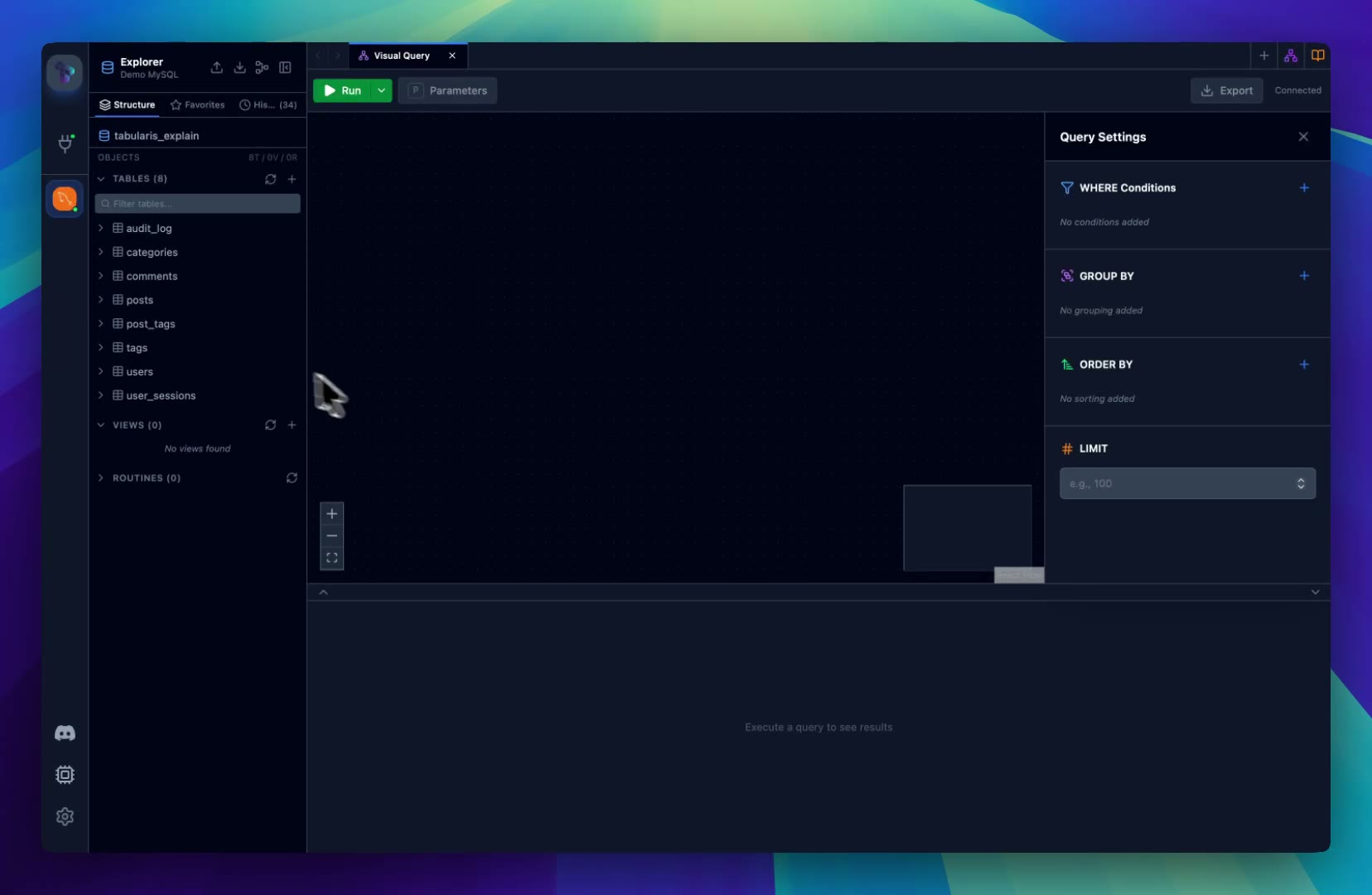 DemoVisual Query Builder DemoBuild joins, filters, and aggregations visually, then inspect the generated SQL before running it.
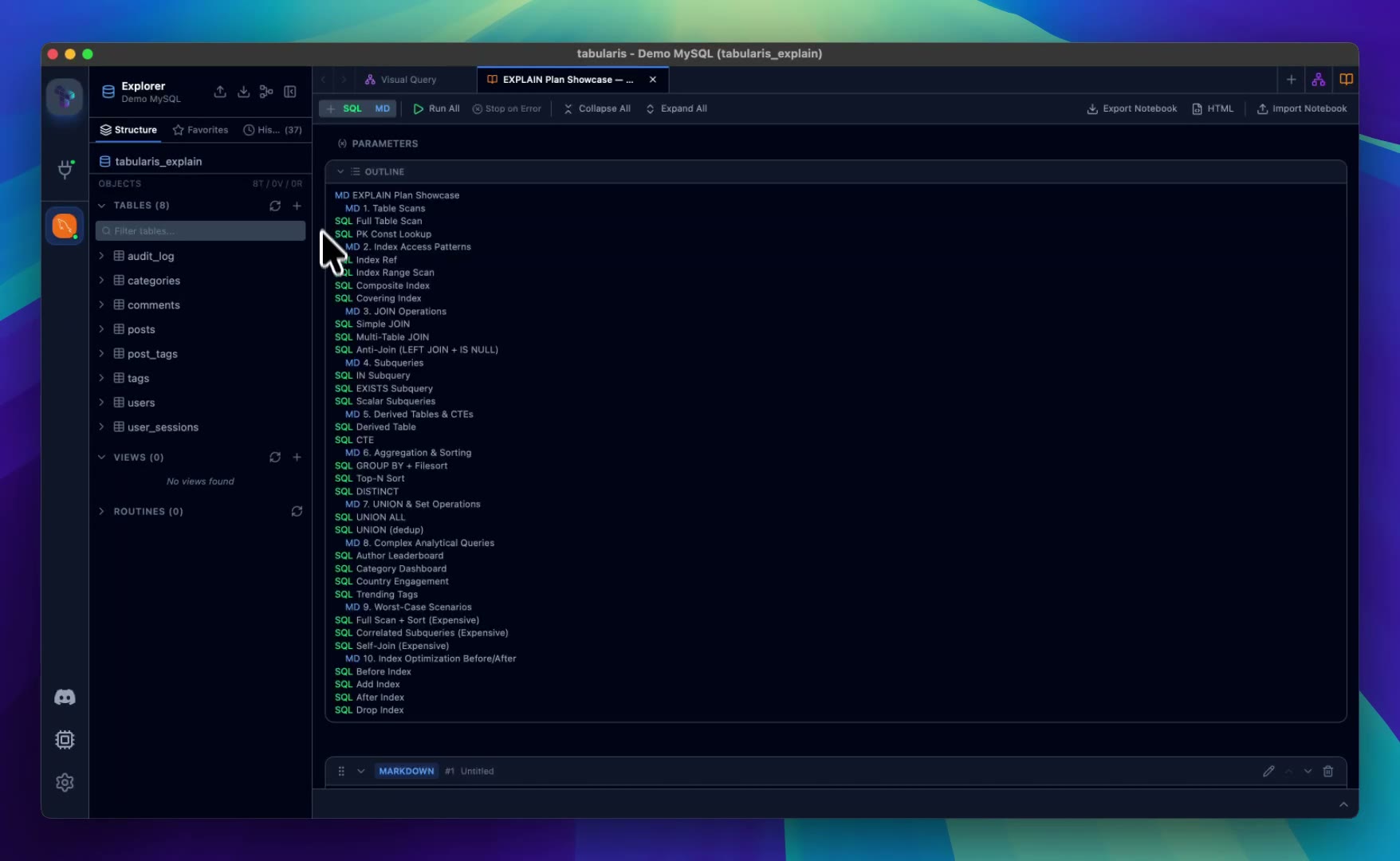 DemoSQL Notebooks for Reusable AnalysisCombine SQL cells, markdown, inline results, parameters, and charts in a reusable database analysis workflow.
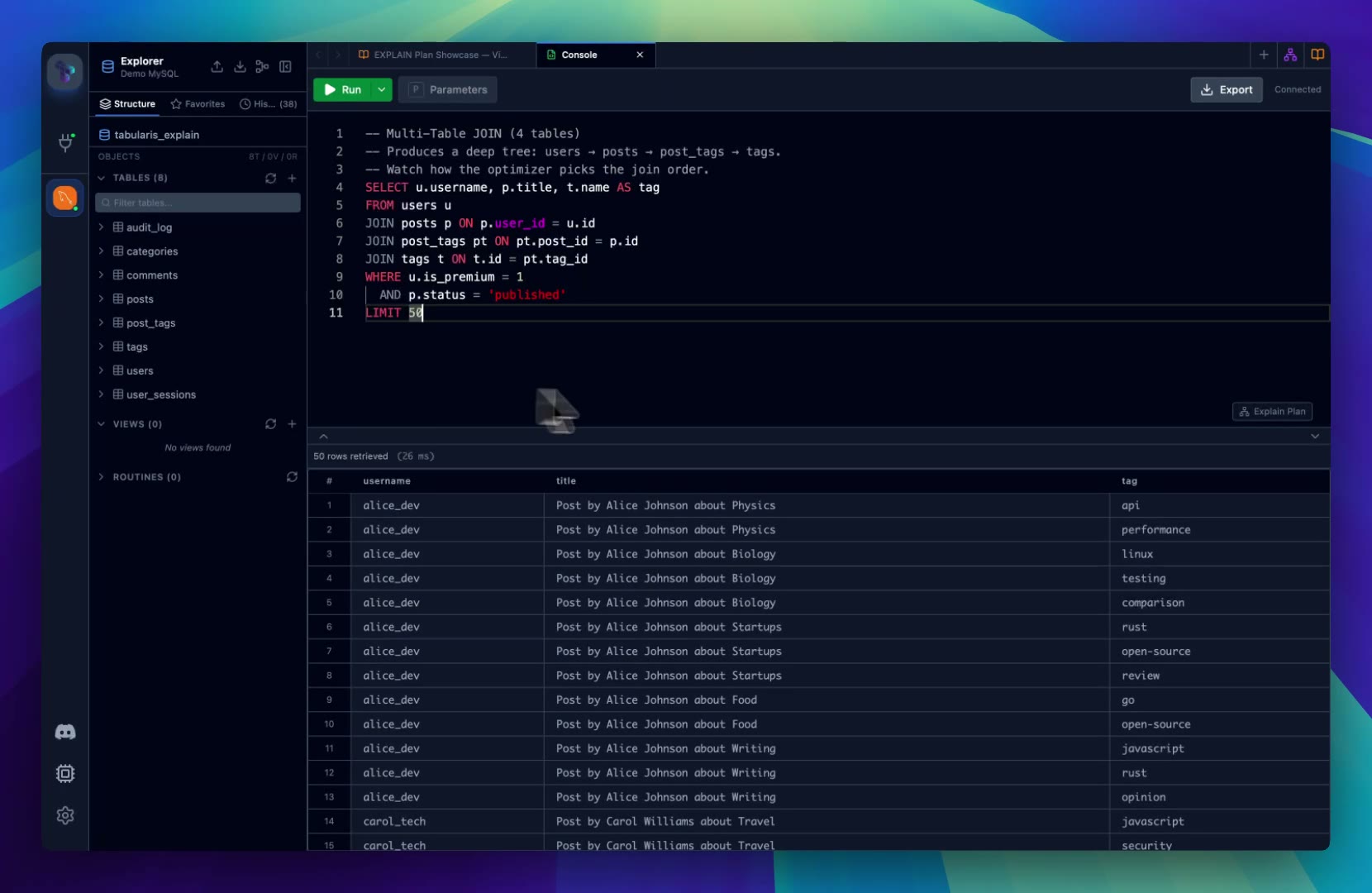 DemoVisual EXPLAIN Query Plan AnalysisTurn database execution plans into graph views, table details, raw output, and AI-assisted recommendations.
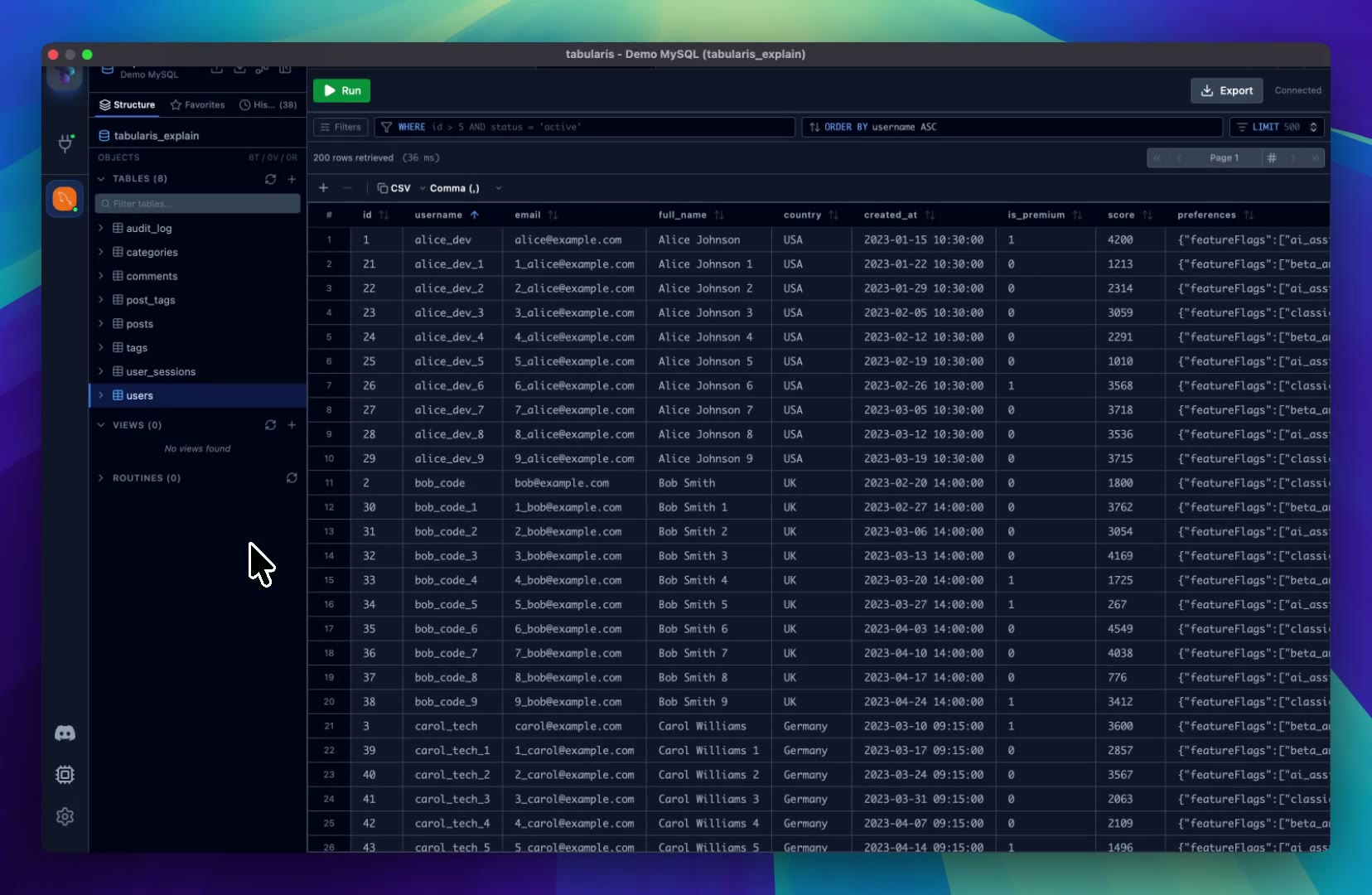 DemoInteractive Data Grid DemoExplore query results in the Tabularis data grid with inline editing, filtering, sorting, and column tools.
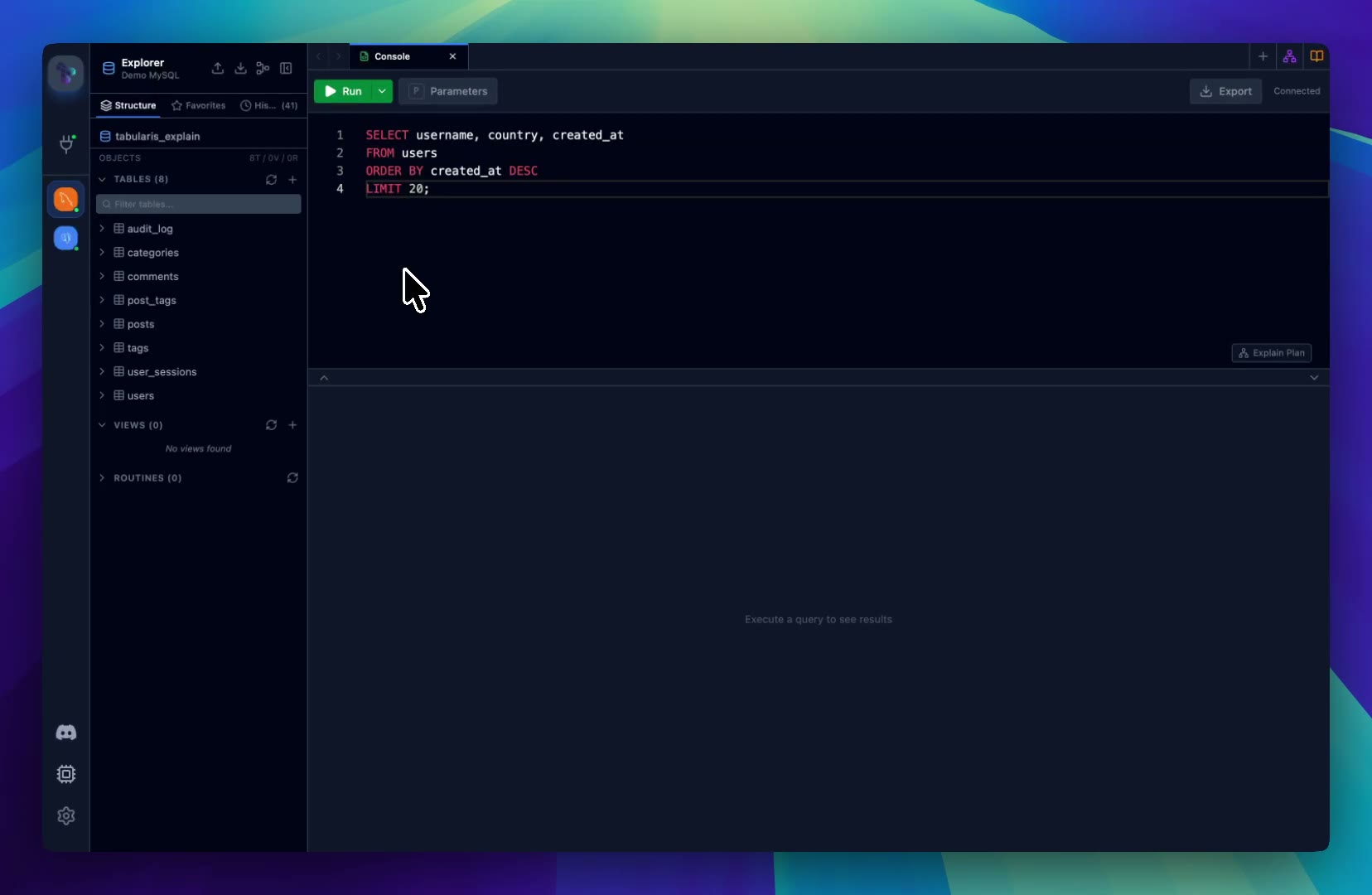 DemoSplit View for Parallel Database WorkOpen multiple editors, notebooks, and result grids side by side to compare queries and work across connections.
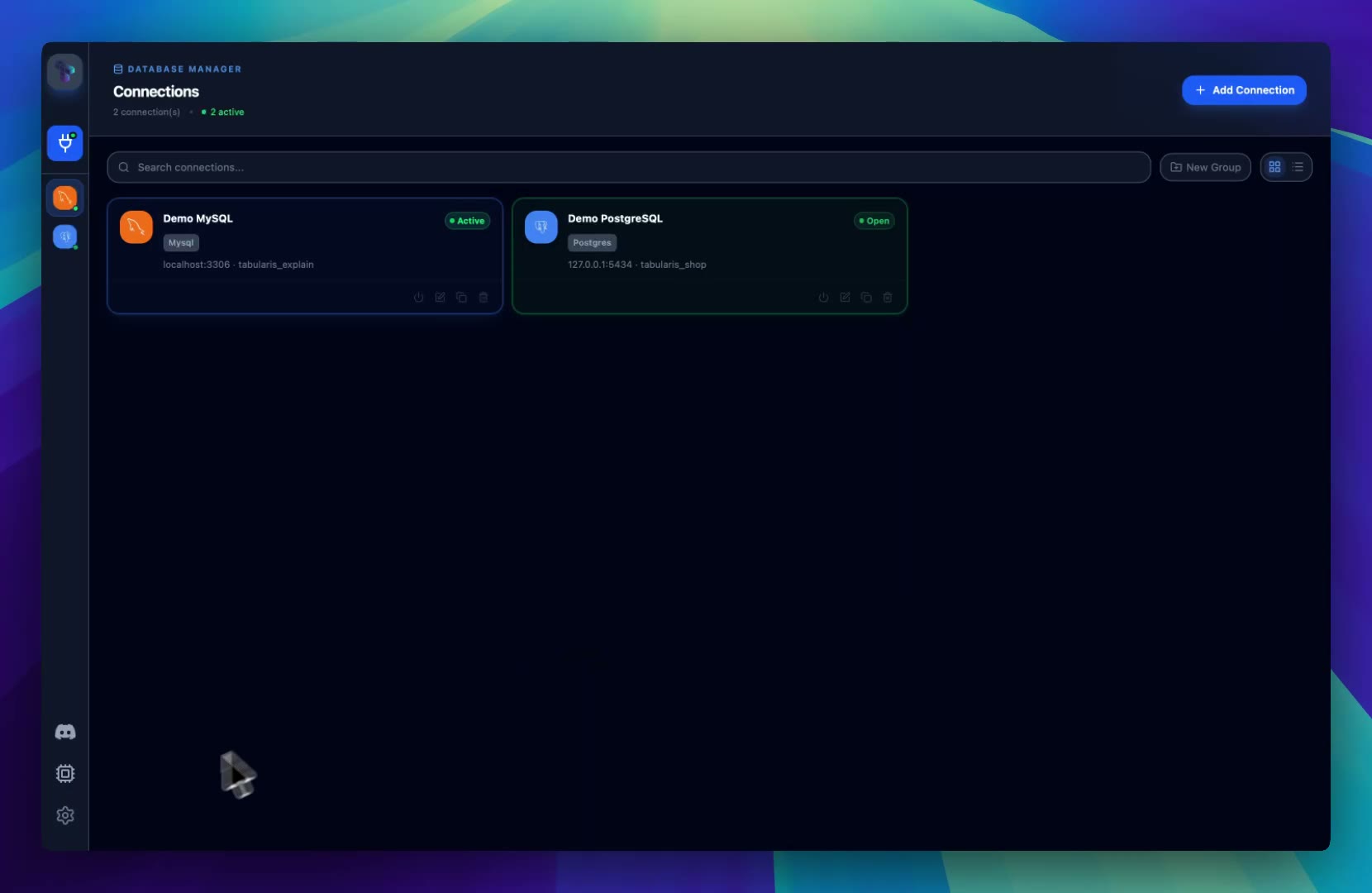 DemoPlugin Manager and Extensible Database SupportInstall, update, and manage external plugins that extend Tabularis beyond the built-in database engines.
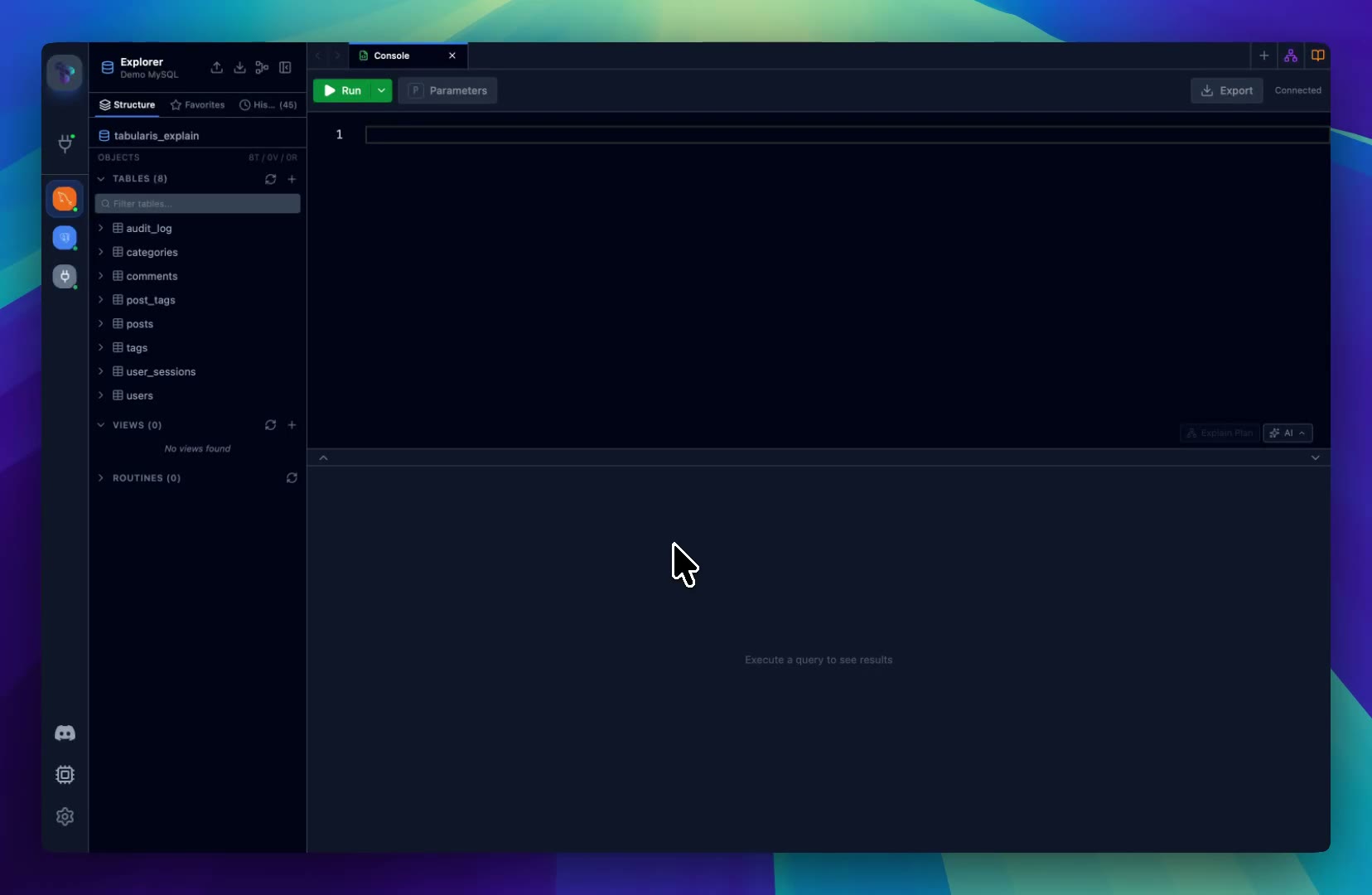 DemoAI Assistant for SQL WorkflowsDraft, explain, and refine SQL with an assistant that works inside your local database client workflow.
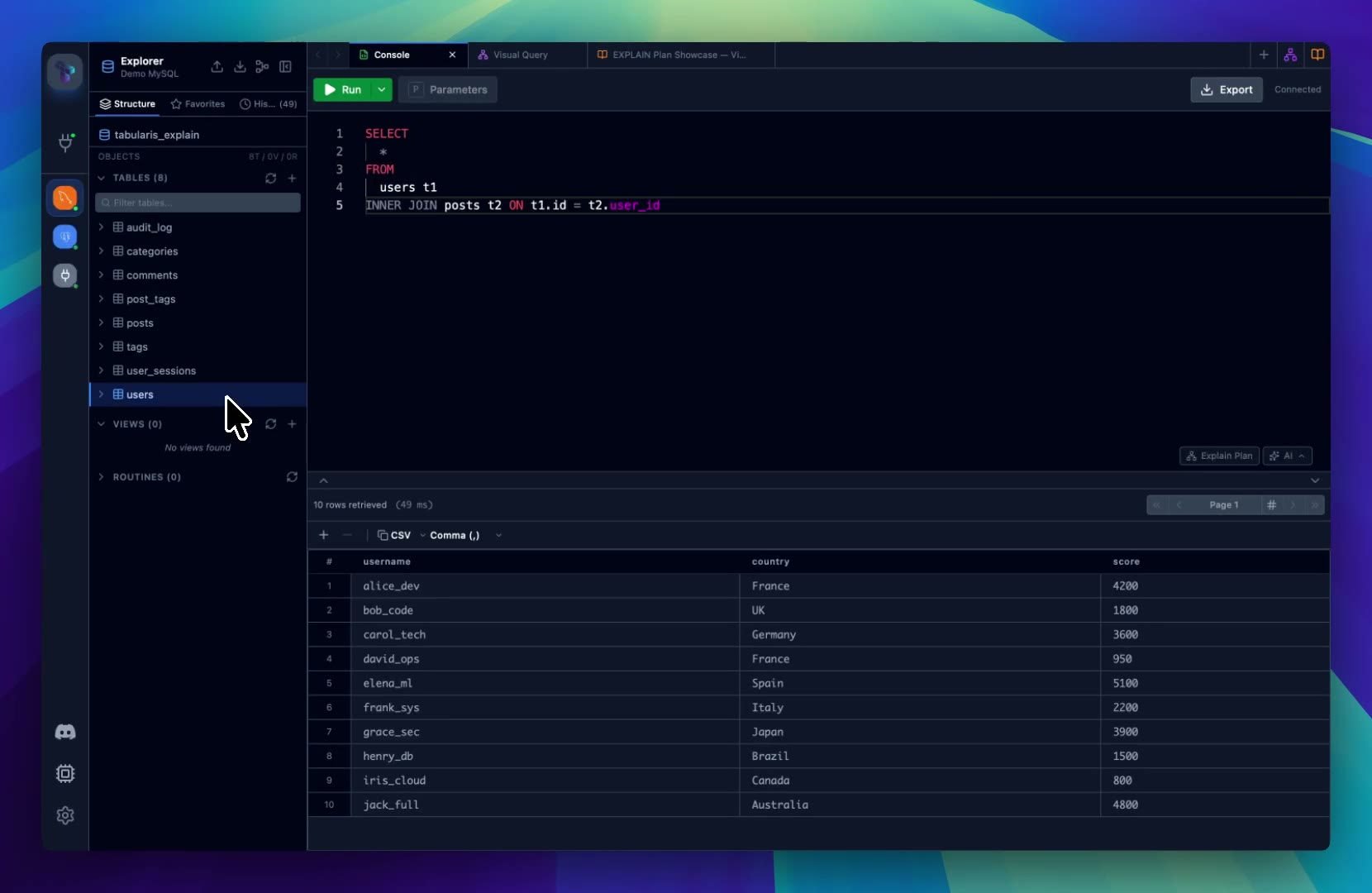 DemoKeyboard Shortcuts for Fast Database WorkNavigate Tabularis, run queries, and manage tabs with keyboard shortcuts built for keyboard-driven workflows.
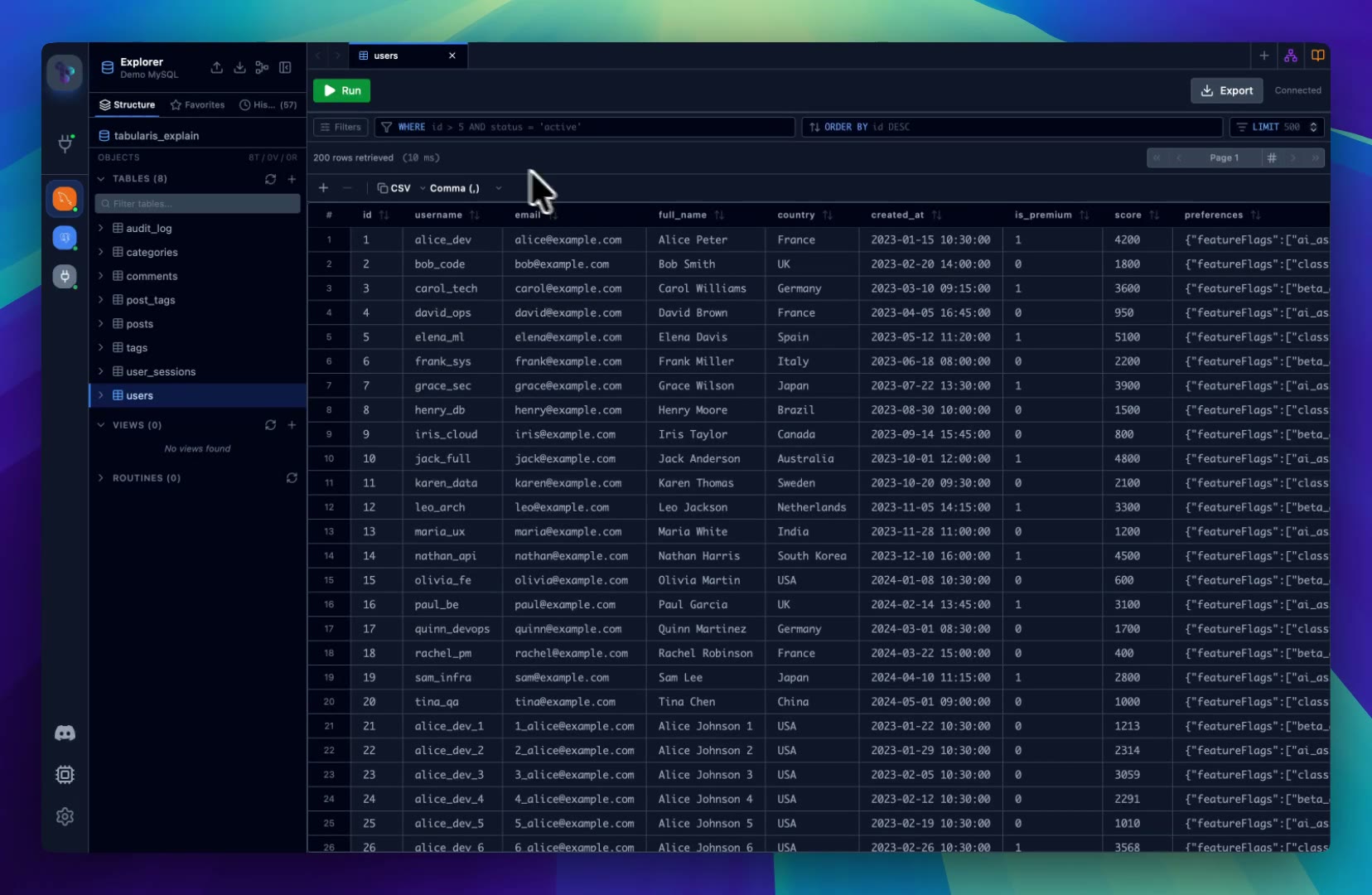 DemoFavorites and Query HistorySave frequently used queries, browse your query history, and quickly return to recent SQL across sessions.
 DemoAI Approval Gate with Pre-flight EXPLAINPause an MCP write before it runs, review the SQL and the execution plan inside the approval modal, then approve, edit, or deny.
 DemoJSON / JSONB Cell Viewer with DiffExpand JSON and JSONB cells into a Monaco editor with syntax highlighting, open them in a dedicated window, and diff edits before commit.
 DemoLong Text Cells with Monaco and DiffEdit TEXT, LONGTEXT, and long VARCHAR columns inline with a Monaco editor, resize the pane, and review changes side-by-side before saving.
 DemoForeign Key Navigation in the Data GridClick the ↗ icon on a foreign key cell — or use the context menu — to jump straight to the referenced row in the parent table.
 DemoPer-Connection Accent Color and IconPaint each connection with its own accent color and icon — pick from a curated palette, a 30-icon pack, an emoji, or upload your own image — so two MySQL connections never look the same again.
 DemoRelated Records Panel for Foreign KeysClick any foreign key value to slide up an inline panel with the referenced row — drag to resize, swap content by clicking other FKs, or hand off to a full tab when you're ready to navigate.
 DemoDelete Rows with Delete or BackspaceSelect one or more rows and press Delete or Backspace to mark them for deletion — same behavior as the context menu, just reachable from the keyboard.
 DemoQuick Navigator for Schema ObjectsPress Cmd+P / Ctrl+P to jump to any table, view, routine, or trigger in any database or schema of the active connection — in the spirit of the "go to anything" palette every code editor has.
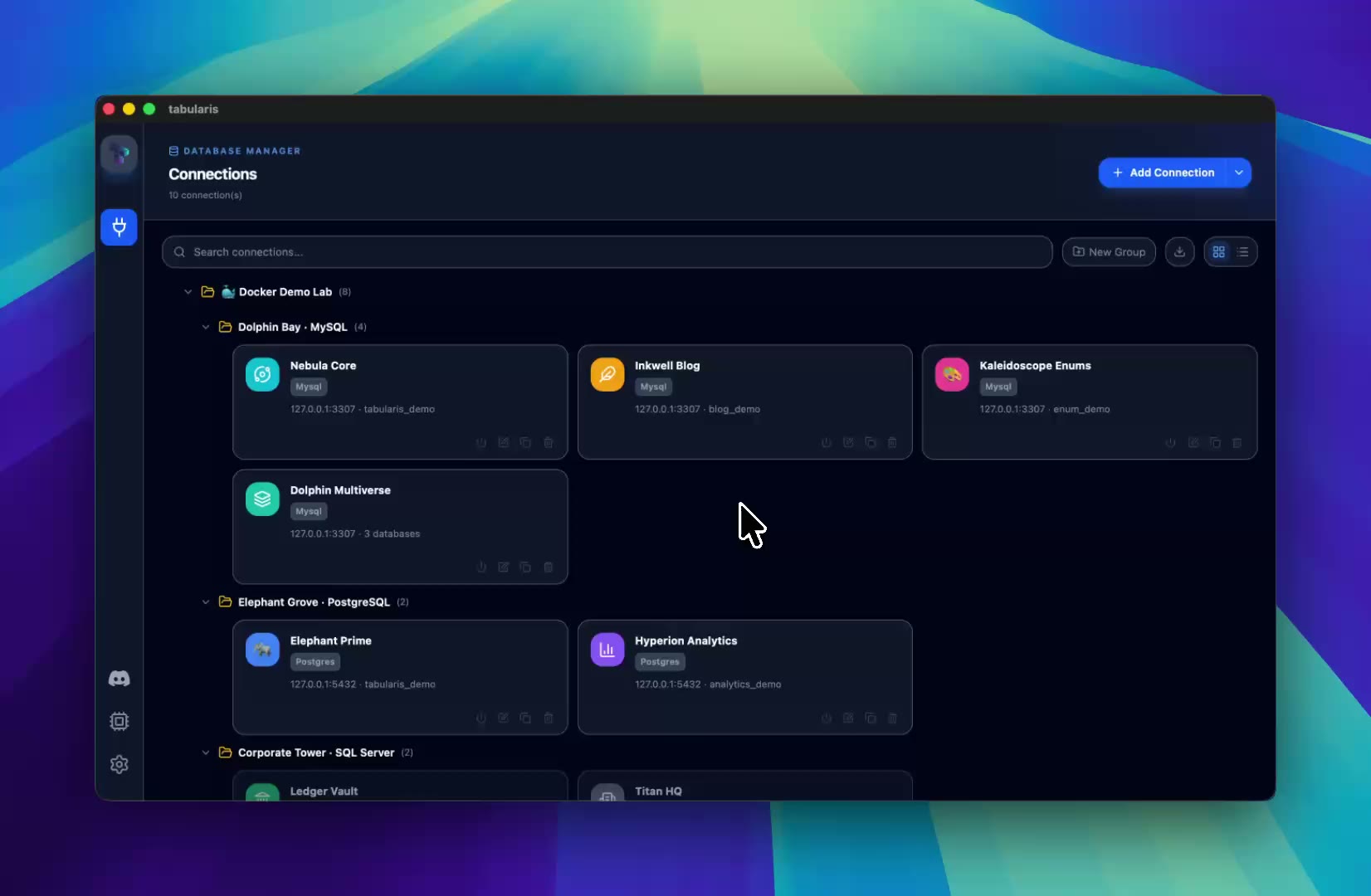 DemoImport Connections from Other SQL ClientsImport saved connections from DBeaver, Beekeeper Studio, TablePlus, DataGrip, or Sequel Ace — review what was found, resolve duplicates, and assign groups before merging.
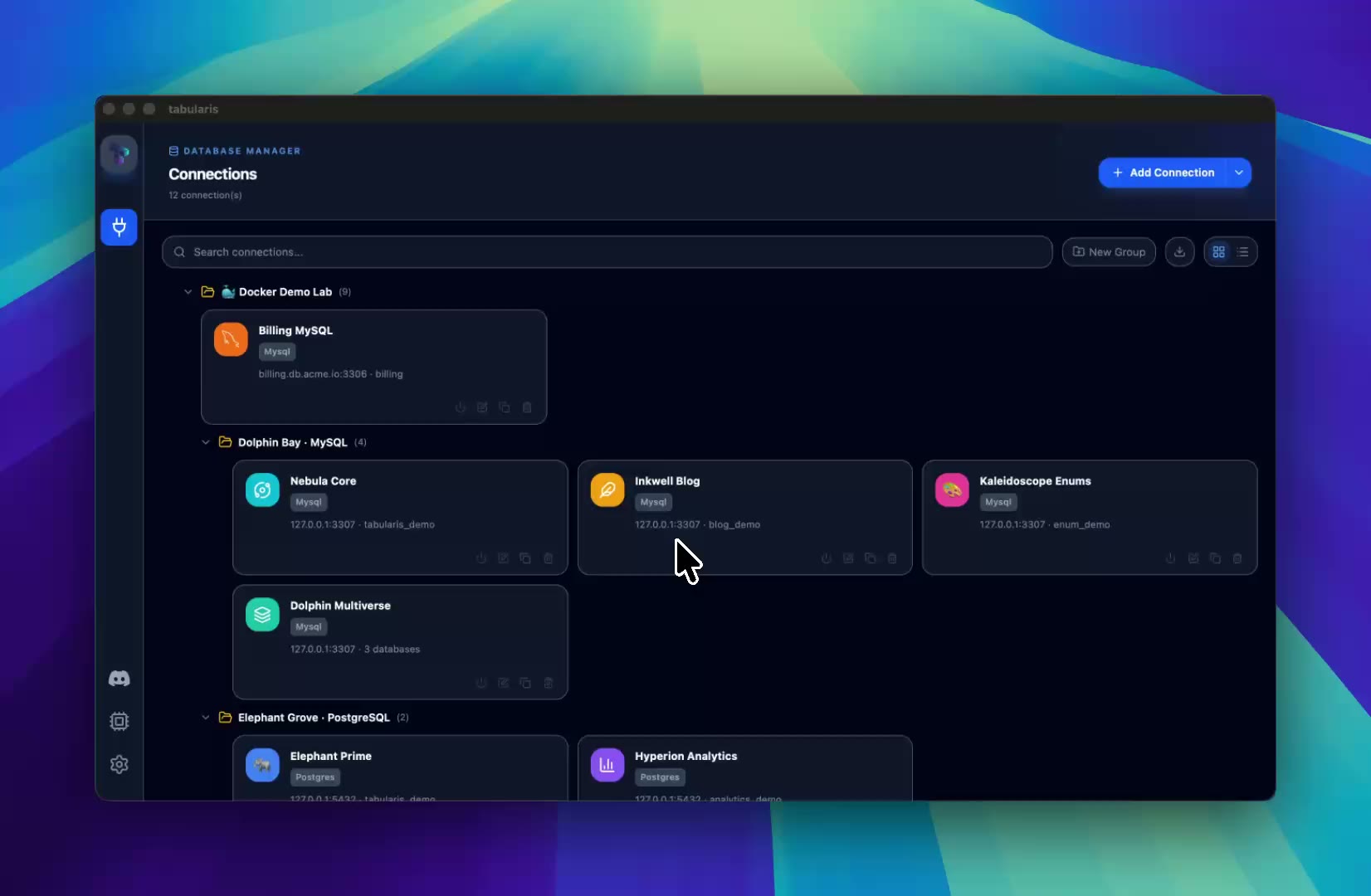 DemoNested Connection GroupsOrganize connections in folders inside folders: create whole group chains with slash-separated paths, add subfolders inline, and drag groups into one another.
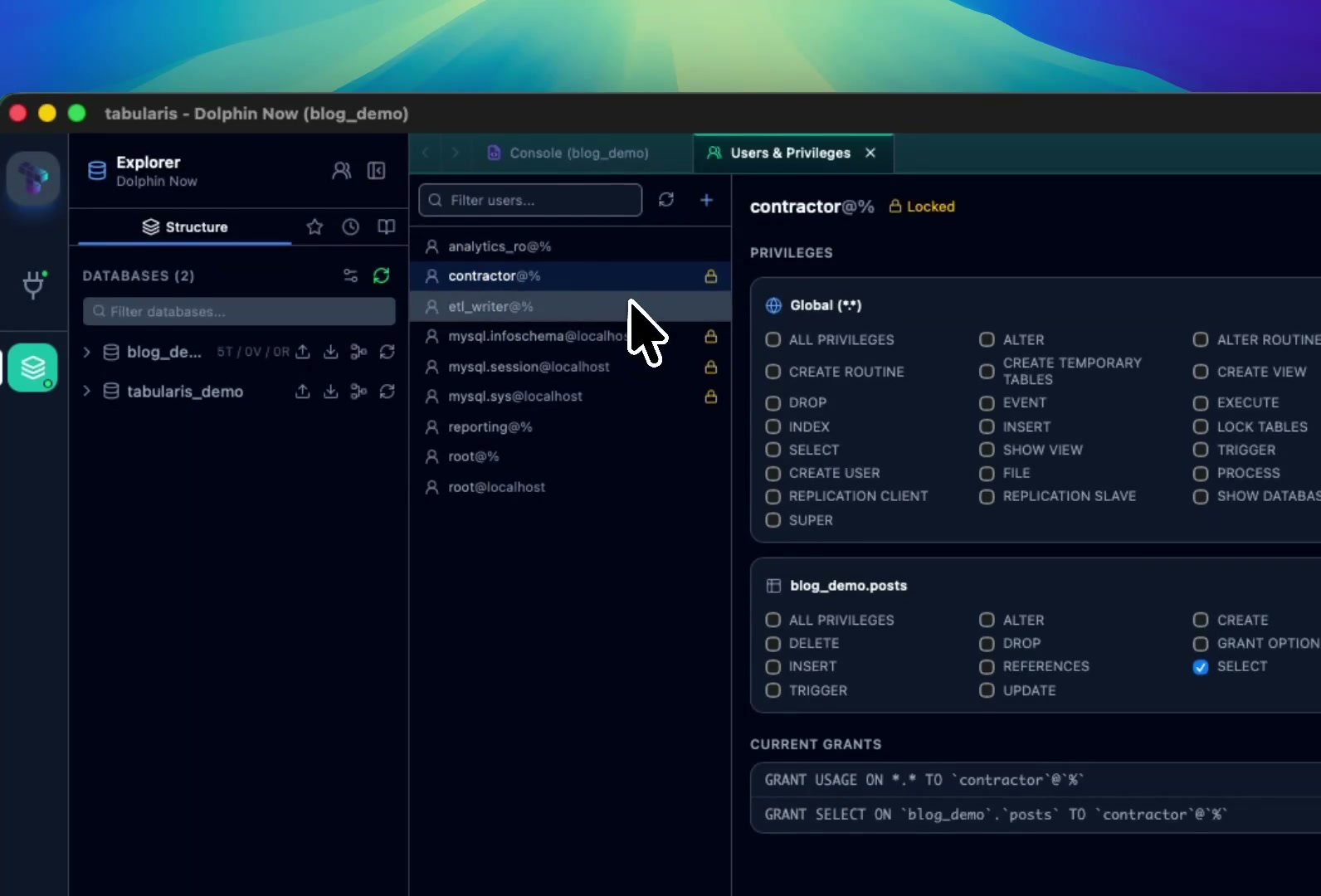 DemoManage Users and PrivilegesCreate a MySQL or MariaDB account and grant it privileges in the same step, then narrow an ALL PRIVILEGES account down to a subset — scope by scope, with the raw SHOW GRANTS output kept in view.