


Tabularis is worth considering as a phpMyAdmin alternative if you want a modern desktop MySQL/MariaDB workflow without deploying a web admin panel on your server.
It is not a claim that phpMyAdmin is broken. It is a claim that, for developer daily use, a local desktop client over SSH is a cleaner fit than a browser-exposed admin surface.
Quick answer
phpMyAdmin is ubiquitous because it ships with many hosting stacks. But running a PHP admin UI next to production is a classic footgun: misconfigured auth, outdated installs, or exposed endpoints turn into real incidents.
Tabularis is a local desktop client. You connect over SSH tunneling, and secrets live in your OS keychain. Nothing gets deployed to the server.
Short version
Choose Tabularis if you want:
- a local desktop MySQL/MariaDB client (not a web panel on the server)
- built-in SSH tunneling and keychain-backed secrets
- a real Monaco-based SQL editor for developer flow
- SQL notebooks for reusable analysis
- support for PostgreSQL and SQLite alongside MySQL
- MCP integration for AI-assisted database workflows
Choose phpMyAdmin if you want:
- a familiar web admin UI already shipped with your host
- a browser-accessible control panel for non-local teams
- an established tool non-technical users may already know
Where Tabularis Is Different
1. Security model
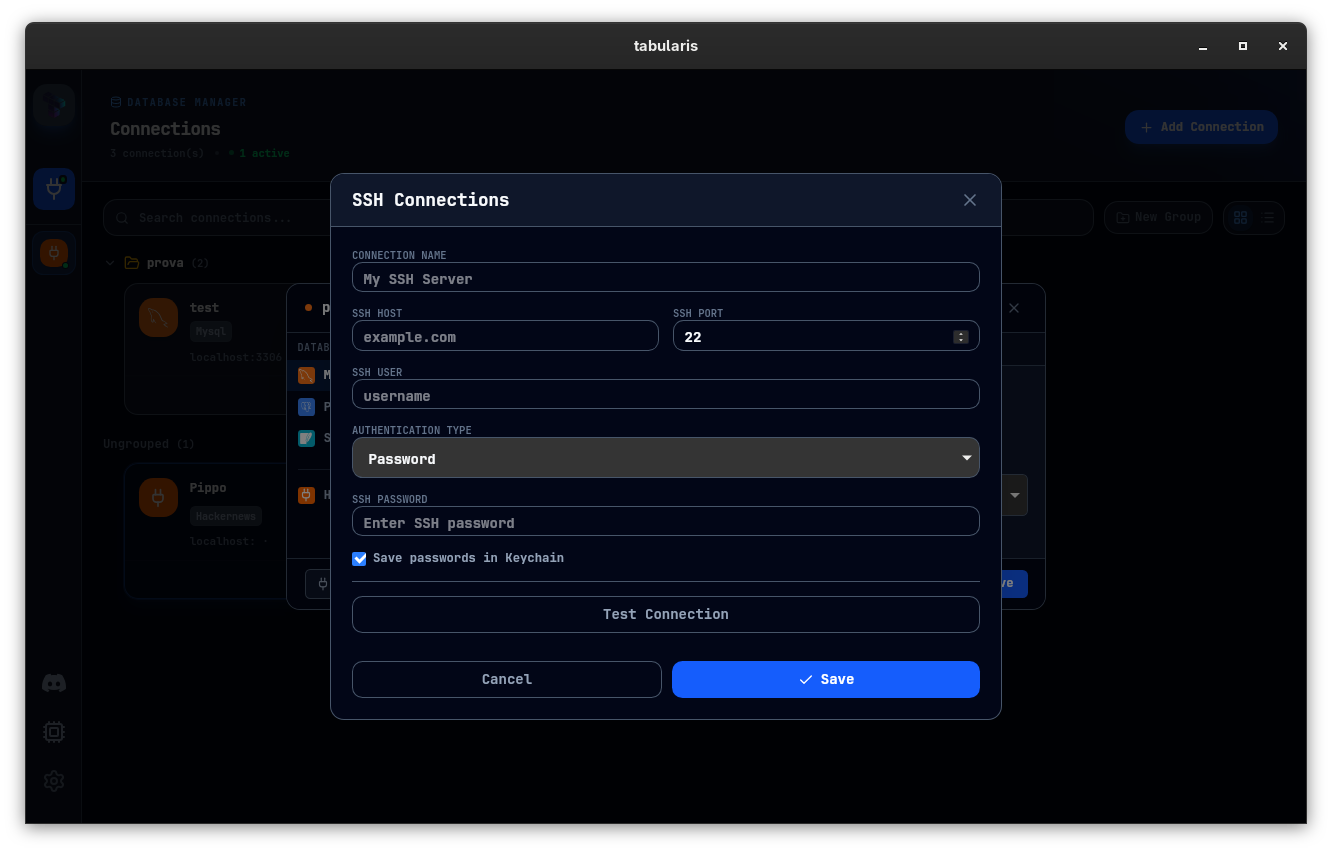
phpMyAdmin lives as a web application beside your database. Even when locked down, it expands attack surface and depends on keeping PHP, the framework, and the admin auth flow patched.
Tabularis runs locally on your machine. Credentials never touch the server. SSH tunneling is first-class, and secrets stay in the OS keychain.
2. Editor experience
phpMyAdmin's SQL input is usable but basic. Tabularis' Monaco-based editor gives you multi-cursor, keybindings, result tabs, and keyboard-driven flow closer to VS Code than a web form.
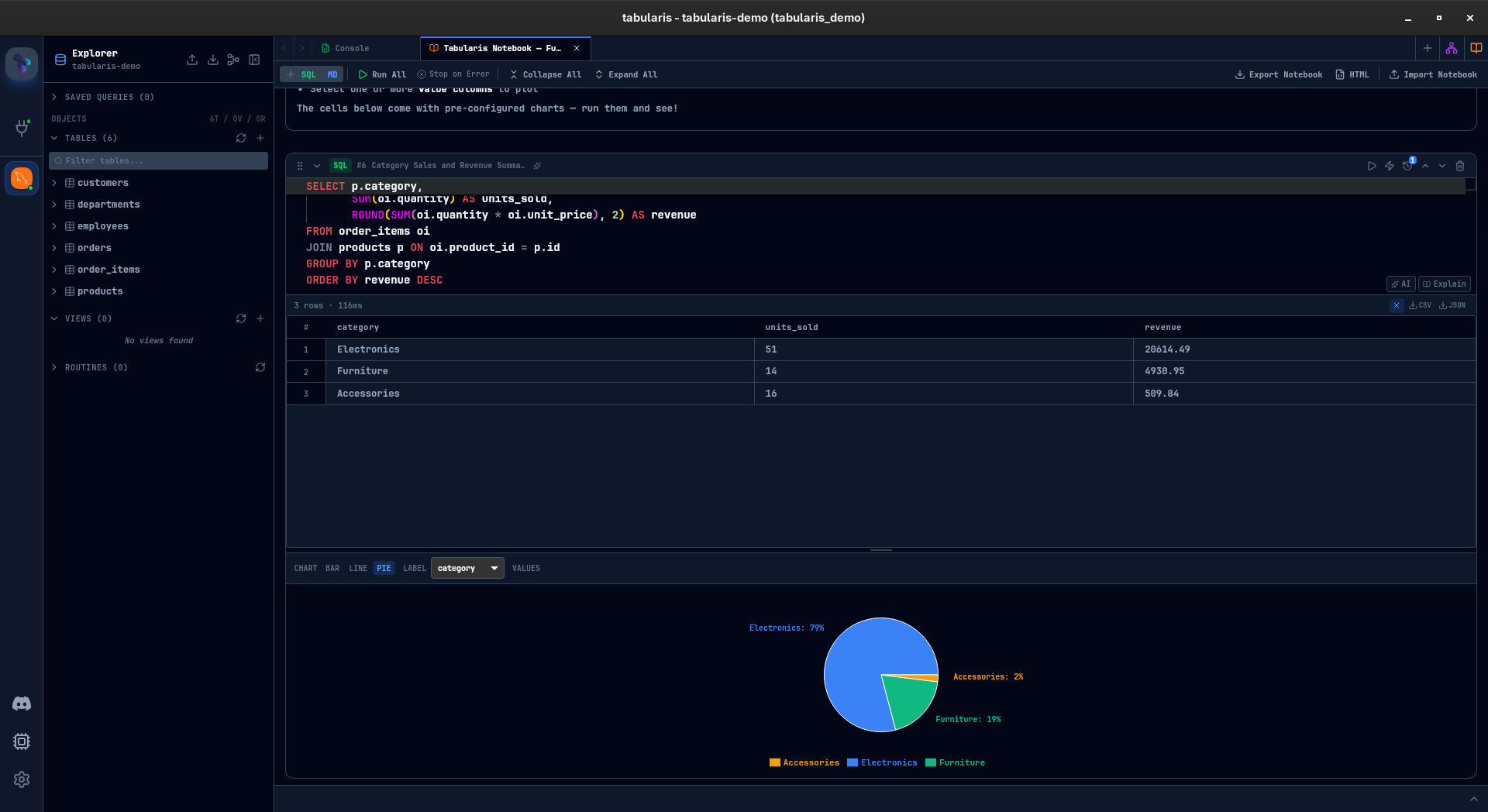
3. SQL notebooks
When MySQL work becomes recurring analysis — weekly reports, data checks, migrations — notebooks keep SQL cells, markdown, parameters, and charts together. phpMyAdmin has no equivalent.
4. Multi-database coverage
phpMyAdmin is MySQL/MariaDB only. Tabularis handles PostgreSQL and SQLite too, and more backends through plugins.
5. MCP and AI
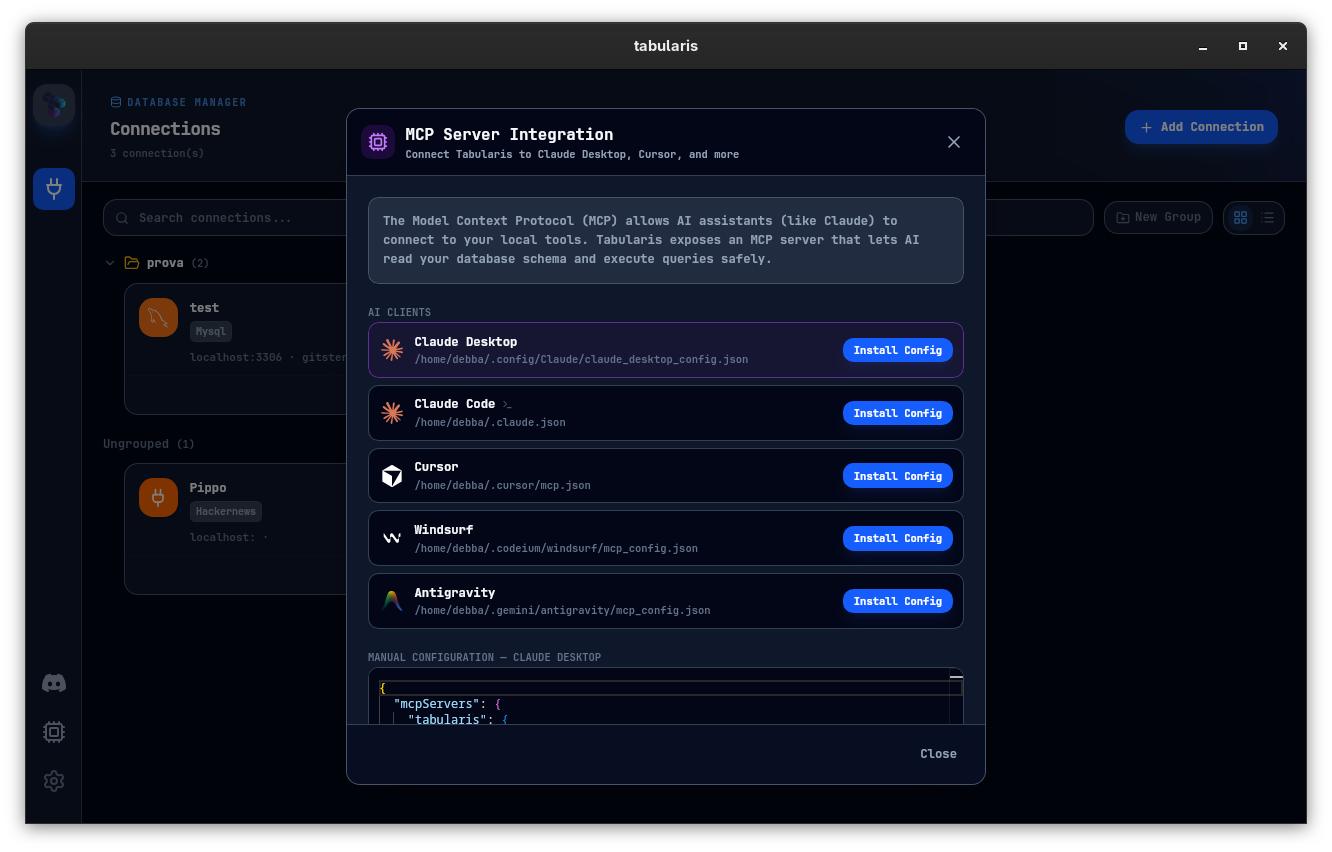
Tabularis exposes schema and queries through MCP, so Claude, Cursor, and other MCP-compatible tools can operate directly against your connections.
Best fit
- web developers who connect to remote MySQL/MariaDB over SSH
- teams moving away from server-deployed admin panels
- workflows that include multi-step analysis and documentation
- users exploring AI-assisted database workflows
Not the best fit
- teams that specifically need a web-based control panel for shared, non-local access
- shared hosting users without SSH access to their database server
- workflows tied to phpMyAdmin's specific UI idioms
Where phpMyAdmin Still Wins
phpMyAdmin wins on ubiquity. It is often already installed by the host, familiar to non-technical users, and accessible from any browser. For shared-hosting control panels and low-barrier admin use, that still matters.
Better Evaluation Criteria
Try both tools against the same MySQL/MariaDB environment:
- Connect securely — over SSH for Tabularis, via the existing web panel for phpMyAdmin.
- Run a multi-statement investigation end to end.
- Document that investigation or make it reusable.
- Test an AI-assisted flow against your schema.
One of the two will fit your daily workflow better. Run the test before committing.