
Tabularis is worth considering as a pgAdmin alternative if you want a modern, desktop-first PostgreSQL workflow with SQL notebooks, a real developer editor, SSH tunneling, and an AI-ready direction — instead of a browser-based admin UI.
Quick answer
pgAdmin is the long-standing official admin surface for PostgreSQL. It is mature and familiar. It is also web-based, PostgreSQL-only, and shaped more around DB administration than developer flow.
Tabularis is a local desktop client built for developer workflow: multi-database, Monaco-based editor, notebooks, plugins, MCP, and a cleaner UX.
If your daily PostgreSQL work is closer to "developer on the query" than "DBA on the admin surface", Tabularis is a better fit.
Short version
Choose Tabularis if you want:
- a local desktop PostgreSQL client (not a browser tab)
- a Monaco-based SQL editor that feels like a developer tool
- SQL notebooks for multi-step analysis
- built-in SSH tunneling with keychain-backed secrets
- support for MySQL/MariaDB and SQLite alongside PostgreSQL
- MCP integration for AI-assisted workflows
- plugins that extend the tool without vendor release cycles
Choose pgAdmin if you want:
- the official PostgreSQL-focused admin surface
- a very familiar, long-standing UI your team already knows
- a browser-deployable control panel for shared access
Where Tabularis Is Different
1. Desktop-first workflow
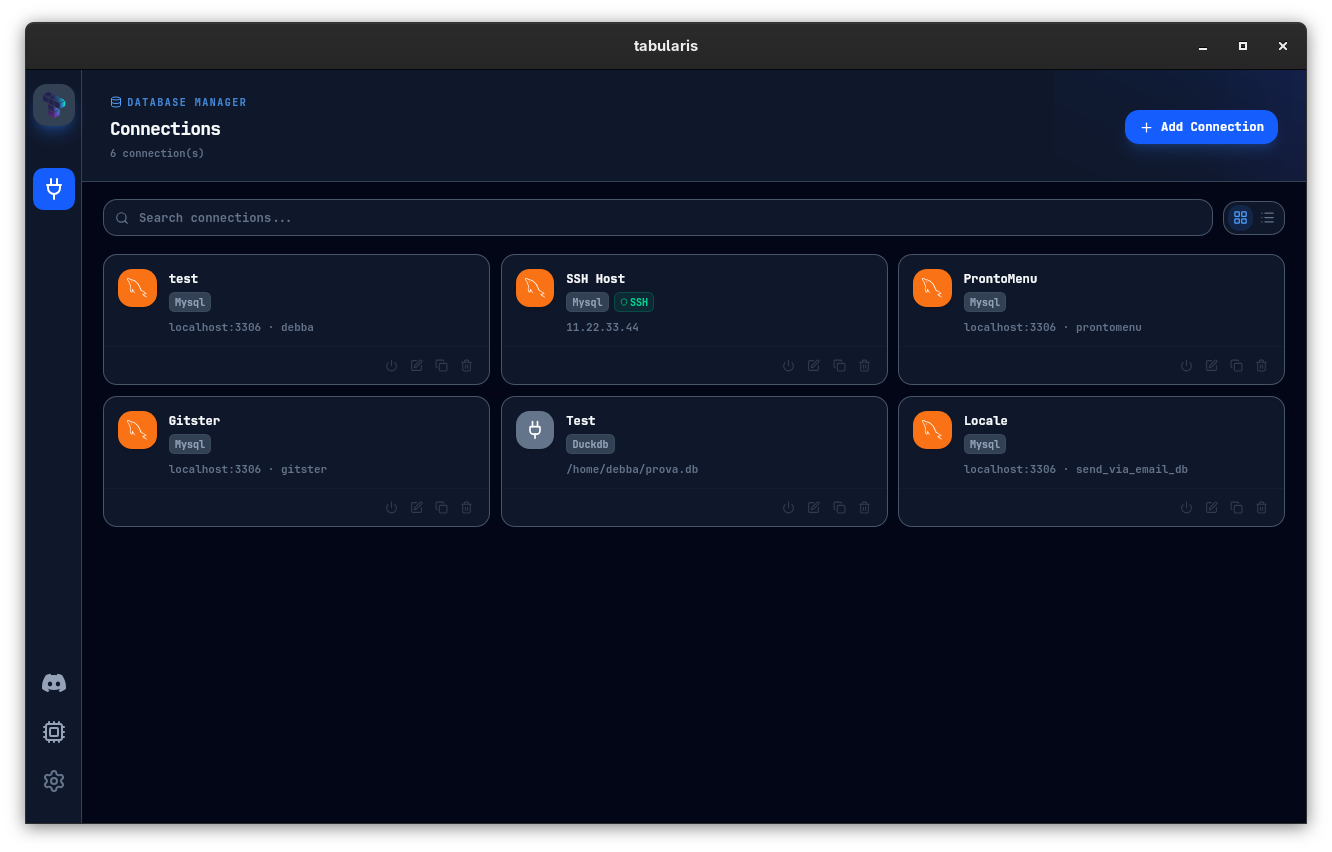
Tabularis runs as a native desktop app built on Tauri, not a local web server and browser tab. That removes a layer of friction for daily developer use: window management, keyboard shortcuts, and OS-native feel.
2. A real developer editor
The SQL editor is Monaco-based, with multi-cursor, command palette, and keybindings developers already know. Execution, result tabs, and schema browsing coexist without reloading the page.
3. SQL notebooks
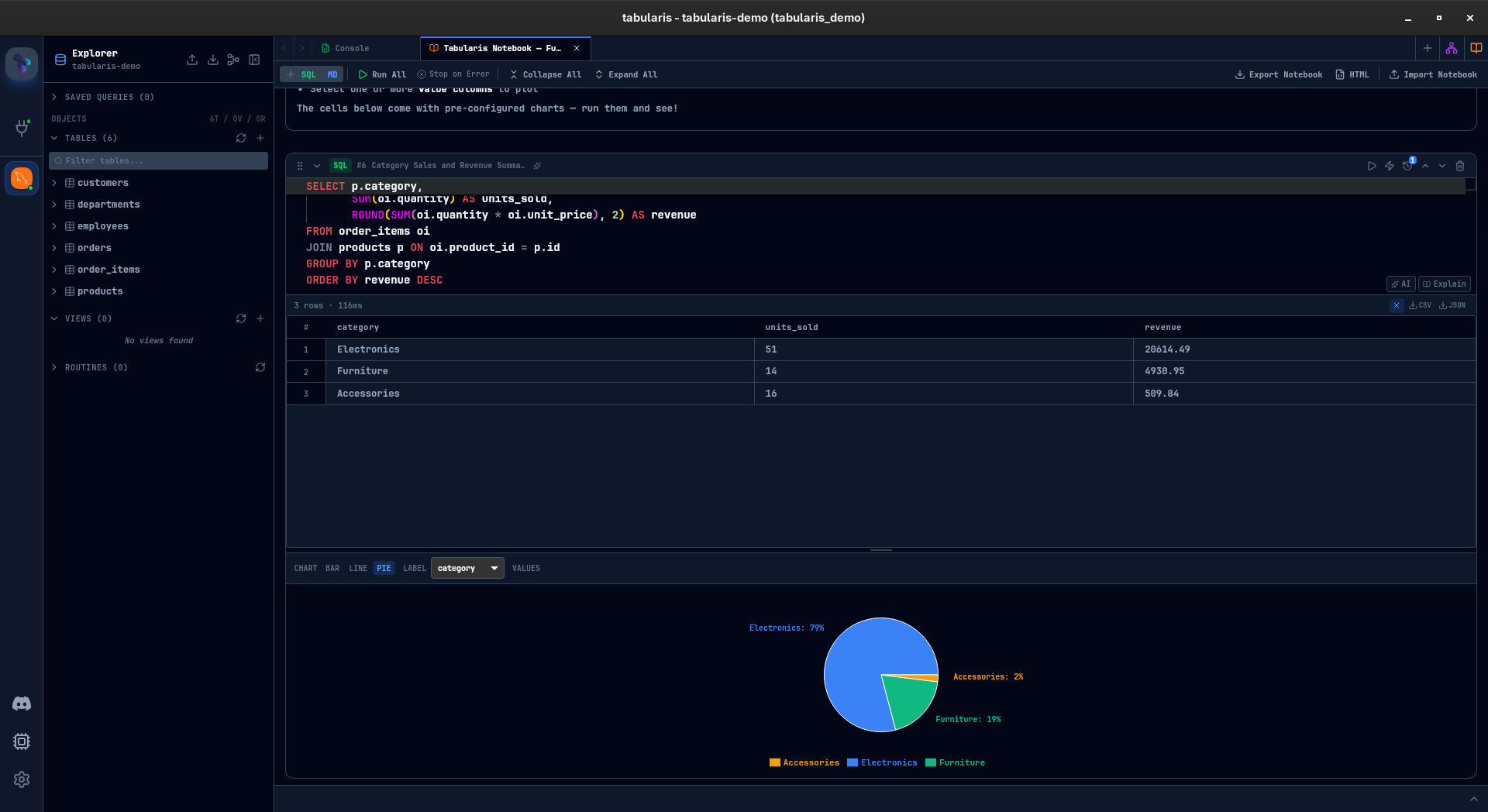
PostgreSQL work often starts ad-hoc and becomes recurring analysis. Notebooks keep SQL cells, markdown context, parameters, and charts in one place — reusable, not scattered across tabs.
4. SSH and secrets
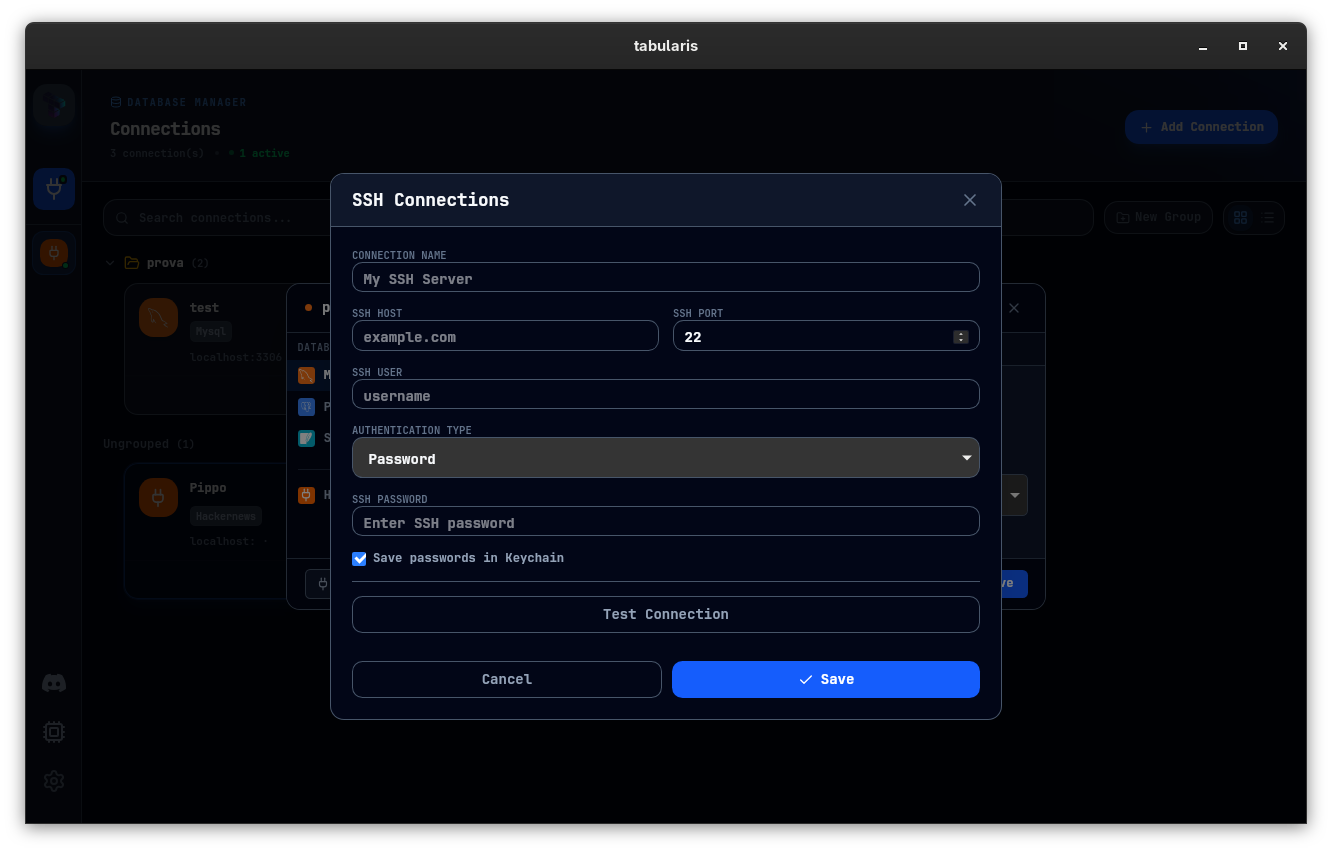
SSH tunneling is built in. Credentials live in the OS keychain, not in a shared config file.
5. Multi-database coverage
pgAdmin covers only PostgreSQL. Tabularis handles MySQL/MariaDB and SQLite too, and more backends through plugins — a real advantage once your stack grows.
6. MCP and AI
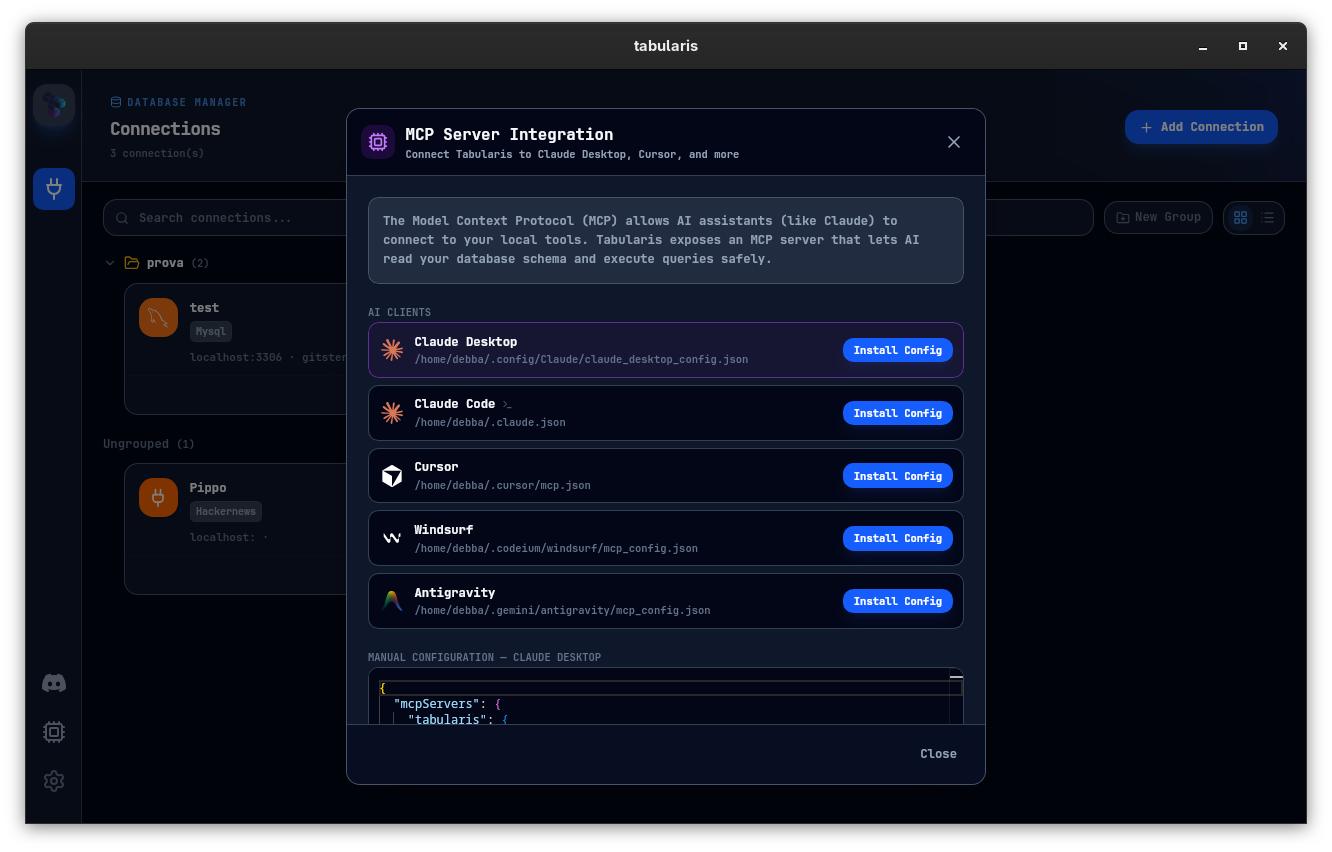
Tabularis exposes schema and query execution through MCP, so Claude, Cursor, and other MCP-compatible tools operate against your actual desktop-managed connections.
Best fit
- PostgreSQL-first developers who want a modern desktop workspace
- teams working across PostgreSQL and other databases
- workflows that include SSH, multiple environments, and reusable analysis
- users exploring AI-assisted database workflows via MCP
Not the best fit
- DBAs who specifically rely on pgAdmin's admin-centric surface
- teams that need a browser-served control panel for shared access
- workflows tied to the exact pgAdmin UI idioms by habit
Where pgAdmin Still Wins
pgAdmin is the official PostgreSQL admin tool, maintained by the PostgreSQL community, and deeply familiar to DBAs. For pure PostgreSQL administration — roles, tablespaces, some server-level diagnostics — it is the reference tool.
Better Evaluation Criteria
Open both tools against the same PostgreSQL database and try:
- A schema inspection and a few ad-hoc queries.
- A multi-step investigation documented as you go.
- A remote connection over SSH.
- An AI-assisted flow against your schema.
The one that keeps you in flow is the one to adopt.