MySQL Client for Developers
Tabularis is a strong fit if you want a MySQL or MariaDB desktop client that feels closer to a developer workspace than a generic admin GUI.
It works well for teams that regularly inspect schemas, iterate on SQL, compare environments, and turn one-off database work into a reusable workflow.
Why consider it
Most MySQL tools can connect and run a query. The real difference is everything around that query:
- how fast you can move through schema and data
- how easy it is to reuse work later
- how well the tool handles remote and multi-environment setups
- whether the workflow stops at query tabs or grows into analysis
Tabularis is built for that broader loop.
Best fit
- MySQL and MariaDB daily workflow with schema browsing, SQL editing, results, and saved queries
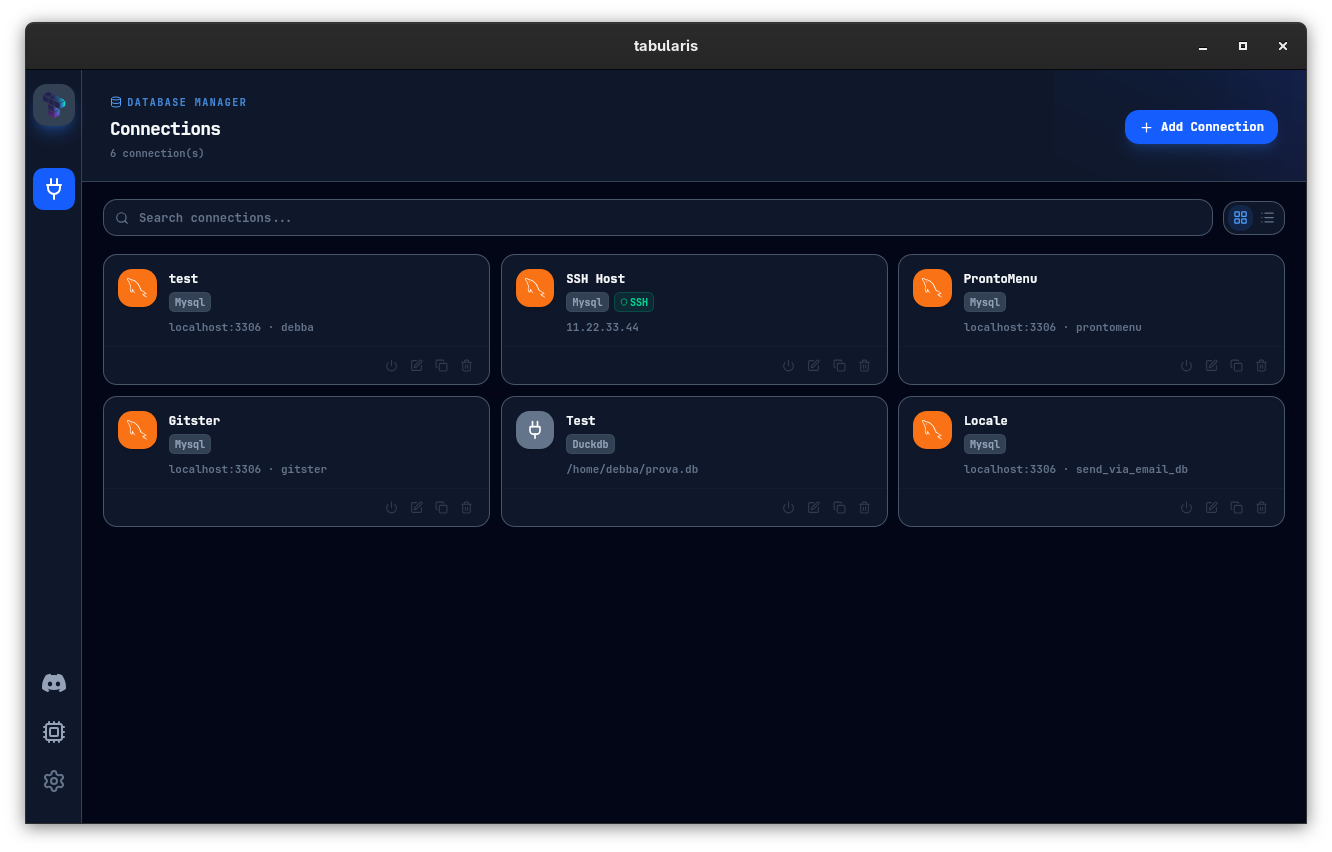
- SSH tunneling for remote staging and production access
- Split view for comparing environments or result sets
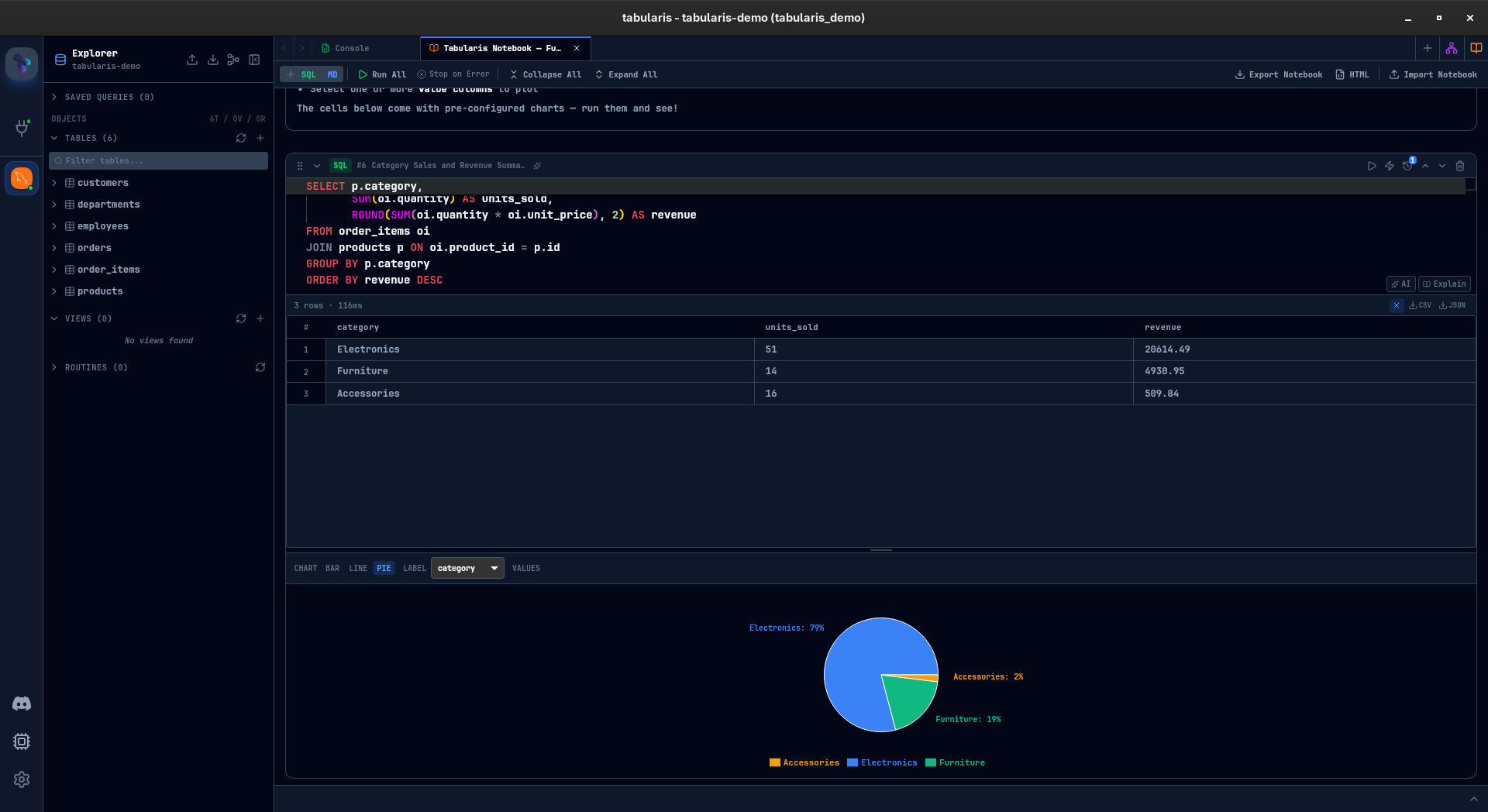
- SQL notebooks for turning repeated MySQL analysis into something reusable
- Cross-database workflow if your team also touches PostgreSQL or SQLite
Not the best fit
- teams looking for a hosted BI layer instead of a desktop SQL workflow
- users who only need a minimal browser-based query interface
- organizations that care more about legacy enterprise breadth than workflow quality
Where it helps most
Routine application debugging
Inspect tables, run ad-hoc queries, compare rows, and verify assumptions quickly without switching between multiple tools.
Staging and production checks
When MySQL lives behind bastions or private hosts, integrated SSH support reduces friction compared with a separate tunnel setup.
Reusable SQL analysis
When a MySQL investigation stops being a single query and starts becoming a repeated workflow, notebooks give you a better place to keep logic, context, and results together.