
Secure Database Client for Local-First Teams
Tabularis is a strong fit if you want a local-first database client with a better security story than ad-hoc connection files and copy-pasted credentials.
This page is not about pretending a GUI alone makes a workflow secure. It is about reducing the most common mistakes around secrets, remote access, and day-to-day SQL work.
Why consider it
For a lot of teams, database security issues happen in the boring places:
- credentials left in local config files
- repeated manual tunnel commands
- too much drift between environments
- unclear separation between desktop workflow and external automation
Tabularis helps by keeping the workflow local, structured, and easier to reason about.
Best fit
- System keychain storage for passwords and API credentials
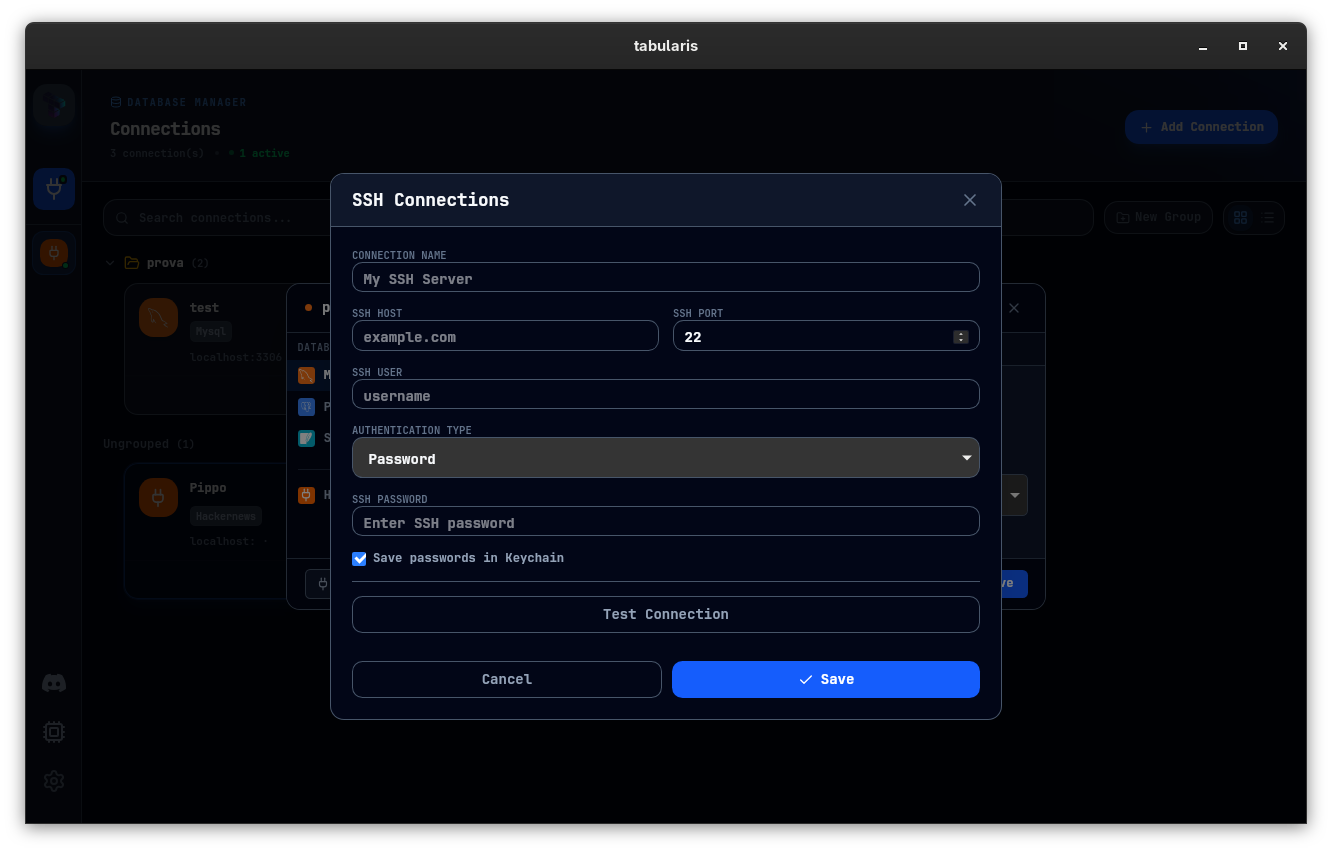
- SSH tunneling for private or remote environments
- Desktop-managed connection profiles instead of shell snippets scattered across machines
- Local-first AI workflows where database access can remain mediated through the desktop app
Not the best fit
- teams looking for an enterprise secrets platform or centralized access governance layer
- organizations that need the database client itself to replace their broader security stack
- users who are happy managing everything manually via terminal scripts
Practical use cases
Safer day-to-day SQL work
Store less in plain text, keep connection settings structured, and avoid rebuilding the same access flow every time.
Working through private infrastructure
For staging, production replicas, or customer-managed environments behind SSH, built-in tunneling reduces the number of fragile steps in the workflow.
Scoped proxy routing
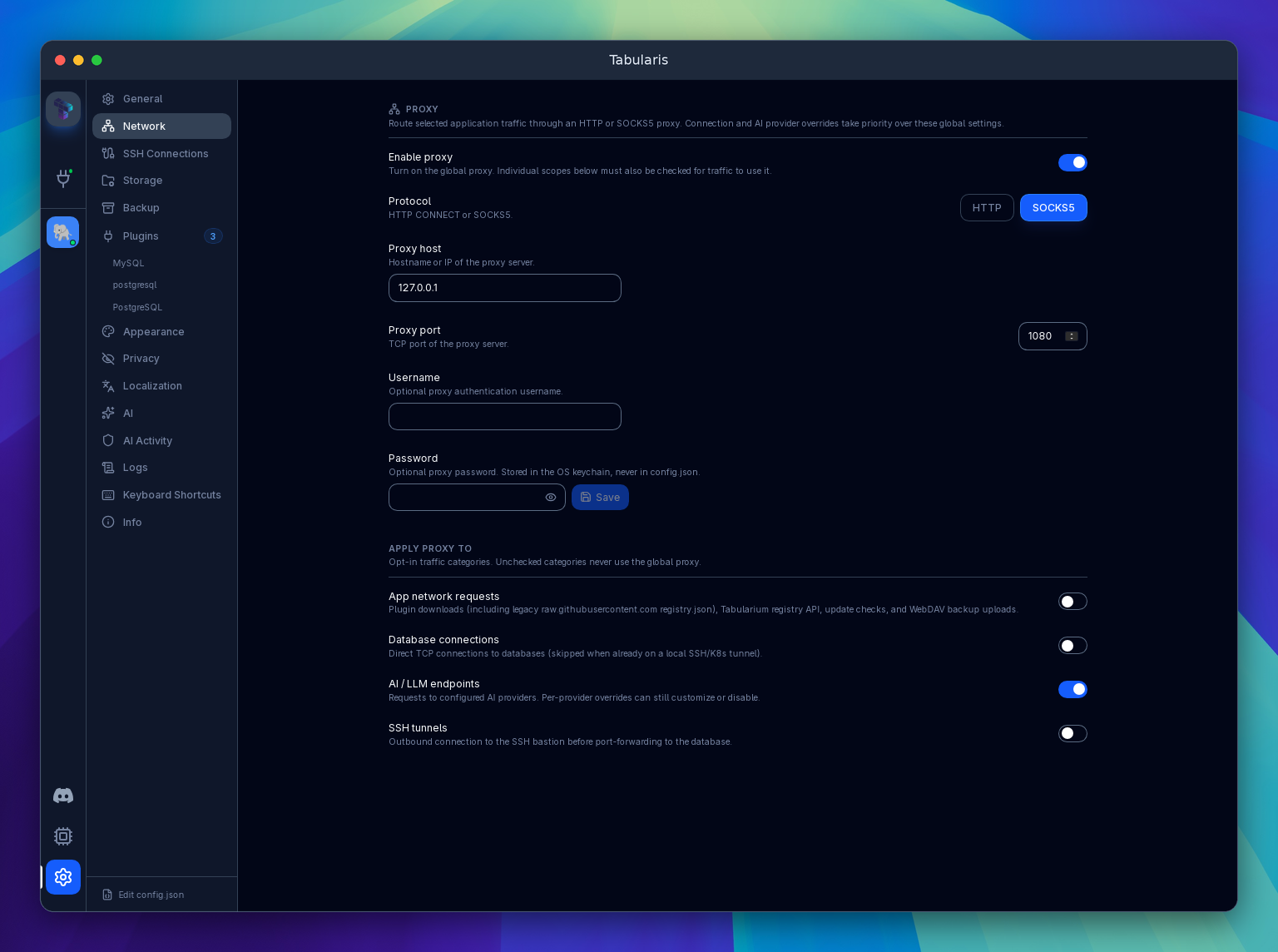
Since v0.24.0, Network settings support HTTP CONNECT and SOCKS5 proxies, with separate opt-in scopes for application requests, database connections, AI providers and SSH bastions. Individual database connections and AI providers can inherit, override or bypass the global proxy. Proxy passwords stay in the OS keychain. Routing through a proxy does not replace TLS or turn the client into an access-governance platform.
Local AI-assisted workflows
If your team is experimenting with MCP and AI tools, a desktop app acting as the bridge can be easier to control than spreading direct DB access across scripts and agents.