SQLite Client for Developers
Tabularis is a strong fit if you want a SQLite desktop client that still feels like a serious developer tool.
It works well for teams using SQLite in apps, prototypes, migration validation, snapshots, and local-first products where the database work quickly grows beyond a single query.
Why consider it
SQLite deserves better than being treated like a toy database.
A lot of real products, prototypes, internal tools, Electron apps, mobile apps, and local-first workflows depend on SQLite. The tooling around it should feel like a real developer workflow, not a compromise.
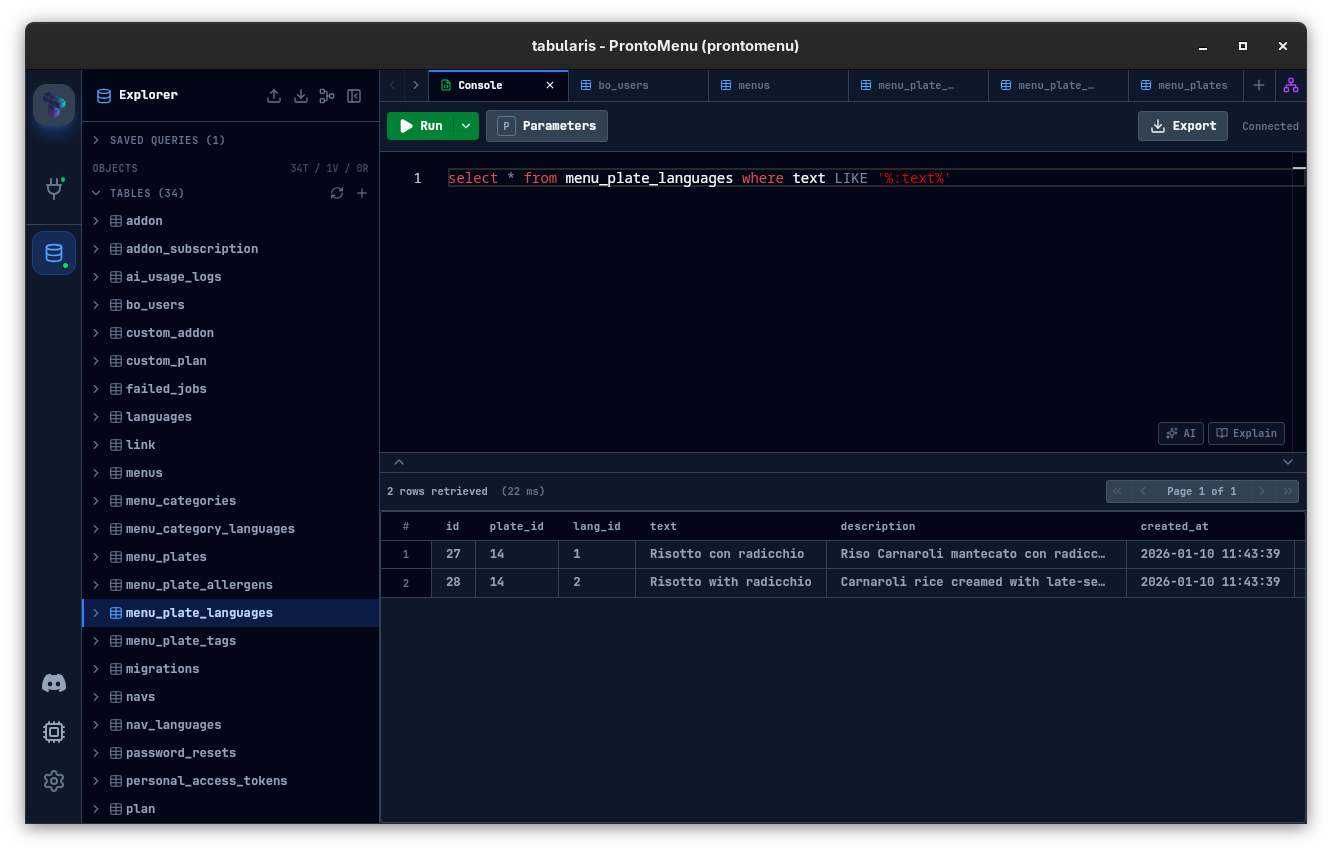
Tabularis is a good fit when you want a SQLite desktop client that still gives you schema visibility, SQL editing, result handling, and room for deeper analysis.
Why SQLite Users Need a Better Workflow
SQLite work often starts simple:
- open a file
- inspect a table
- run a query
But it quickly grows into:
- validating app behavior
- debugging migrations
- checking production snapshots
- comparing datasets
- documenting findings
That is where a stronger desktop workflow helps.
What Tabularis Adds to SQLite Work
SQL editor plus result workflow
Use a real editor, keep result tabs separate, and inspect data without bouncing into another tool.
Schema browsing
Even for SQLite, being able to move through tables, columns, and related metadata from one sidebar is faster than constantly querying introspection commands manually.
Notebook-based analysis
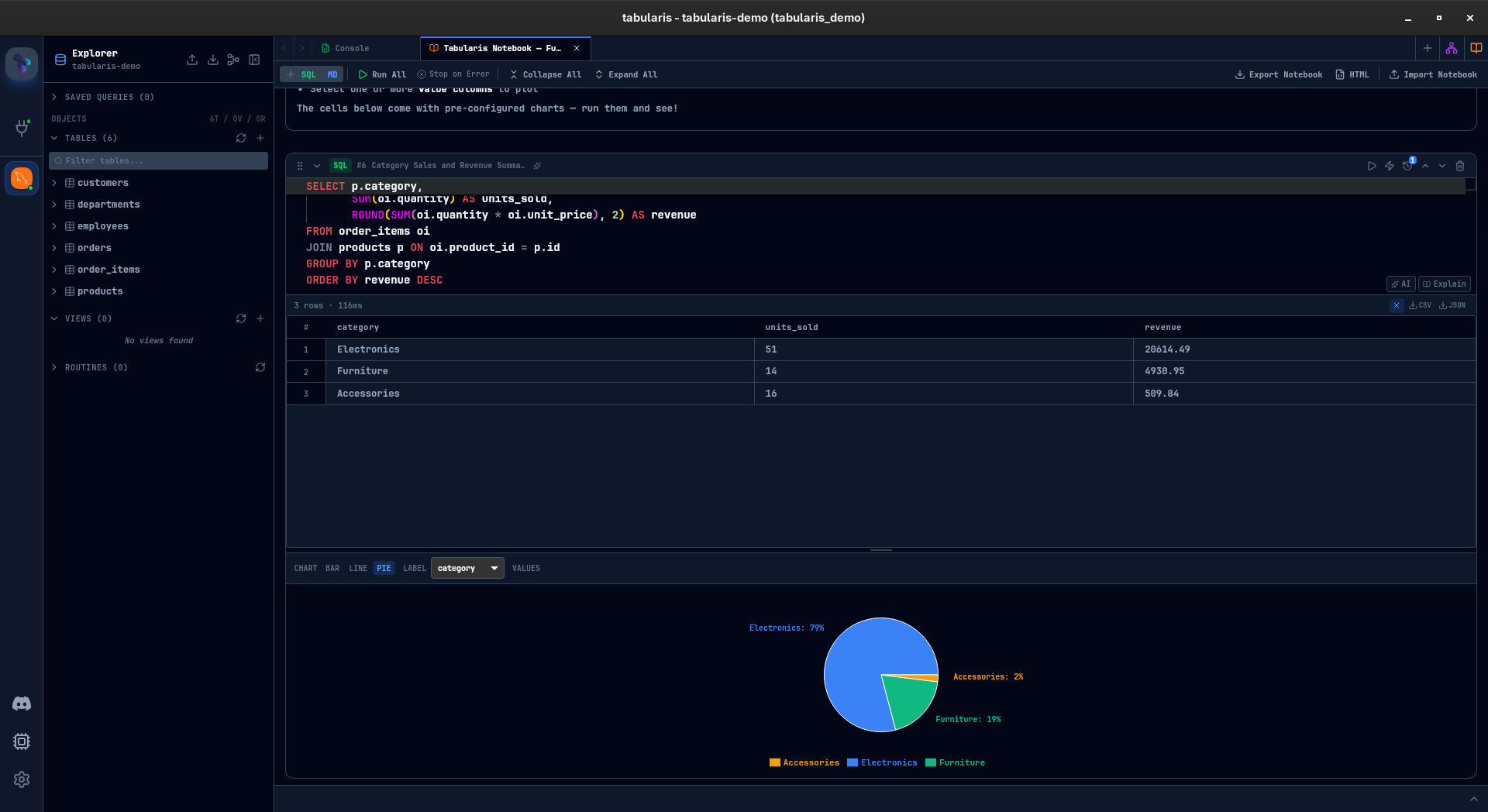
If your SQLite investigation turns into a repeatable analysis, you can move from query tabs into notebooks with markdown, parameters, and charts.
Cross-database mindset
If your workflow touches SQLite locally but PostgreSQL or MySQL elsewhere, Tabularis lets you keep a similar interface across those database types instead of switching mental models.
Best fit
Tabularis is especially useful for:
- app developers using SQLite locally
- Electron or desktop app teams
- prototyping and migration validation
- local-first product workflows
Not the best fit
- users who only need a tiny file viewer and nothing else
- teams looking for a full analytics warehouse product
- workflows centered on browser-only admin tools
Related pages
- SQL notebooks for database analysis
- PostgreSQL client for developers
- Editor documentation
- Download Tabularis