

Tabularis is a native SQLite browser for Linux — a real desktop app with a Monaco-based SQL editor, schema tools, inline editing, notebooks, and plugin extensibility.
Native packages are available for modern Linux distributions. No Wine, no web server, no browser tab.
Why a desktop SQLite browser on Linux
SQLite work on Linux usually happens next to the rest of your tooling: your editor, the terminal, your language runtime. A browser tab for DB work adds friction; a one-off CLI tool doesn't scale to multi-step investigations.
Tabularis sits between those: a proper desktop client with developer ergonomics, where you can open a .sqlite file, browse schema, run multi-step queries, and keep the work reusable.
Best fit
- Linux developers working with SQLite files daily (embedded, test fixtures, local data)
- Multi-tab SQL work across several SQLite databases
- Inline grid editing for fast corrections and data shaping
- Schema management — create tables, indexes, views with guided dialogs
- Reusable analysis via SQL notebooks
- Multi-database workflow alongside PostgreSQL and MySQL/MariaDB
Not the best fit
- users who only need
sqlite3on the command line - shared-access web admin panels
Core workflow on Linux
Open a SQLite file
Point Tabularis at a .sqlite, .db, or .sqlite3 file. The schema browser populates immediately — tables, columns, indexes, views.
SQL editor
Monaco-based, with multi-cursor, keybindings, and result tabs. Run a single query, selected SQL, or a multi-statement script.
Inline editing
Edit rows directly in the result grid. Changes are tracked and can be committed or discarded together.
Schema tools
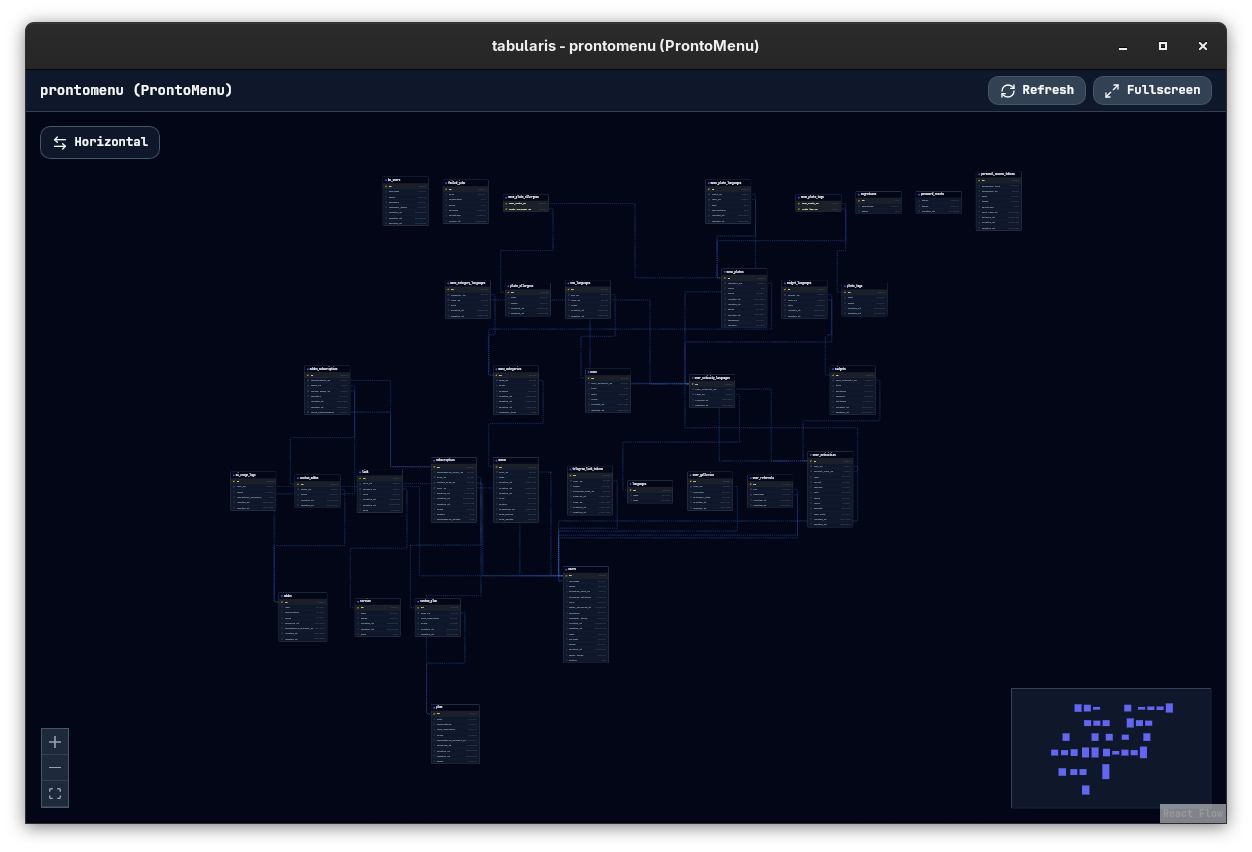
Create tables, indexes, views, and routines without writing boilerplate DDL from scratch.
SQL notebooks
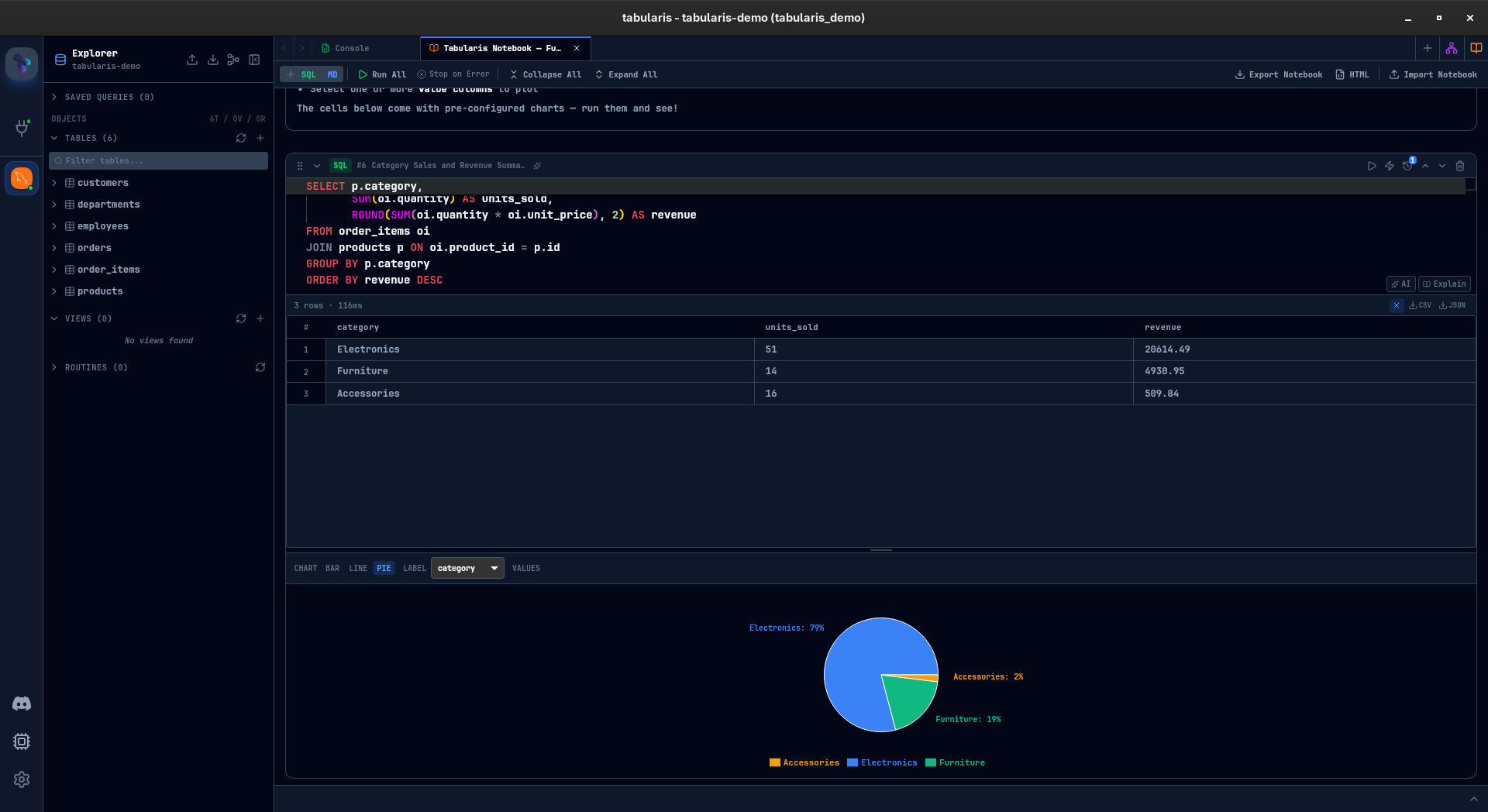
When SQLite investigation becomes recurring work, notebooks keep SQL cells, markdown, parameters, and charts together.
Plugin extensibility
Extend data formats, UI surfaces, or add backends through plugins — useful when SQLite is one of several stores you work with.
Typical Linux scenarios
Inspecting a local .sqlite file
Drop a file into Tabularis, browse tables, run a few queries, spot-edit rows inline.
Prototyping a schema
Design tables and indexes with the schema tools, then export the SQL or hand it to a migration.
Cross-checking a test fixture
Open the test SQLite file next to a staging PostgreSQL connection and compare results in split view.