

Tabularis is a native Postgres GUI for macOS built for developer daily use: a Monaco-based SQL editor, SQL notebooks, SSH tunneling, keychain-backed secrets, and MCP for AI workflows.
It runs as a real desktop app on Apple Silicon and Intel, not a browser tab or Wine wrapper.
Why a native Mac app matters
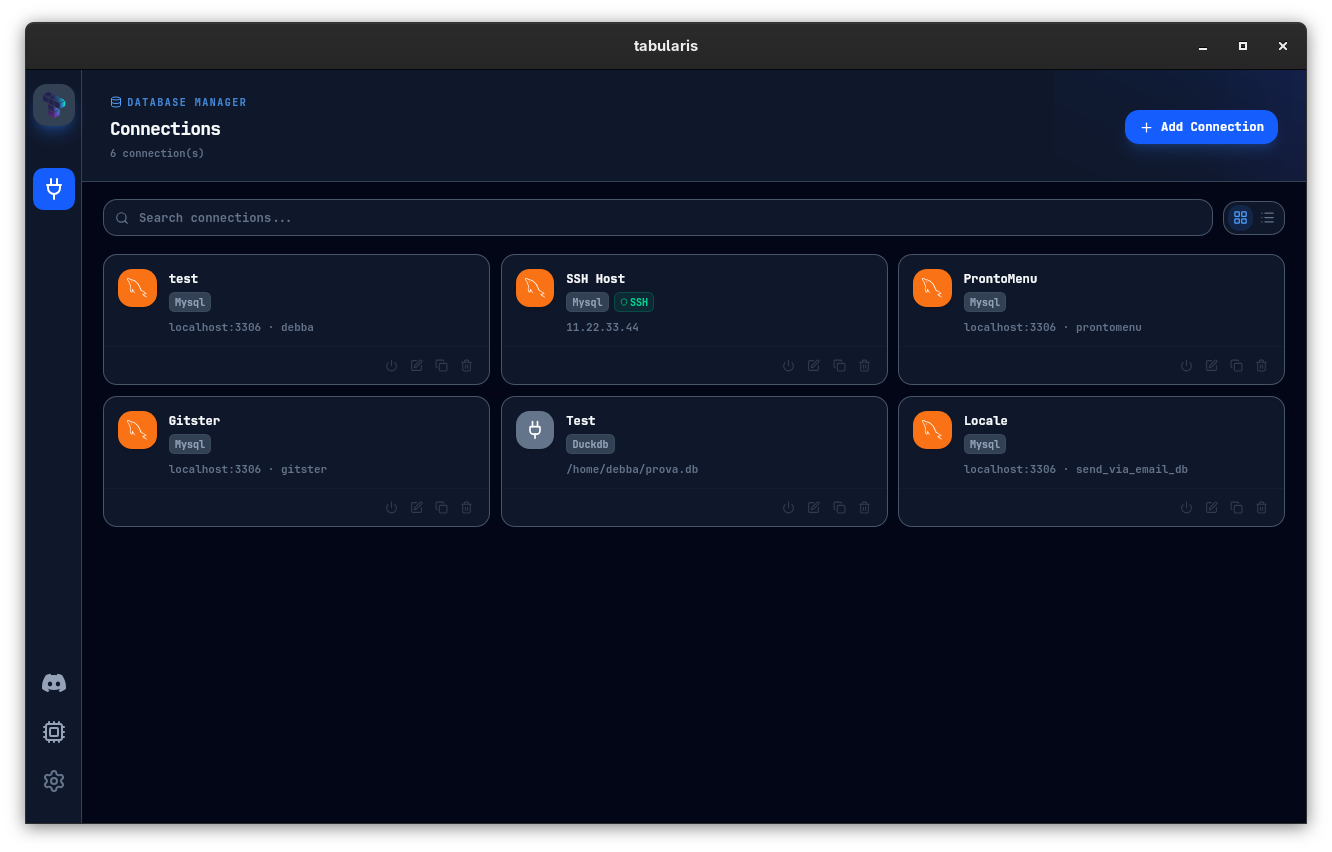
Most PostgreSQL work on macOS happens next to other developer tools: the terminal, an editor, a browser, and sometimes Claude or Cursor. You want your database client to feel like it belongs in that stack — keyboard shortcuts that follow macOS conventions, a fast launch, sensible window management, and native drag-and-drop.
Tabularis is built on Tauri, so the desktop bundle stays small and feels native on macOS.
Best fit
- Apple Silicon and Intel macOS developers on PostgreSQL daily
- Multi-environment workflow — local, staging, production over SSH
- Multi-schema PostgreSQL setups that should not be flattened into one view
- Reusable analysis — notebooks instead of scattered snippets
- AI-assisted workflows via MCP with Claude, Cursor, or similar tools
Not the best fit
- hosted BI dashboards shared with non-technical teams
- teams who want a web panel accessible from any browser
Core workflow on macOS
SQL editor
Monaco-based, with multi-cursor, keybindings developers already know, and multiple result tabs that live alongside the editor.
Schema browsing and editing
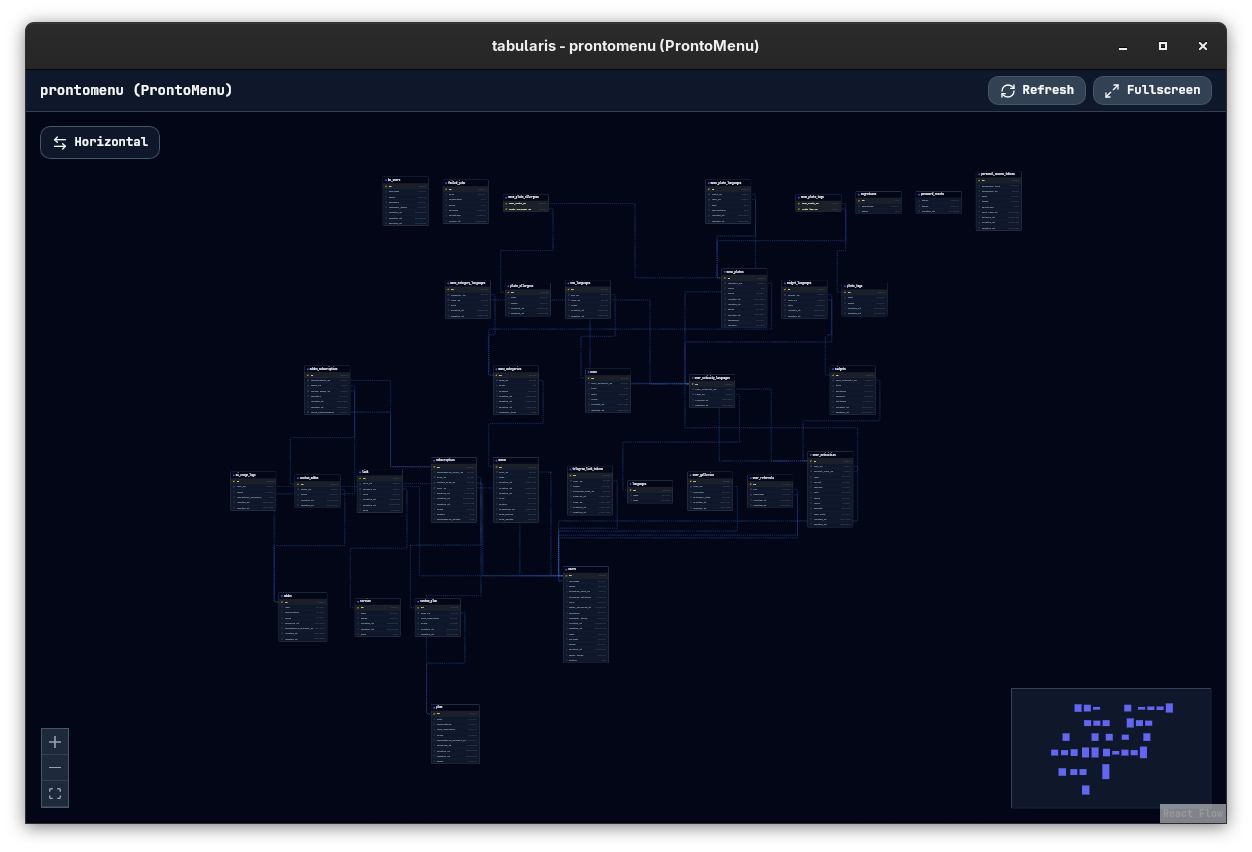
Browse tables, columns, keys, indexes, views, and routines from the sidebar. Inline editing and guided dialogs for structural changes.
SSH tunneling
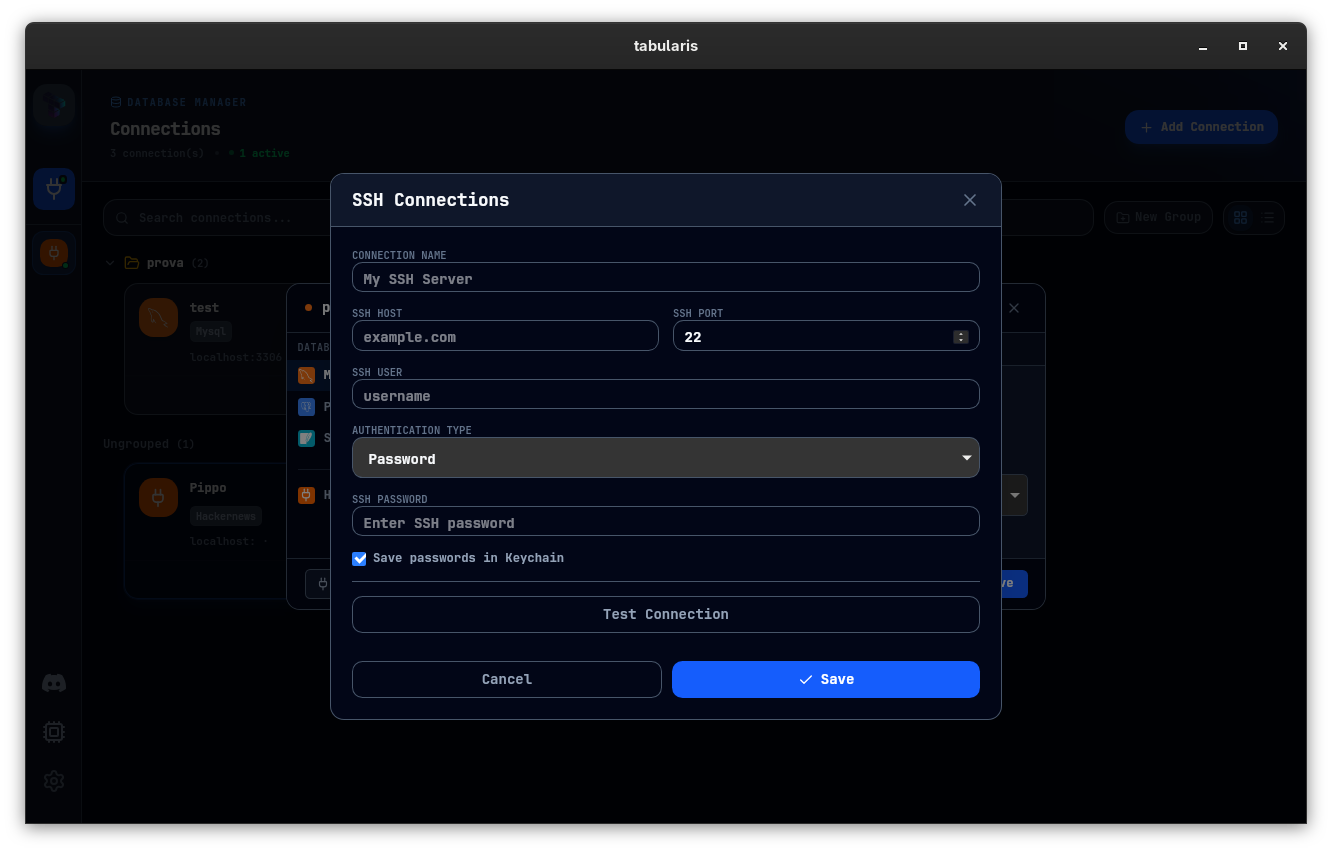
Built-in SSH tunneling for remote PostgreSQL — credentials stay in the macOS keychain, not in plain-text config files.
SQL notebooks
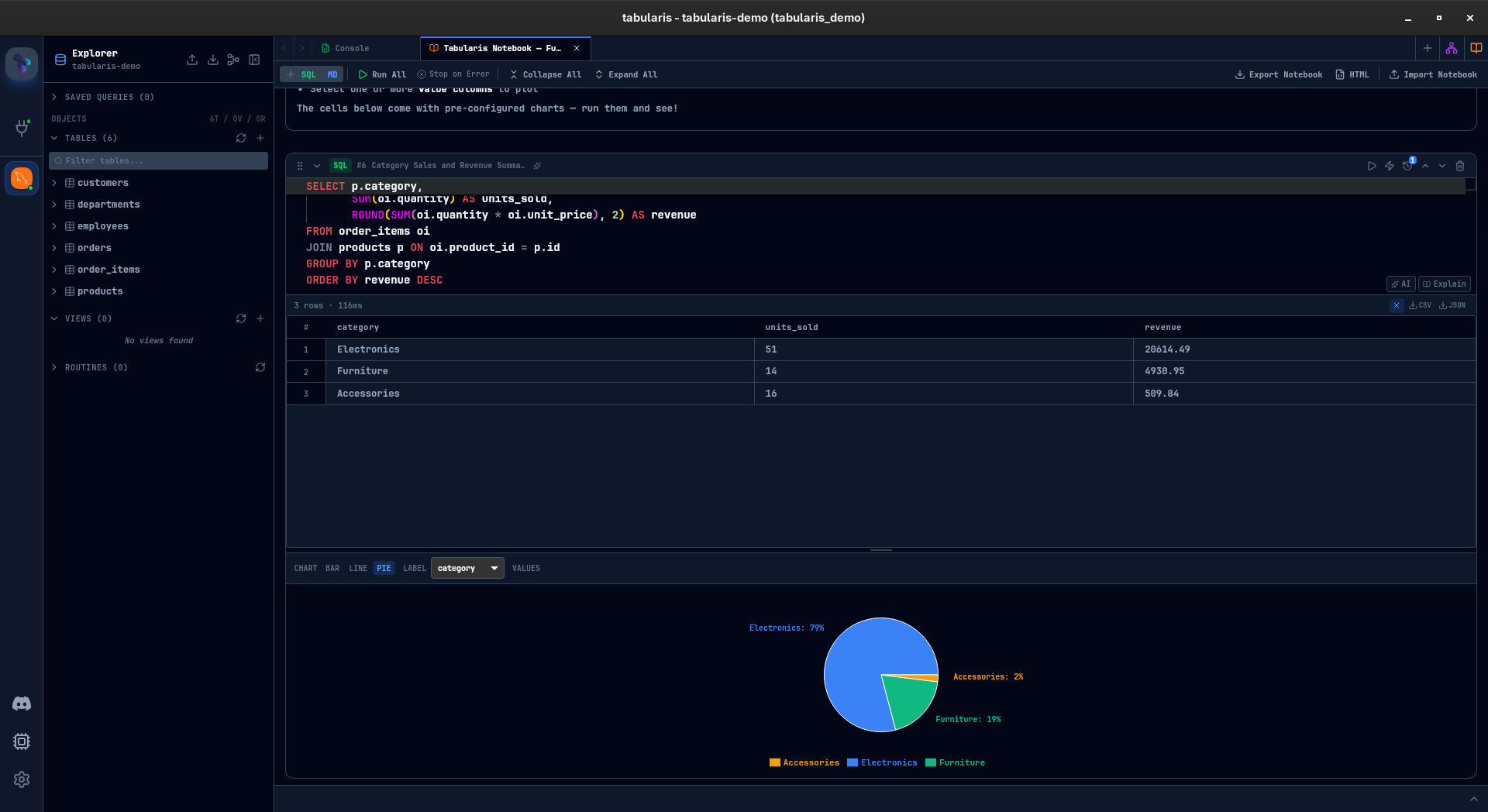
When ad-hoc SQL becomes recurring analysis, notebooks keep SQL cells, markdown, parameters, and charts in one document.
MCP for AI tools
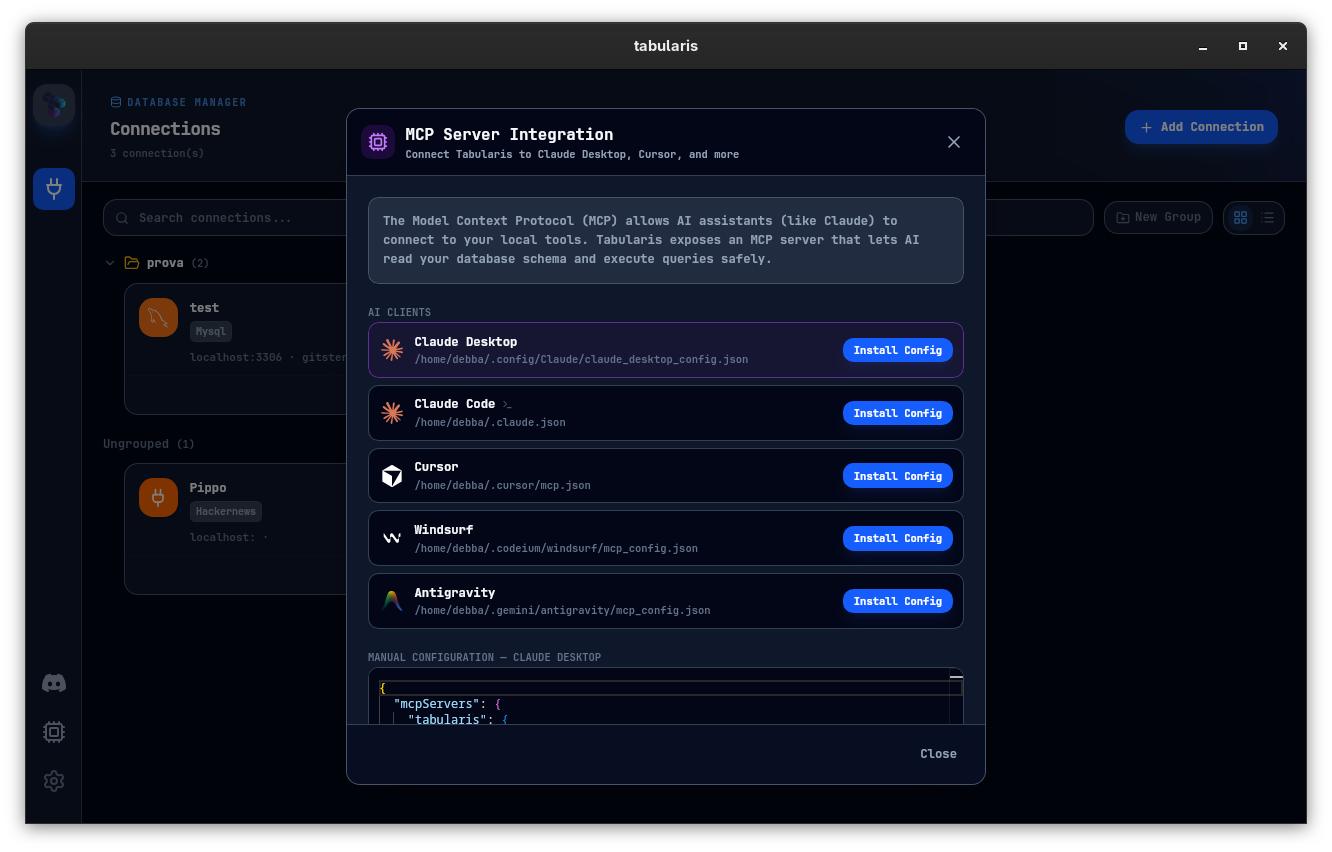
Expose PostgreSQL schema and queries to Claude, Cursor, and other MCP-compatible clients through Tabularis — no glue scripts.
Typical macOS scenarios
Connecting to a remote staging database
Open the connection manager, set up an SSH tunnel, pick PostgreSQL, and connect. Secrets go to the macOS keychain.
Running a weekly data check
Create a notebook, parameterize the query, rerun it weekly, and keep the markdown explanation inline.
Pairing with Claude or Cursor
Enable MCP in Tabularis so your AI tool sees actual schema and can run queries through the desktop client.