

Tabularis is a modern MySQL Workbench replacement built for daily developer workflow: native desktop app, Monaco-based SQL editor, SQL notebooks, built-in SSH tunneling, and MCP integration for AI tools.
It runs natively on macOS, Linux, and Windows — same shortcuts, same UX on every OS.
Why replace MySQL Workbench
Workbench is a legitimate tool with deep MySQL history. It also shows its age: heavy Qt UI, slow startup, dated editor, and a workflow shaped around classic admin tasks rather than modern developer flow.
If your daily work is closer to "open, connect, query, iterate" — and sometimes "hand this to Claude or Cursor" — the friction adds up.
What you get with Tabularis
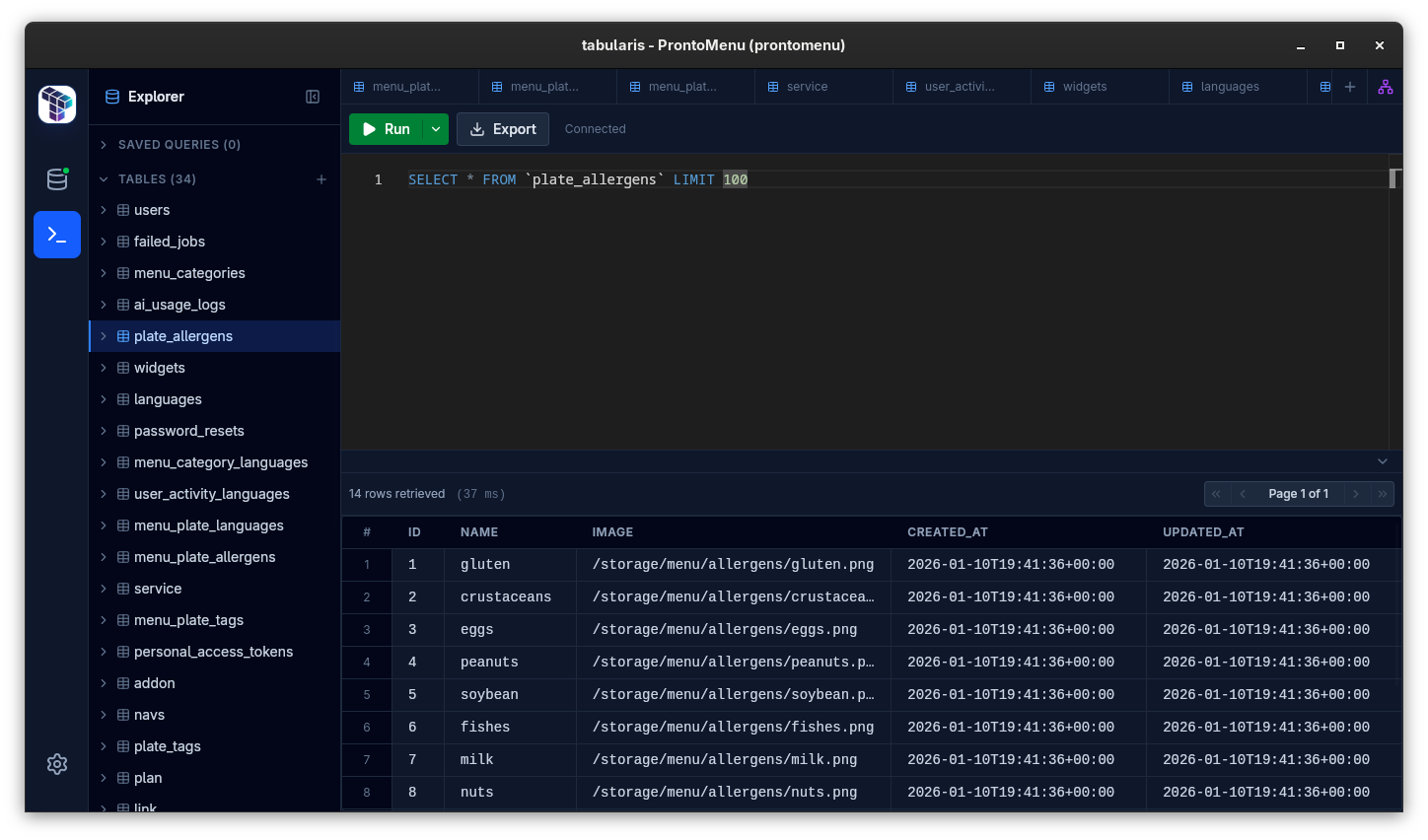
- Monaco-based SQL editor that feels like VS Code
- SQL notebooks for reusable analysis
- SSH tunneling with OS-keychain-backed secrets
- Multi-database support: MySQL/MariaDB, PostgreSQL, SQLite
- Plugin system to extend backends and UI
- MCP integration for AI-assisted workflows
Best fit
- MySQL/MariaDB developers who work daily across environments
- teams that want one tool for MySQL, PostgreSQL, and SQLite
- workflows that benefit from notebooks over scattered query files
- users exploring MCP-based AI workflows against real schemas
Not the best fit
- teams locked into MySQL Workbench's specific data modeling diagrams
- shops that require Workbench's exact server migration wizards today
Mapping Workbench features to Tabularis
Query editor
Workbench ships an editor. Tabularis ships Monaco — modern keybindings, multi-cursor, and multiple result tabs without losing context.
Schema tools
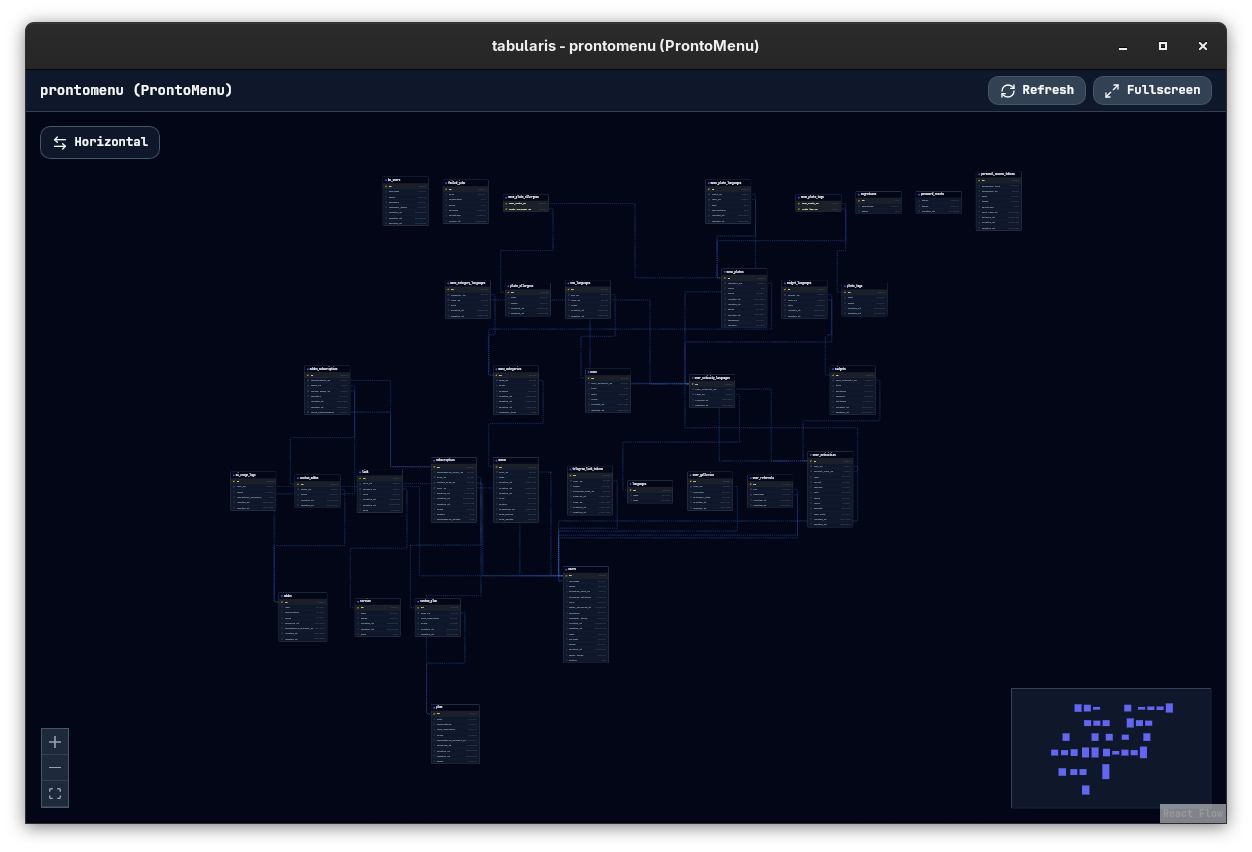
Workbench has inline schema tools. Tabularis offers schema browsing, editing with guided dialogs, and ER-style visualization.
Server admin
Workbench leans heavily on admin surfaces. Tabularis is developer-first. If you need pure server admin, keep Workbench installed on the side; most daily work moves to Tabularis.
SSH tunneling
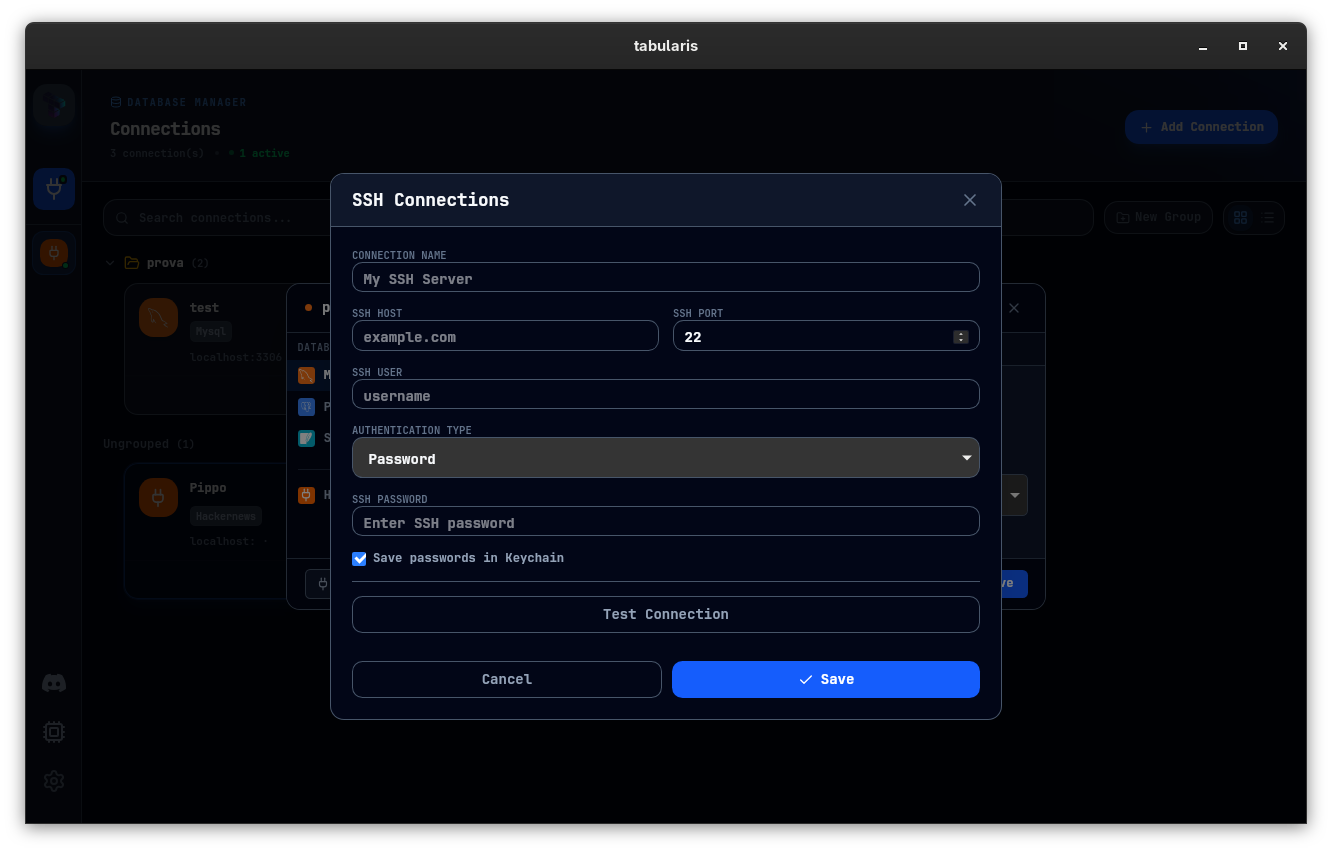
Built in. Secrets live in the OS keychain, not in ~/.mysql-workbench config files.
Notebooks
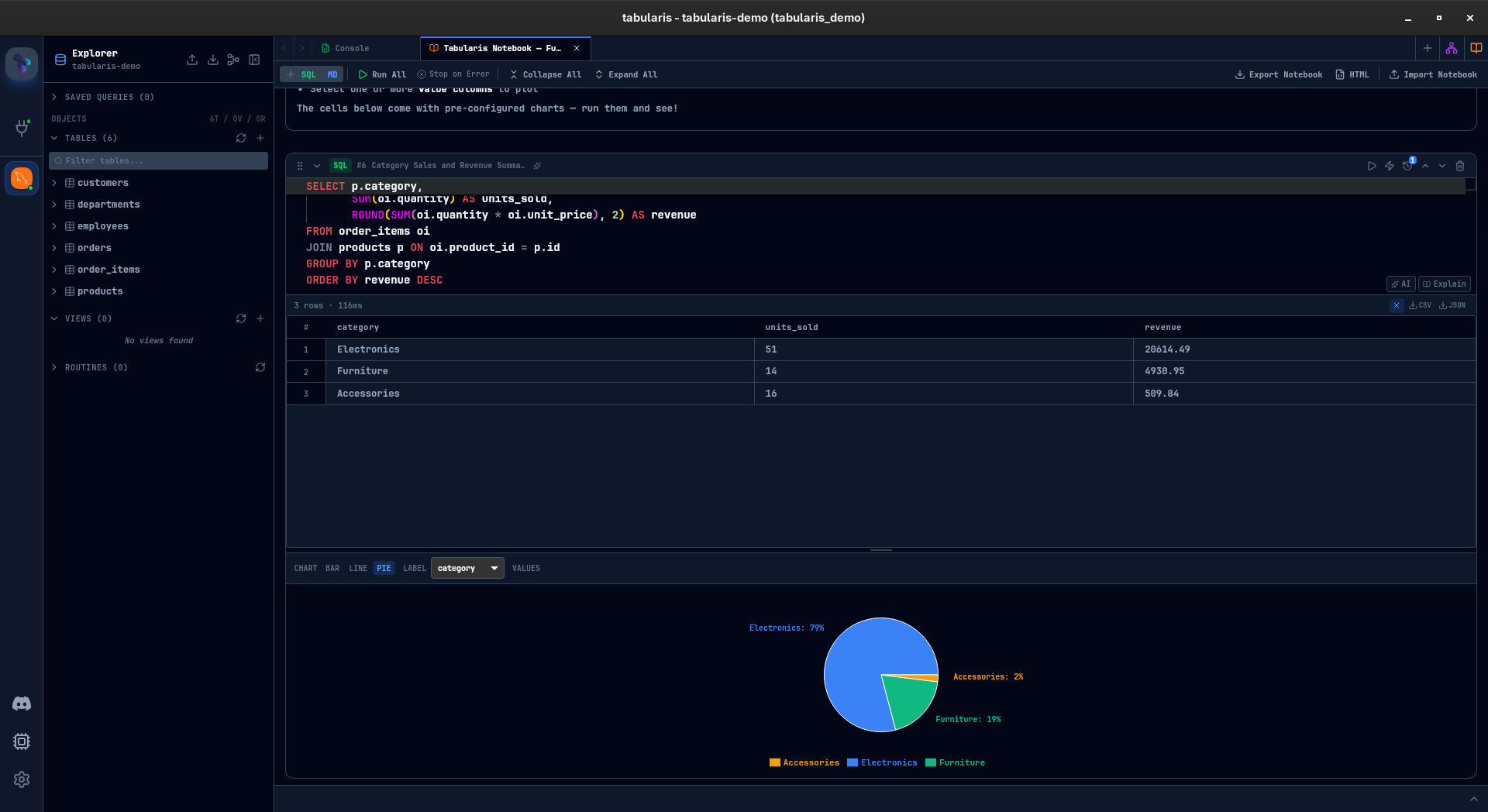
Workbench has no notebooks. This is one of the biggest workflow upgrades: keep SQL, markdown, parameters, and charts in one document.
AI and MCP
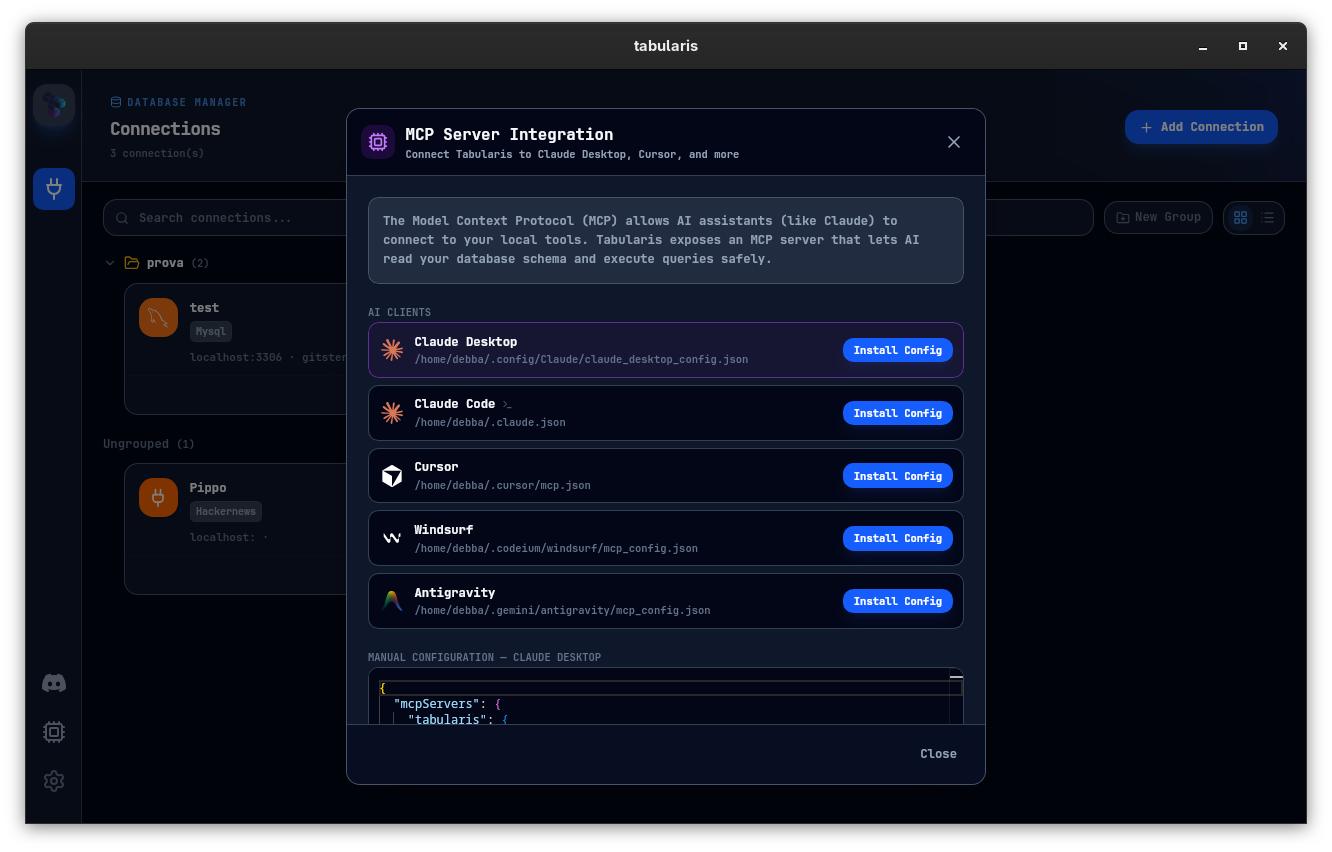
Workbench does not ship MCP. Tabularis does. Claude, Cursor, and other MCP clients can operate against your schema directly.
Migration path
- Export connections from Workbench (or import a connection string).
- Add connections to Tabularis — SSH tunnels included.
- Move recurring queries into notebooks.
- Leave Workbench installed for edge admin tasks if needed.
Most teams stop opening Workbench within a week.