

Tabularis is a free, open-source database client for Windows with a Monaco-based SQL editor, SQL notebooks, SSH tunneling, and MCP integration for AI tools.
No license, no per-seat fee, no data sent to a remote service. It runs as a native Windows desktop app.
Why Tabularis on Windows
The free SQL client landscape on Windows is split between old tools with dated UX and commercial tools with license gates. Tabularis fills the middle: a modern developer workspace with no cost and no proprietary lock-in.
Built on Tauri, so the Windows bundle stays small and feels native.
What you get
- a Monaco-based SQL editor (same editing model as VS Code)
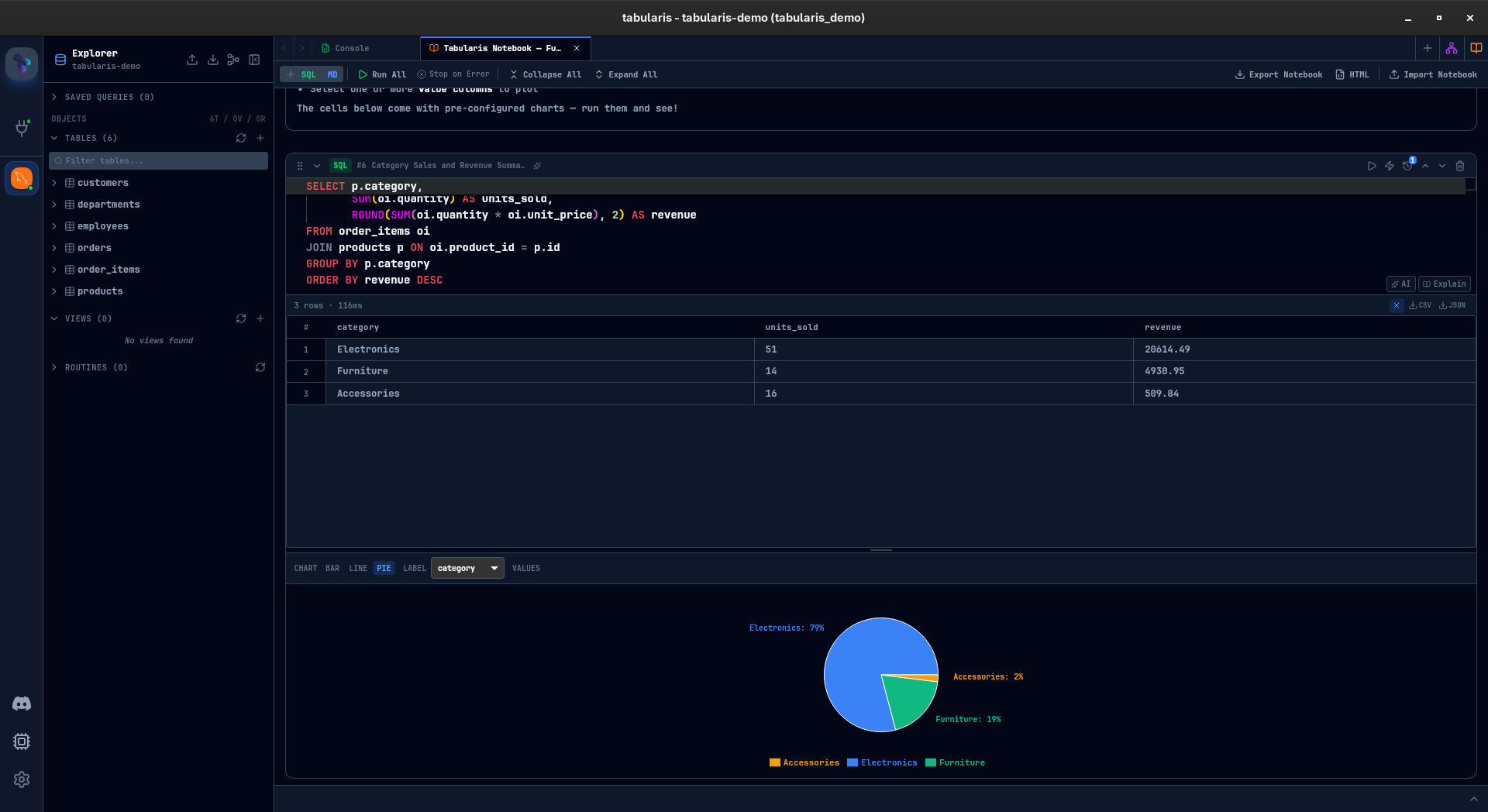
- SQL notebooks for reusable analysis
- SSH tunneling with secrets stored in the Windows Credential Manager
- PostgreSQL, MySQL/MariaDB, and SQLite support out of the box
- Plugins to extend backends and UI
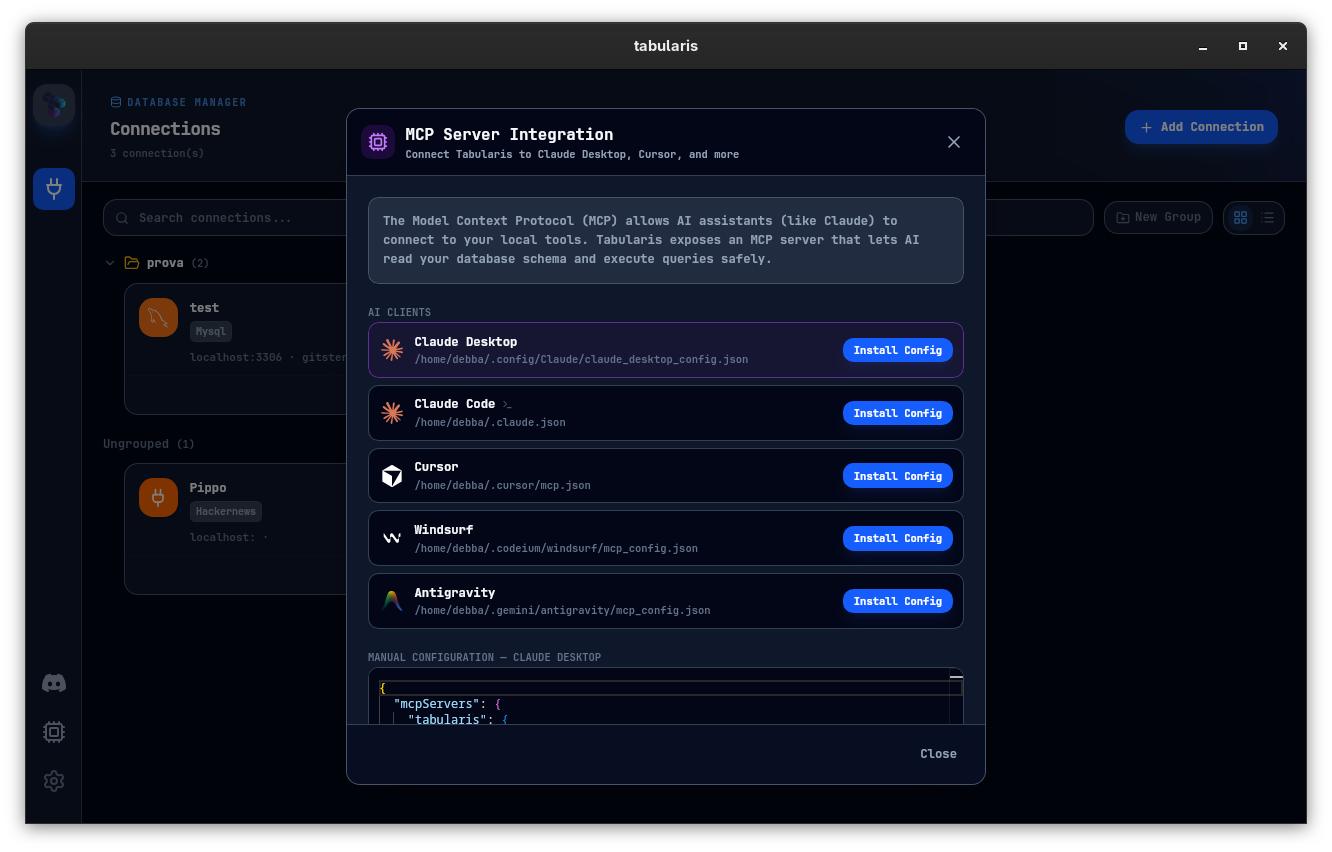
- MCP integration for Claude, Cursor, and similar AI clients
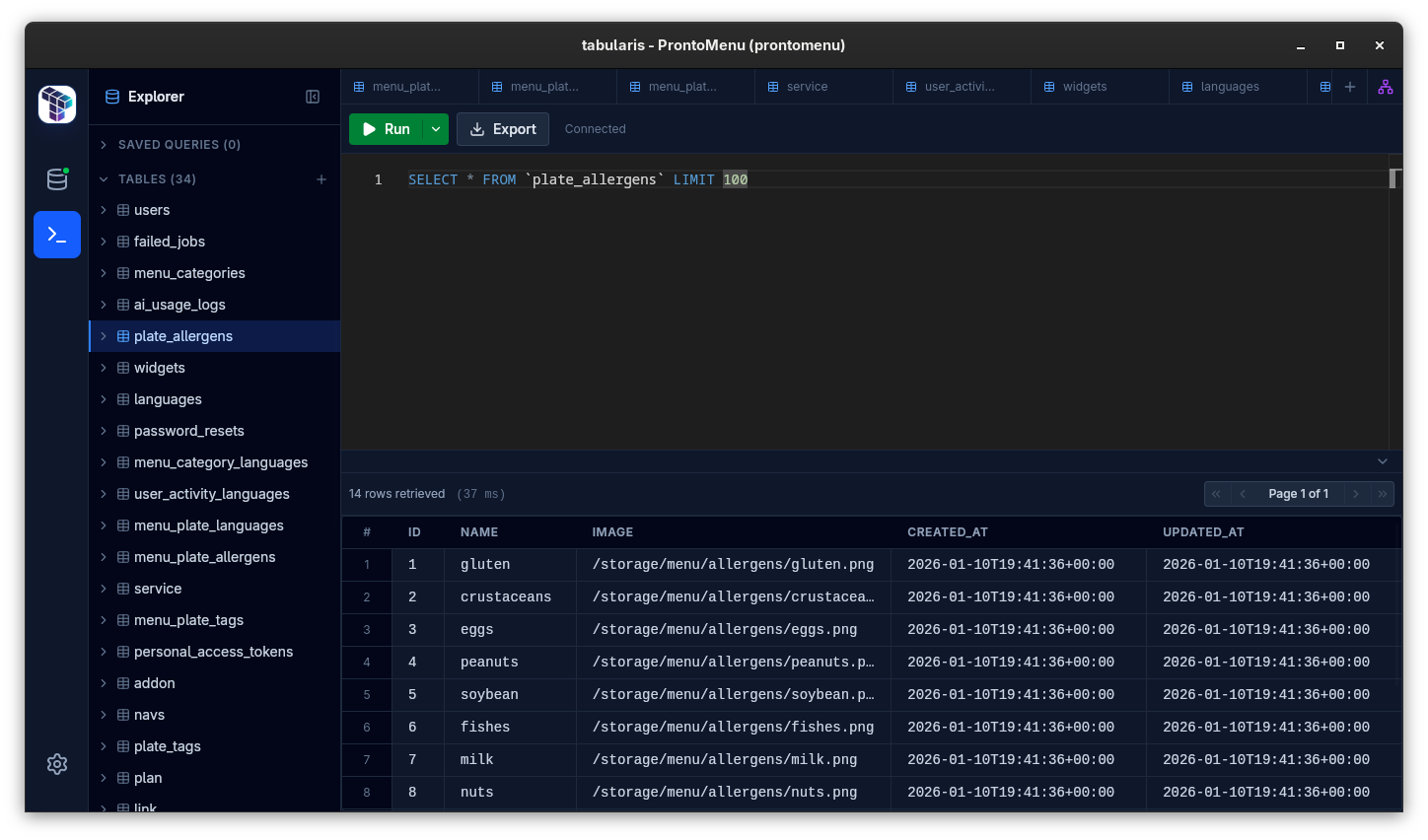
Best fit
- Windows developers on PostgreSQL, MySQL/MariaDB, or SQLite
- teams that want a free tool without a license gate
- workflows that include SSH, multiple environments, and reusable analysis
- users exploring AI-assisted workflows via MCP
Not the best fit
- shops that specifically need a legacy Windows-only tool like HeidiSQL's workflow
- teams that rely on a commercial vendor for formal support contracts
Core workflow on Windows
Connection management
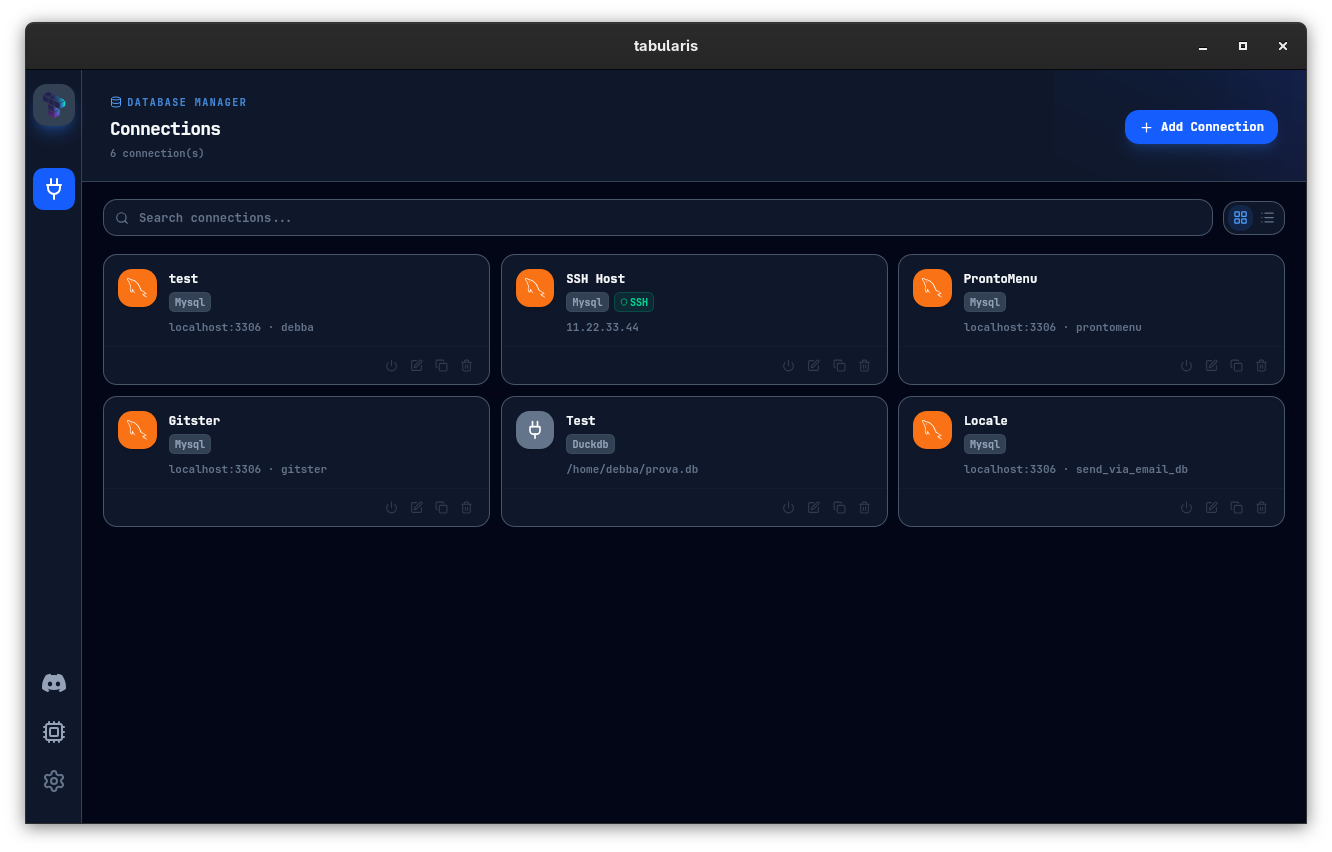
Set up PostgreSQL, MySQL/MariaDB, or SQLite connections with SSH tunnels where needed. Credentials live in Windows Credential Manager.
SQL editor
Monaco-based, multi-cursor, keyboard-driven, multiple result tabs.
Schema tools
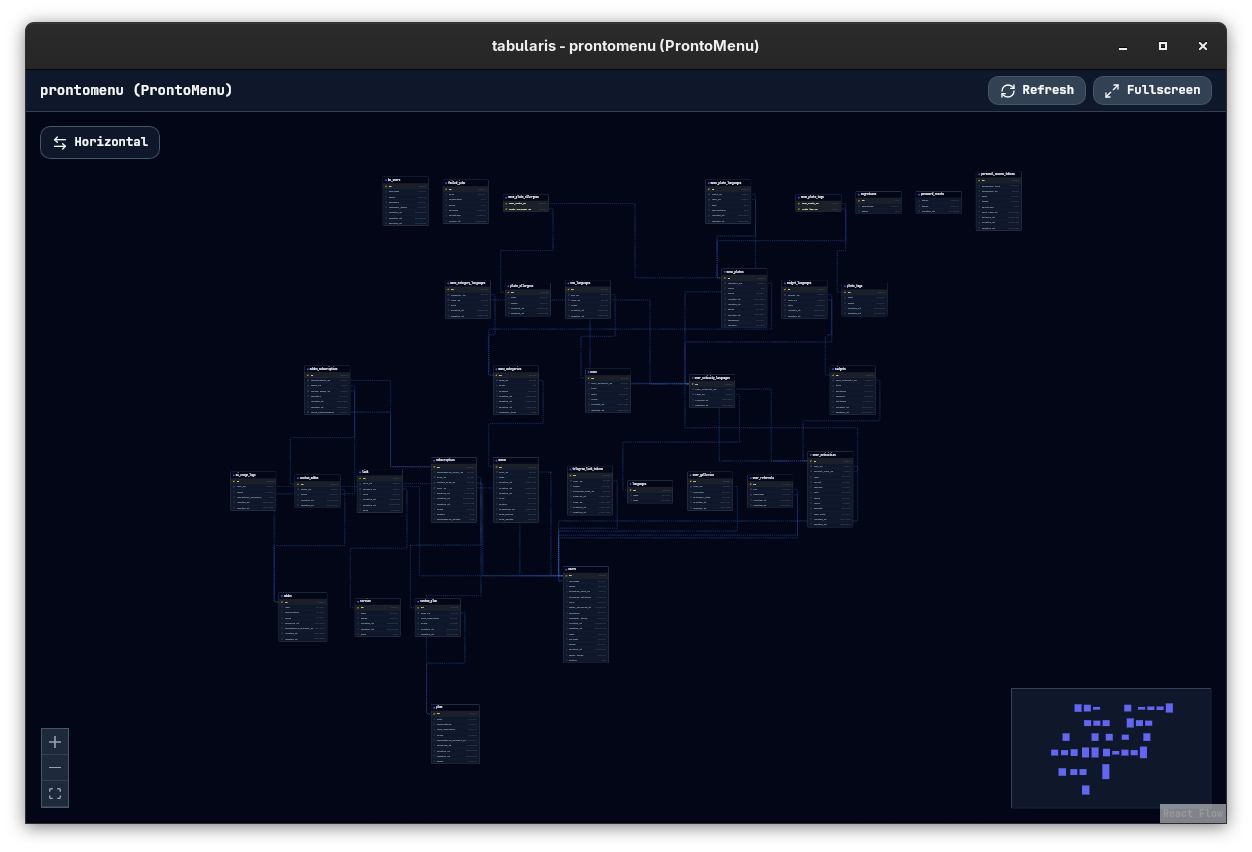
Browse tables, columns, keys, indexes, views, and routines. Inline edits and guided dialogs for structural changes.
SSH tunneling
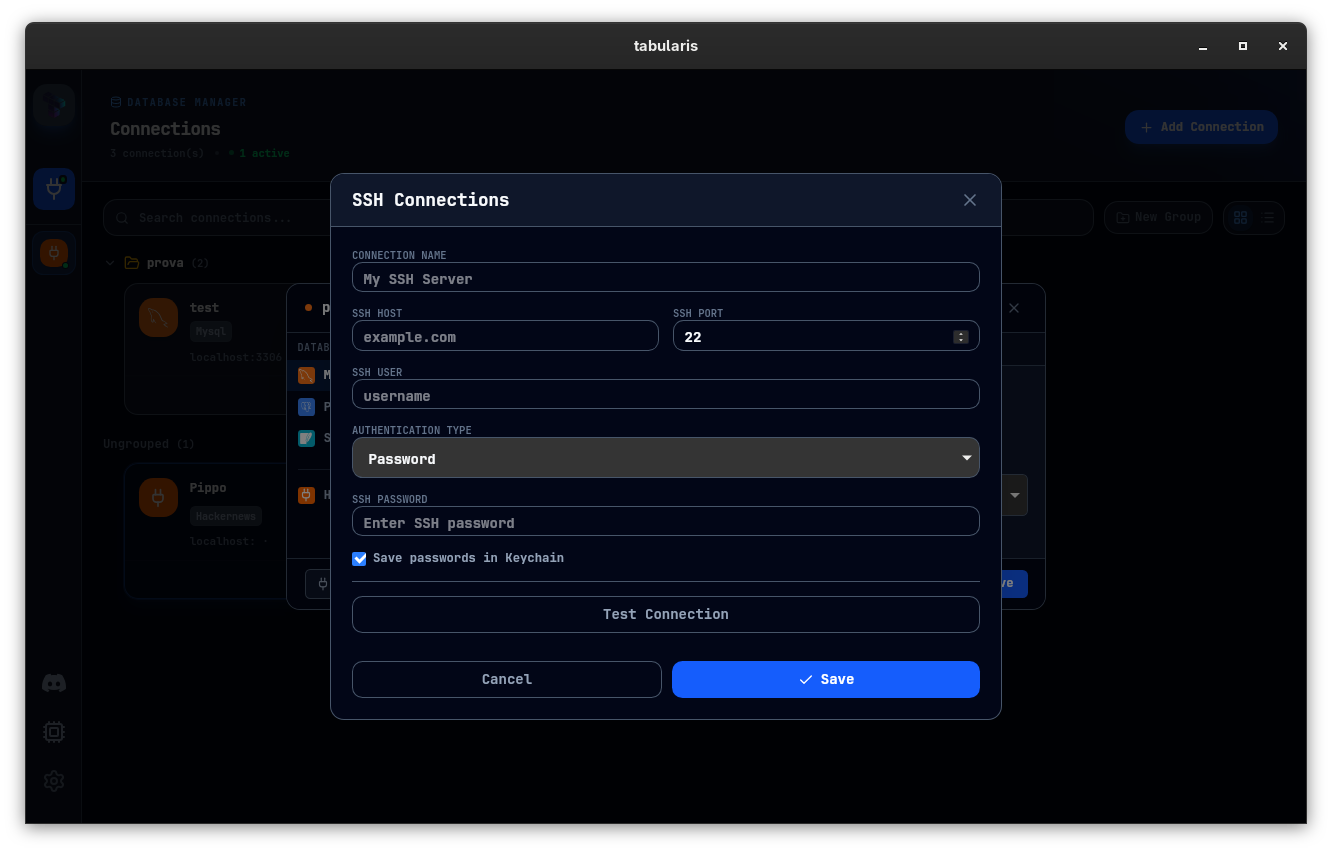
Built in. Secrets stay in the OS credential store, not in plain-text config files.
SQL notebooks
Turn ad-hoc SQL into reusable analysis. SQL cells, markdown, parameters, charts — one document.
MCP for AI tools
Expose schema and queries to Claude, Cursor, and other MCP clients directly.
Typical Windows scenarios
Moving off a paid client
Export connections, import into Tabularis, replace query files with notebooks, enable SSH for remote DBs.
Replacing a web admin panel
Connect over SSH from your Windows machine instead of exposing a web admin UI next to the database.
Pairing with an AI coding assistant
Enable MCP in Tabularis so Claude or Cursor operates against actual connections.