
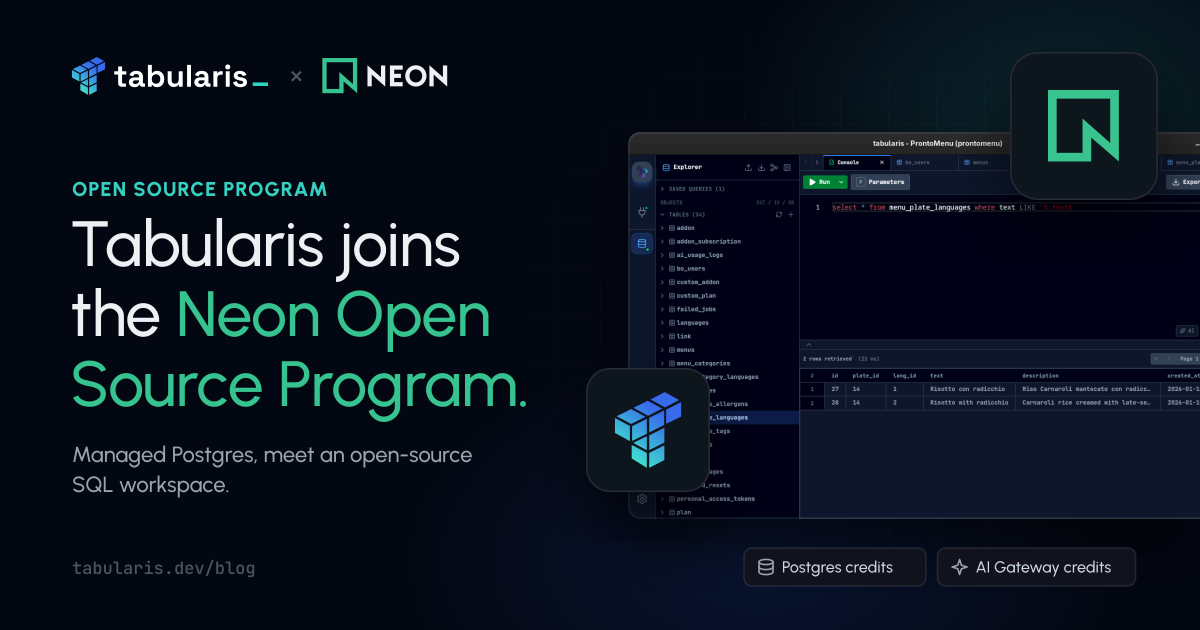
Neon has welcomed Tabularis into its Open Source Program, offering Postgres and AI Gateway credits to support the project.
For an open-source database client, this is a natural partnership. Neon provides managed Postgres; Tabularis gives you a desktop workspace to explore it, write SQL, inspect relationships, and edit data. They meet at the standard PostgreSQL connection, so getting started does not require a separate Neon integration.
Support for the work behind the client
Maintaining a database client means working with the databases people use, across different schemas, connection settings, and environments. Access to managed Postgres gives us another place to develop and exercise those workflows. Neon's database branches also offer a way to work on a separate copy of a database without experimenting on the original branch.
The program's Postgres and AI Gateway credits give the project more room for that development and experimentation.
Tabularis remains free and open source. If you want to see what we are building, report a problem, or contribute a fix, the repository is open.
Connect Neon to Tabularis
If you want to try Tabularis with a hosted Postgres database, Neon is an option you can use without running PostgreSQL on your own machine.
- Open your project in the Neon Console and click Connect. Choose the branch, database, and role you want to use.
- Turn Connection pooling off and copy the direct connection string, keeping its TLS settings (
sslmode=require). A direct connection is a useful default for desktop administration and operations that depend on session settings. - Create a connection in Tabularis, select PostgreSQL (install the PostgreSQL plugin if needed), and paste the URL into Connection String.
- Give it a name, click Test Connection, and save. You can then browse schemas, open tables in the grid, and run queries in the SQL editor.
For manual connection fields, using a pooled endpoint, or connecting to another branch, see our Neon connection guide. If this is your first time using Tabularis, the getting-started guide takes you from that connection to your first query. Neon's connection documentation covers the details on their side.
Thank you, Neon
Thank you to the Neon team for supporting Tabularis and for including a SQL client in the program. Support like this helps us keep working on a tool that anyone can use, inspect, and improve.
And thank you to everyone contributing code, plugins, translations, bug reports, and feedback. That work is what makes Tabularis useful, and what gives programs like this a project to support.
You can find Neon alongside the other organizations helping the project on our sponsors page. If you use Neon with Tabularis, we would love to hear how it goes.
The Tabularis Team