16 posts

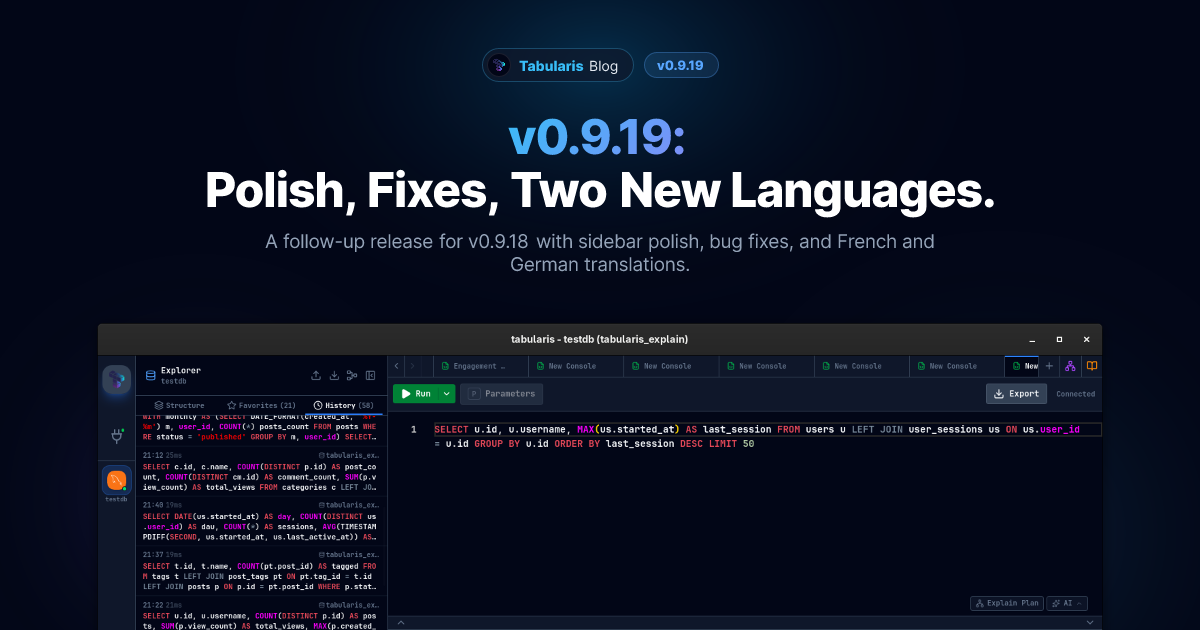
v0.9.19: Polish, Bug Fixes, French and German
v0.9.19 is a short follow-up to v0.9.18: a round of UI polish and bug fixes on top of the new History workflow, plus two new locales — French and German — bringing the UI to six languages.
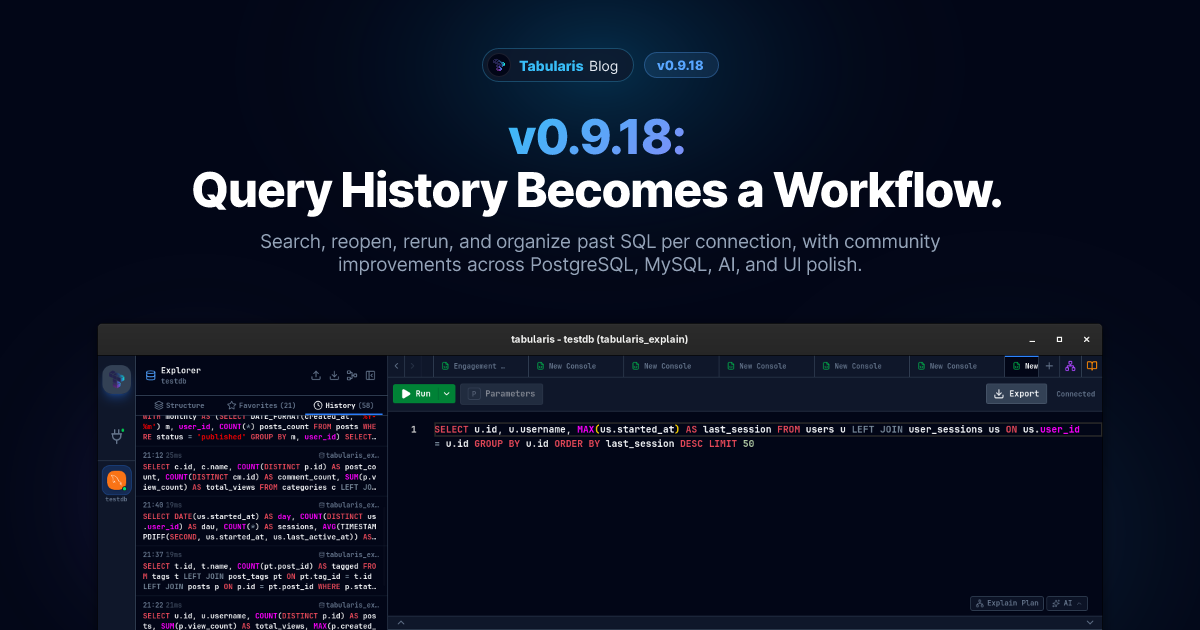
v0.9.18: Query History Becomes a Workflow
v0.9.18 adds a real query history workflow to Tabularis: per-connection storage, search, date grouping, fast re-run actions, and retention controls. The release also includes a strong set of community-driven improvements across PostgreSQL, MySQL, AI settings, and theming.
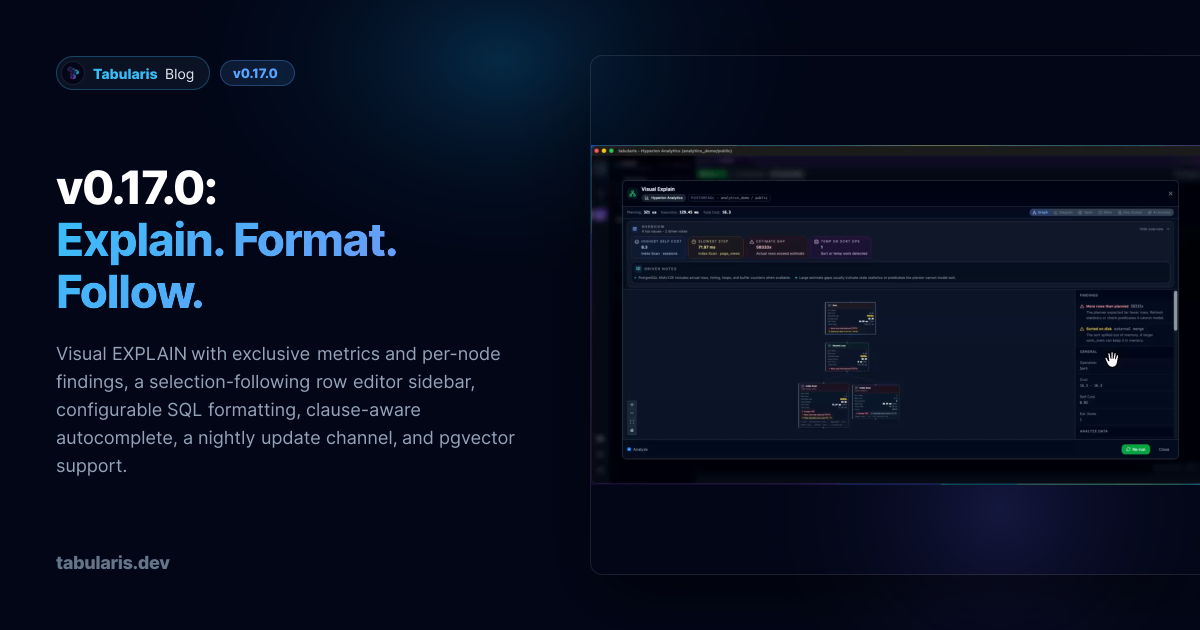
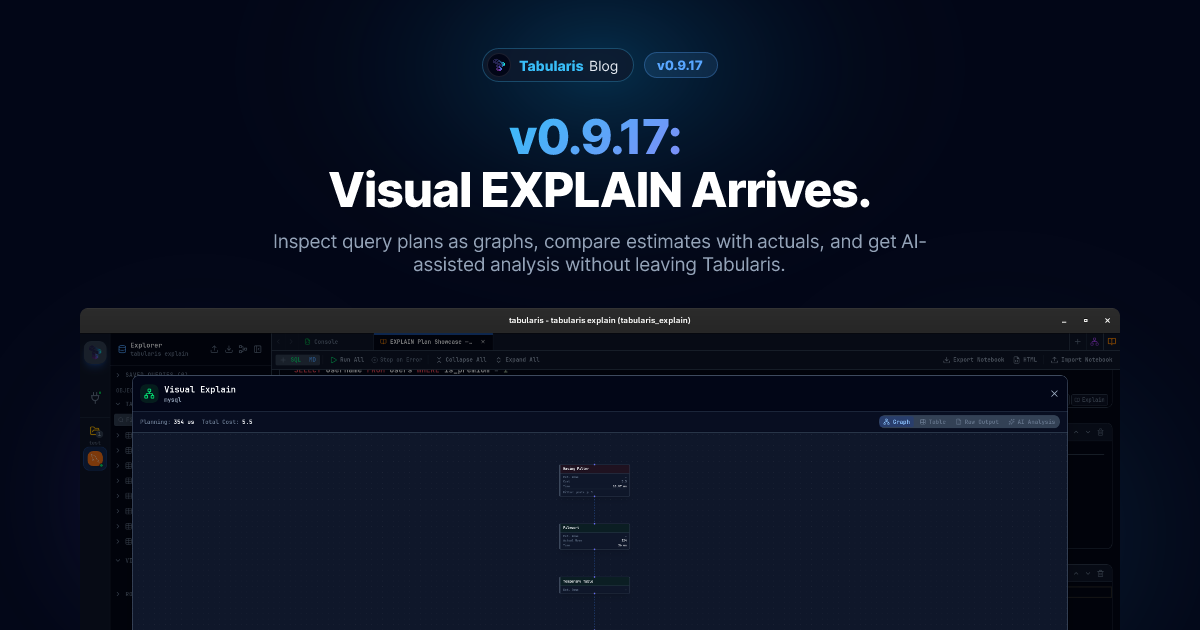
v0.9.17: Visual EXPLAIN Arrives
v0.9.17 brings Visual EXPLAIN to Tabularis: interactive execution plan graphs, table and raw views, AI-assisted analysis, and cross-database support for PostgreSQL, MySQL, MariaDB, and SQLite.
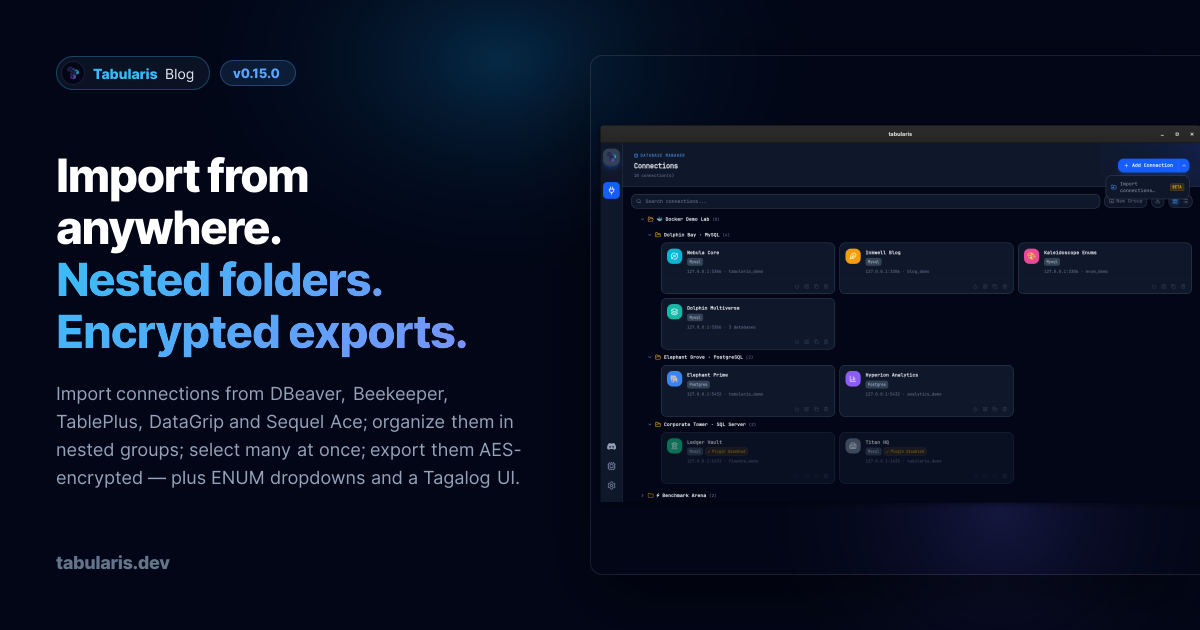
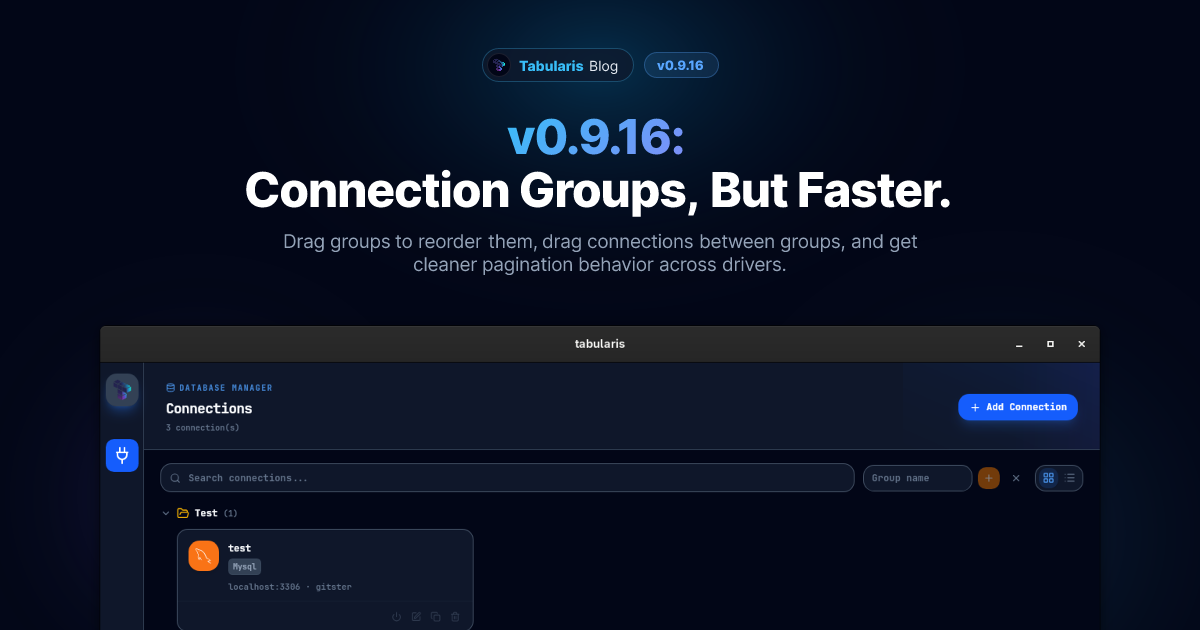
v0.9.16: Connection Groups, But Faster
v0.9.16 makes connection groups feel much more direct: drag groups to reorder them, drag connections into a different group, and get more consistent pagination behavior across built-in drivers.
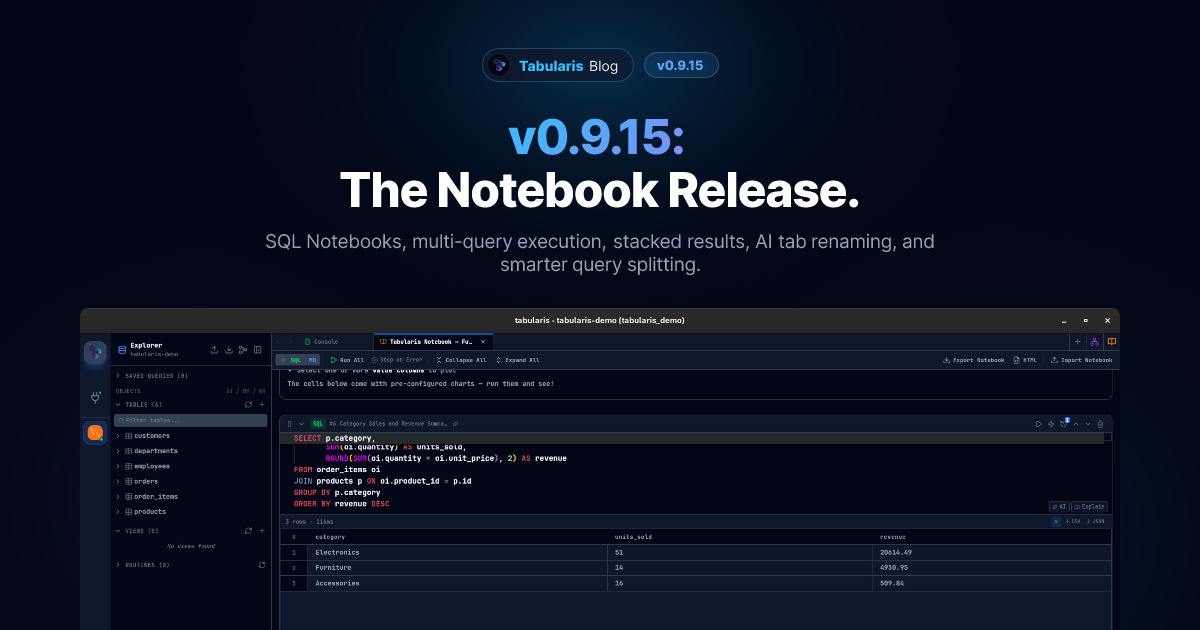
v0.9.15: The Notebook Release
SQL Notebooks land with cell references, inline charts, parameters, AI naming, and HTML export. The query editor gains multi-query execution with tabbed and stacked results, AI-powered tab renaming, and query splitting gets a proper parser.
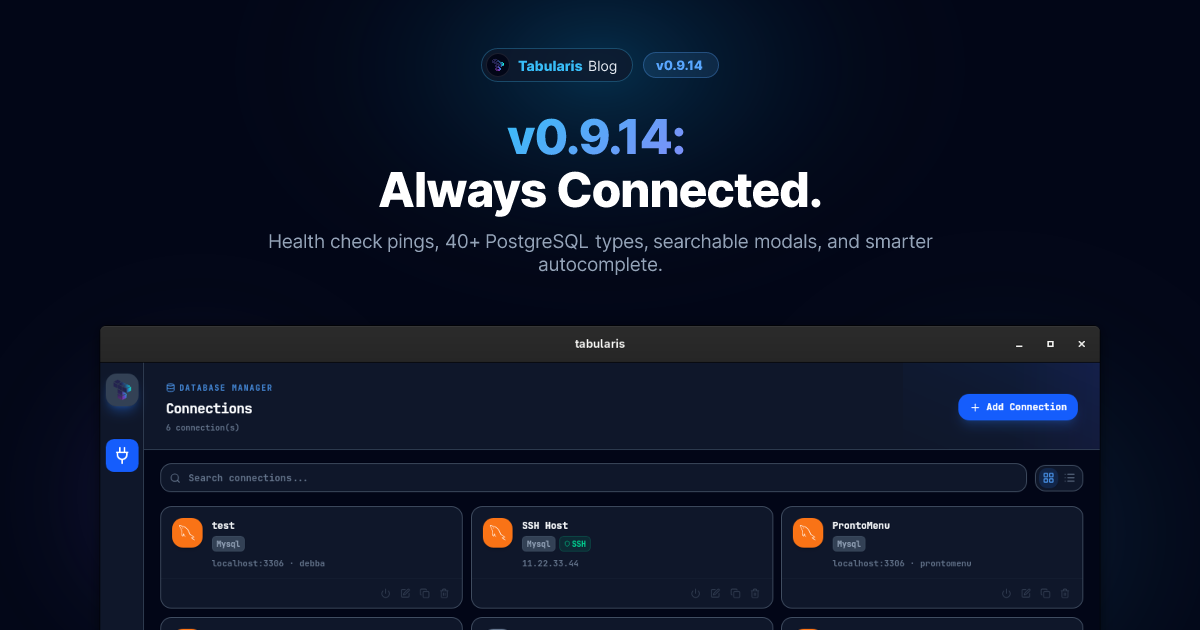
v0.9.14: Always Connected
Connection health monitoring lands, PostgreSQL gains 40+ new types from network to geometry, modals get a searchable type picker and keyboard navigation, and autocompletion finally respects multi-database contexts.
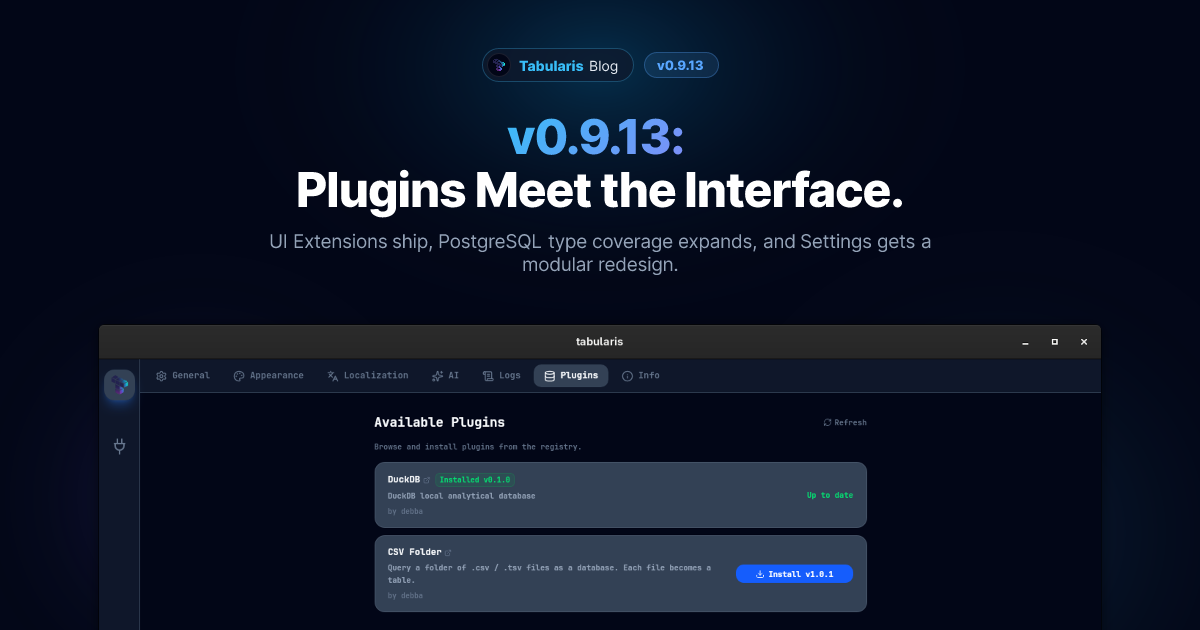
v0.9.13: Plugins Meet the Interface
UI Extensions land in production, PostgreSQL gains range, multirange, and enum support, and the Settings page gets a full redesign. Plus two new driver capabilities for plugin authors.
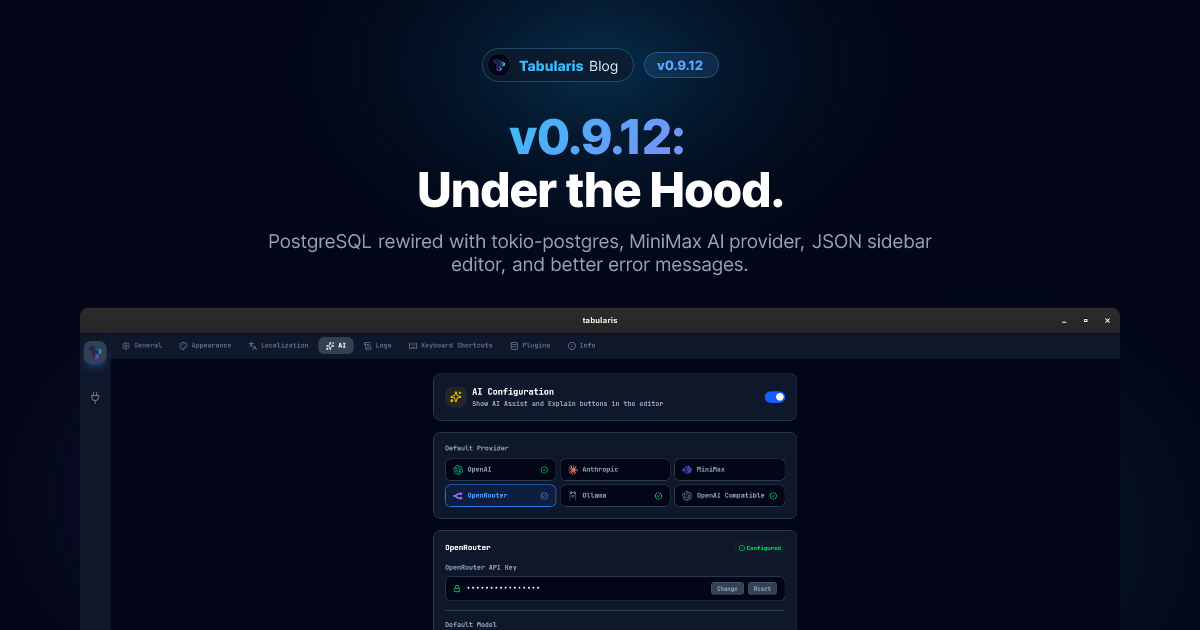
v0.9.12: Under the Hood
The PostgreSQL driver switches from sqlx to tokio-postgres, MiniMax joins the AI providers, JSON columns get a proper editor, and error messages stop being cryptic.
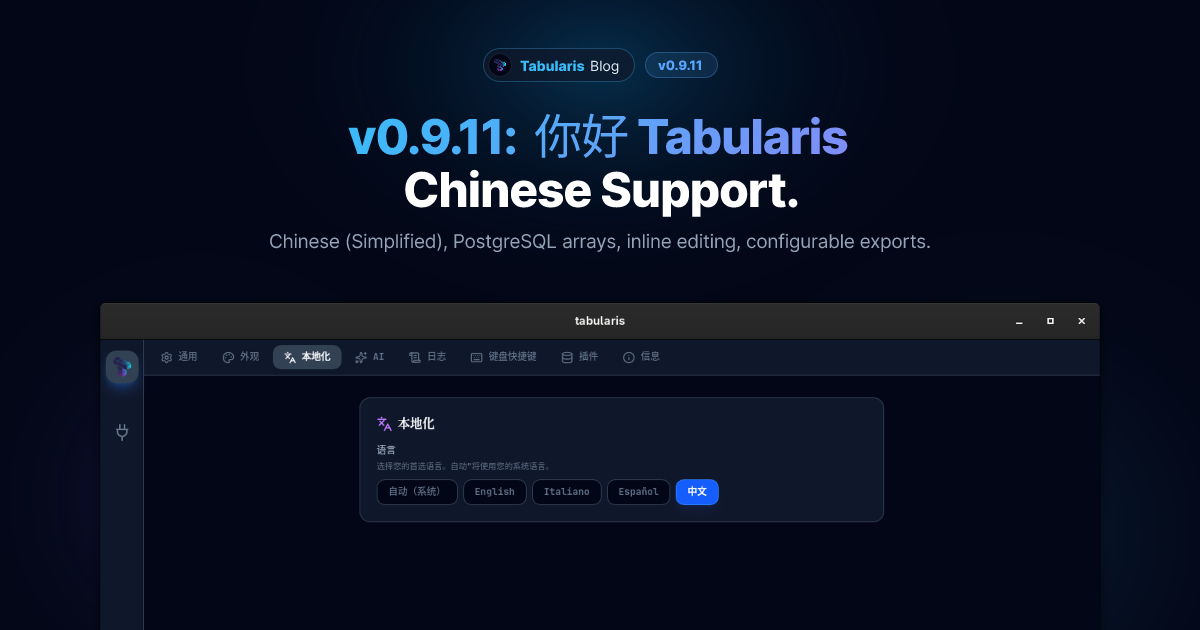
v0.9.11: 你好 Tabularis
Chinese (Simplified) joins the supported languages, PostgreSQL arrays finally work properly, query results are editable inline, and exports got more flexible.
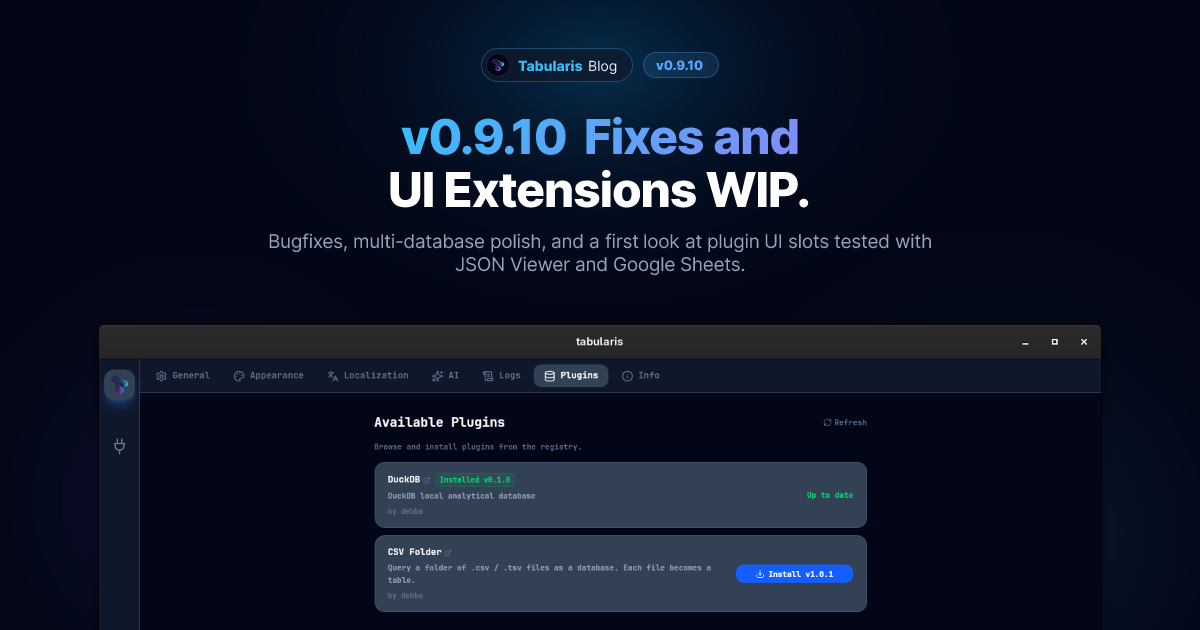
v0.9.10, UI Extensions in Progress, and Two Real Plugins
v0.9.10 lands a handful of fixes, including multi-database window title and per-database record operations. Meanwhile, the UI extensions branch is being tested with two real plugins: a JSON Viewer and the Google Sheets driver.
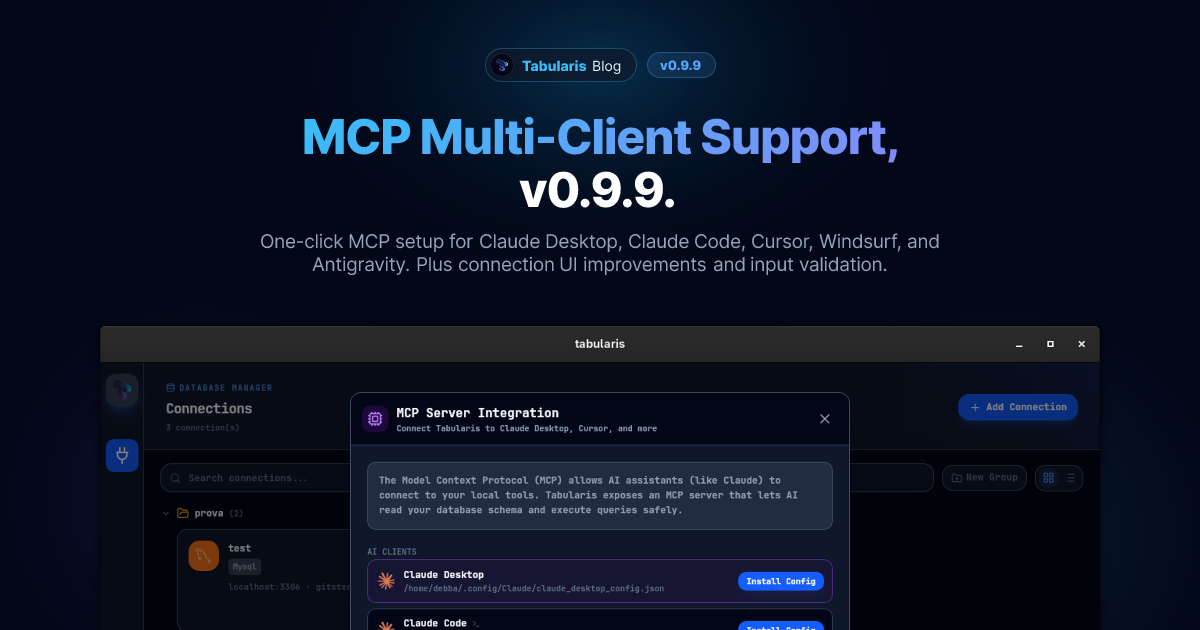
MCP Multi-Client Support and Connection Improvements: v0.9.9
v0.9.9 brings a major MCP upgrade: one-click install for Claude Desktop, Claude Code, Cursor, Windsurf, and Antigravity — plus connection UI polish and input validation.
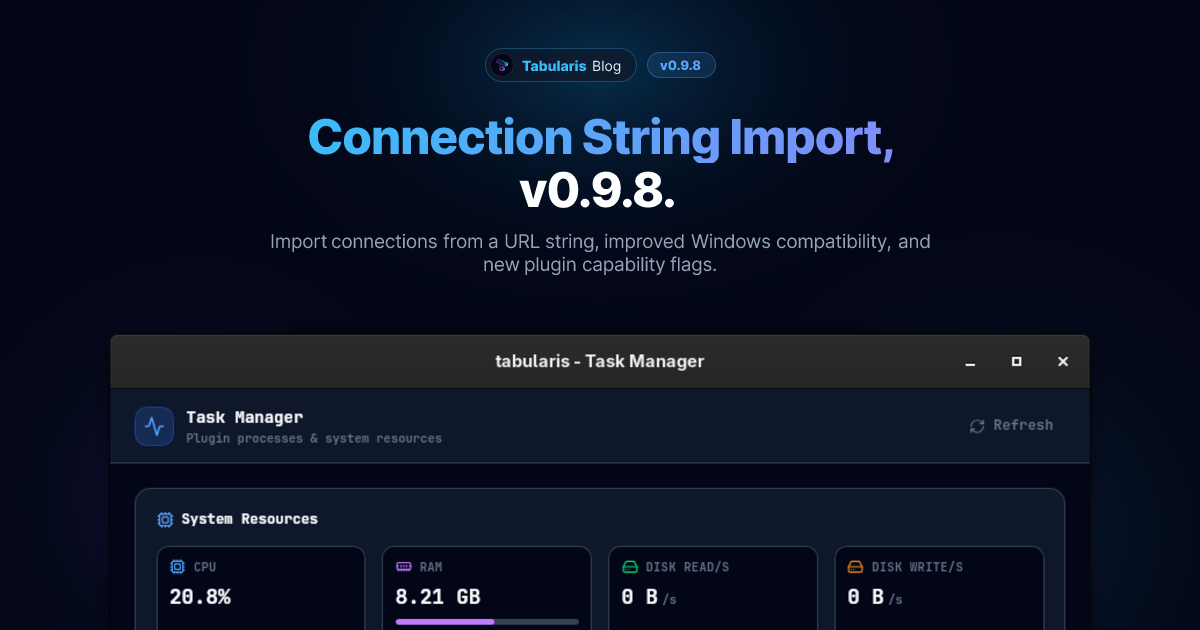
Connection String Import, Visual Query Builder Fix, and More: v0.9.8
v0.9.8 introduces connection string import for network drivers, fixes drag-and-drop in the Visual Query Builder on Windows, and resolves an SQLite open failure on Windows.
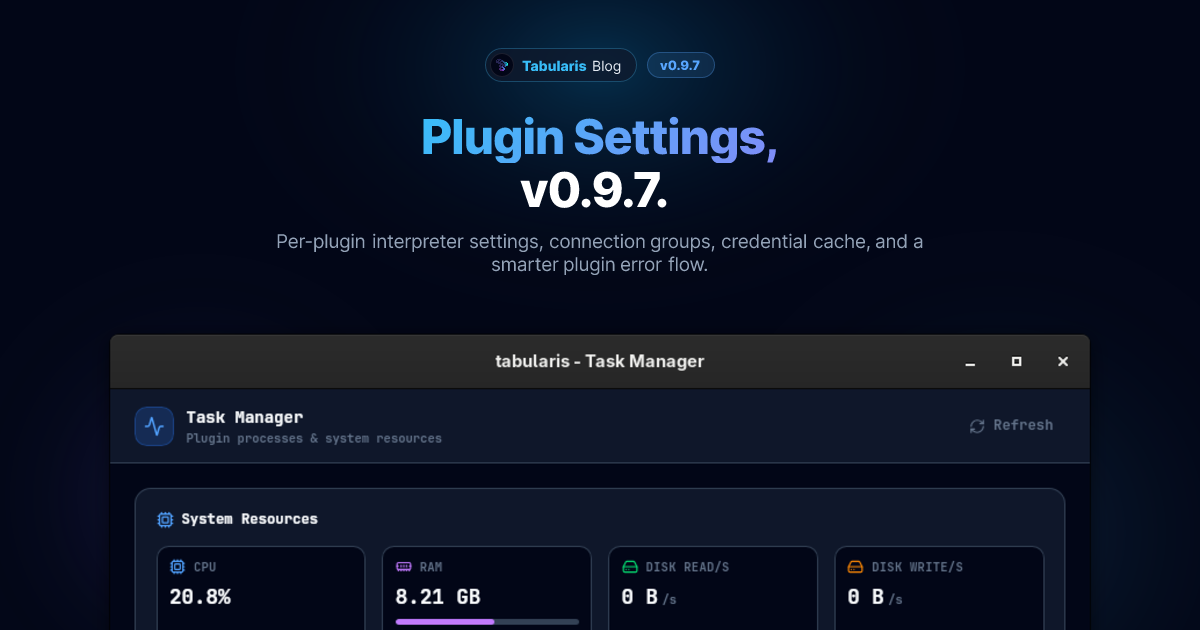
Plugin Settings, Connection Groups, and Credential Cache: v0.9.7
v0.9.7 brings per-plugin interpreter settings, connection groups, a credential cache, and a robust plugin startup error flow.
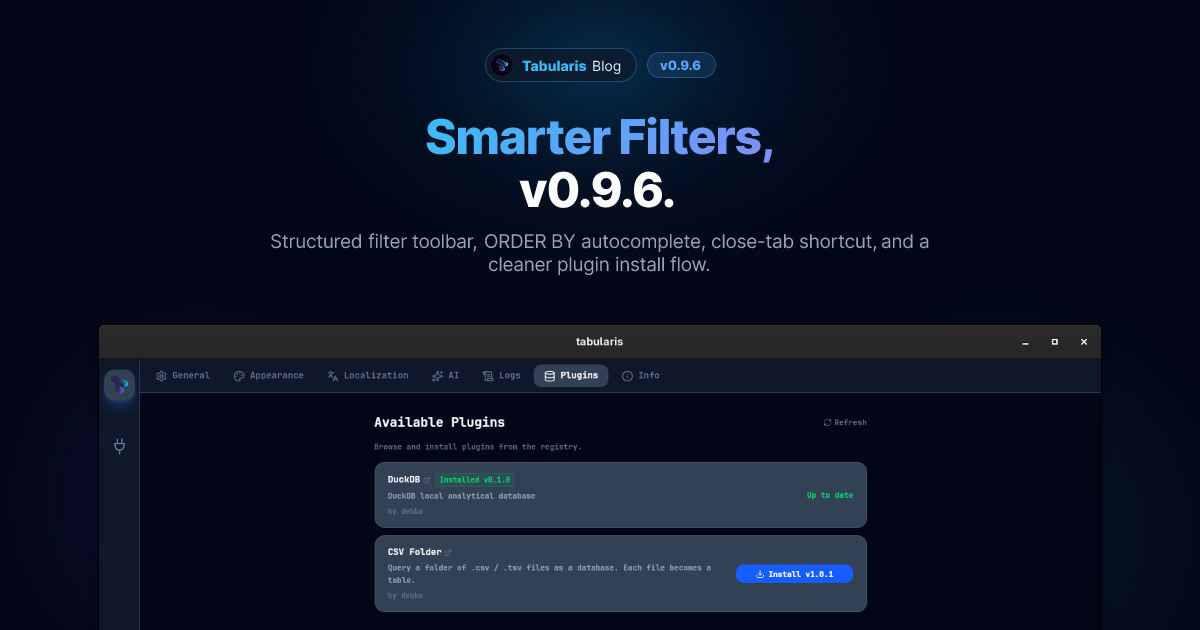
Smarter Filters, Close Tab, and a Better Plugin Install: v0.9.6
v0.9.6 ships a structured filter toolbar with ORDER BY autocomplete, a close-tab keyboard shortcut, a cleaner plugin install error experience, and a handful of focused bug fixes.
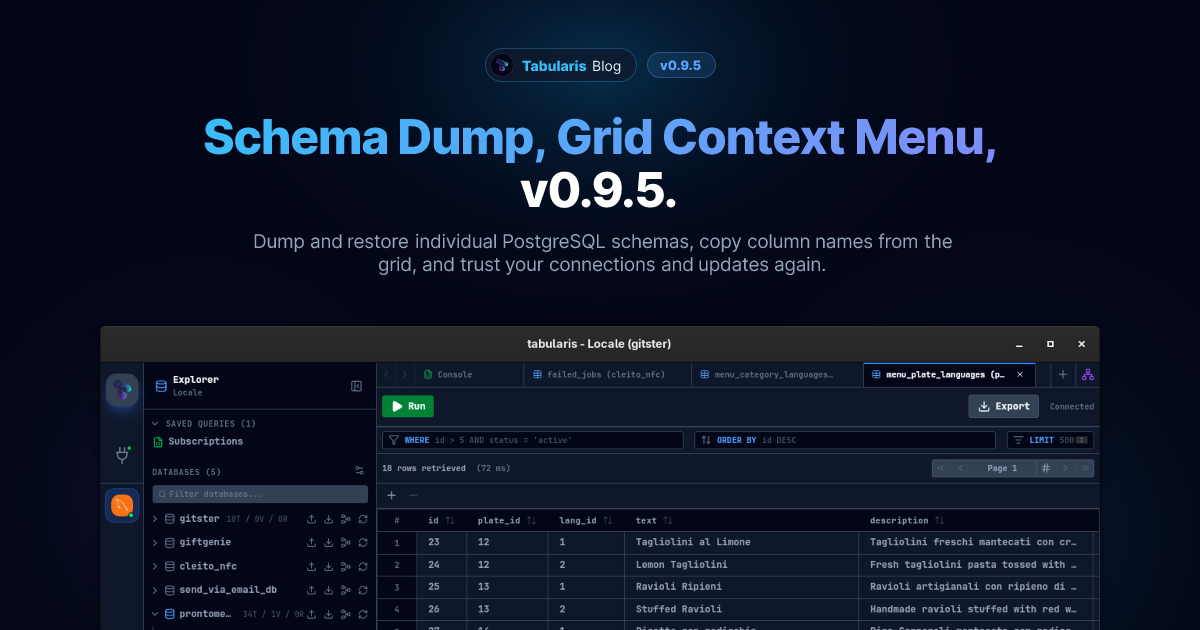
Schema Dump, Grid Context Menu, and Stability Fixes: v0.9.5
v0.9.5 ships schema-aware dump/import for PostgreSQL, a column header context menu in the data grid, and a focused round of stability fixes for MySQL, PostgreSQL, Monaco, and the auto-updater.
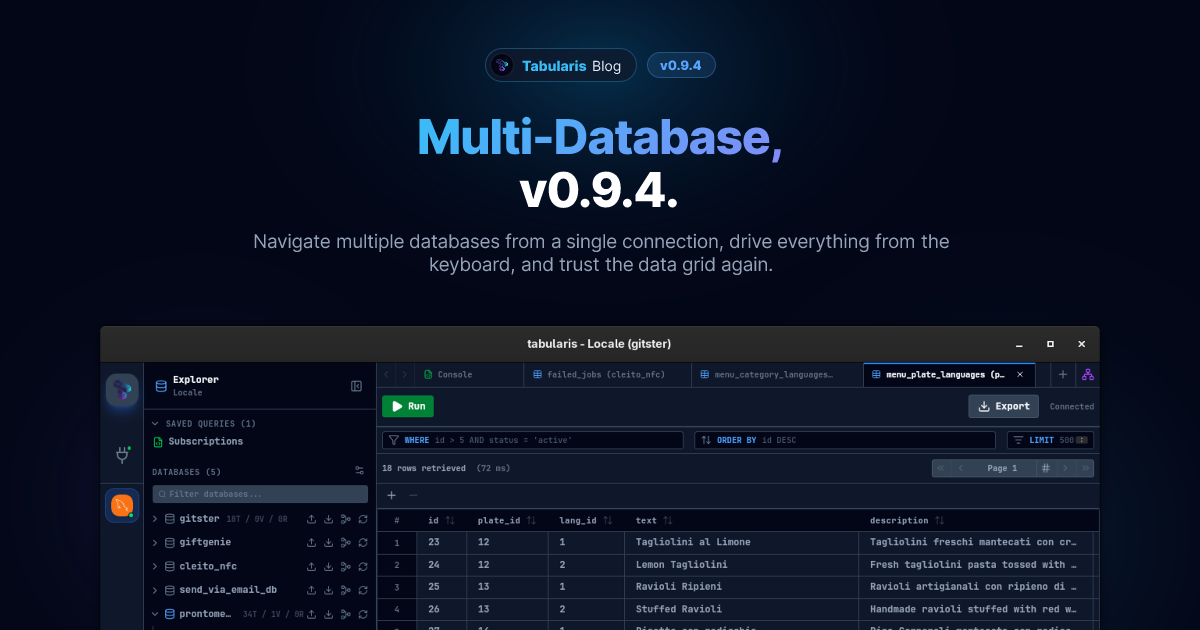
Multi-Database, Shortcuts, and a Cleaner Grid: v0.9.4
v0.9.4 brings a full multi-database sidebar for MySQL, a persistent keyboard shortcuts system with visual hints, a redesigned Connections UI, and several targeted bug fixes.